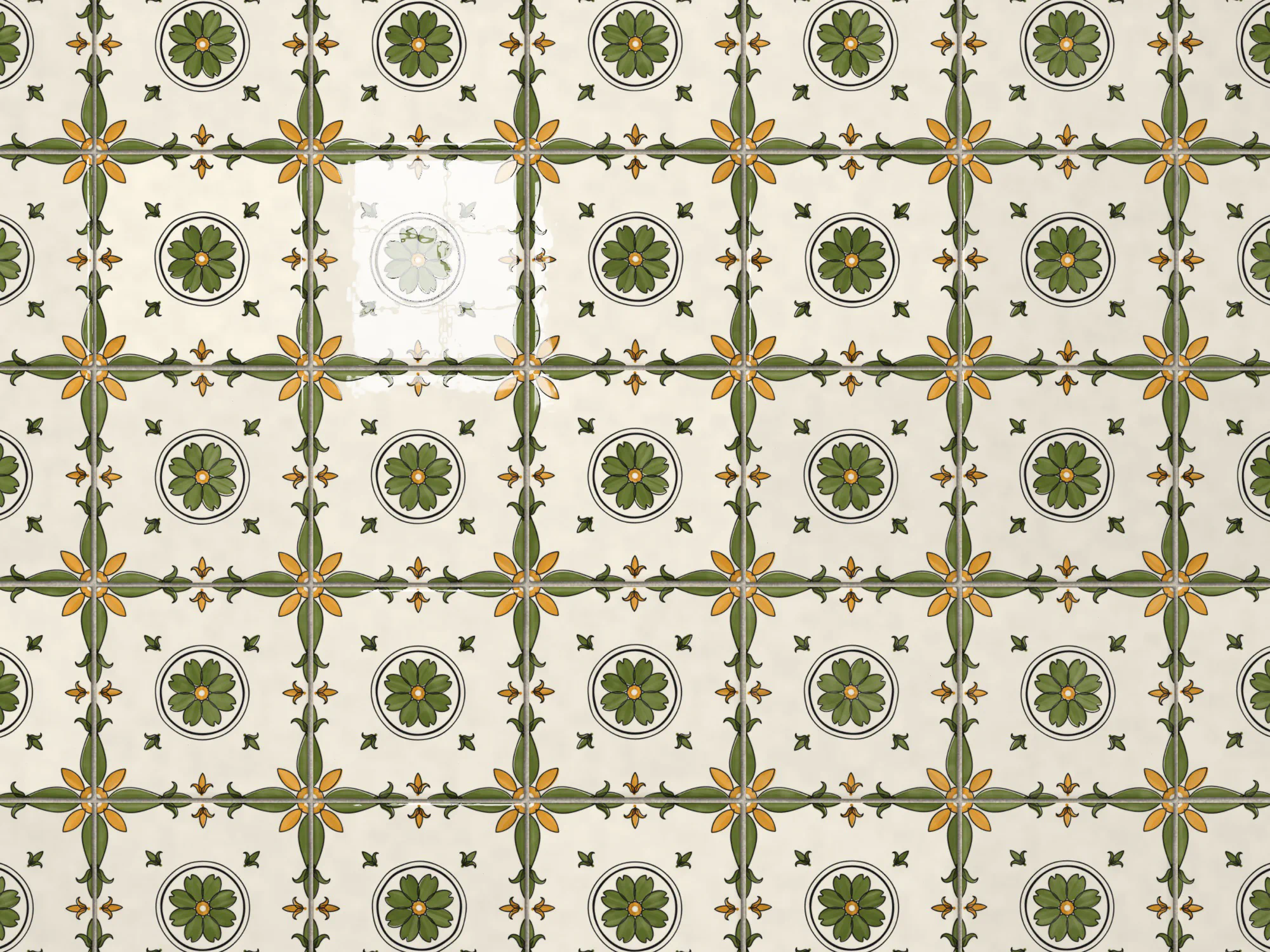
Azulejos: A Generator for Lisbon's Painted Tiles
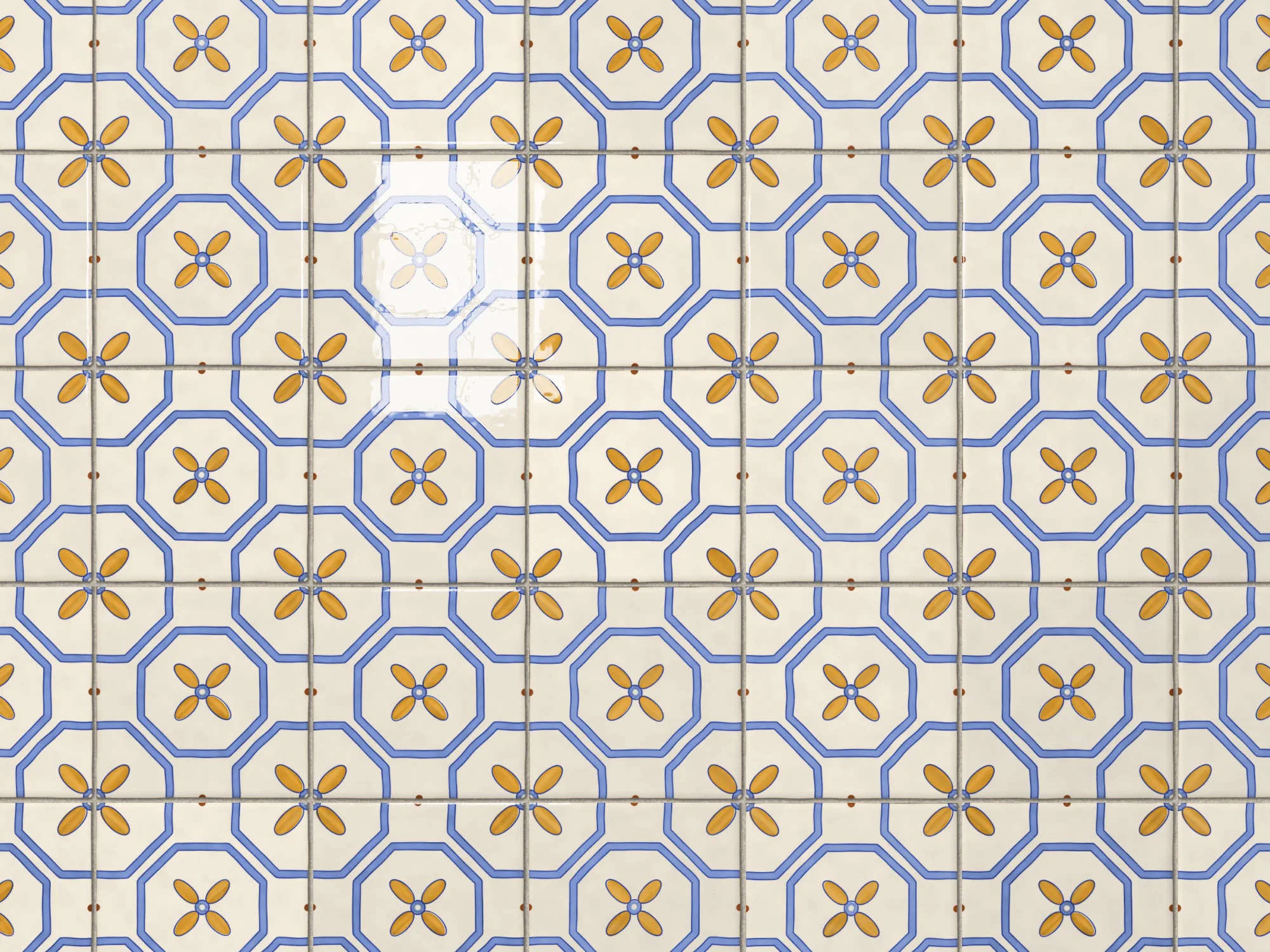
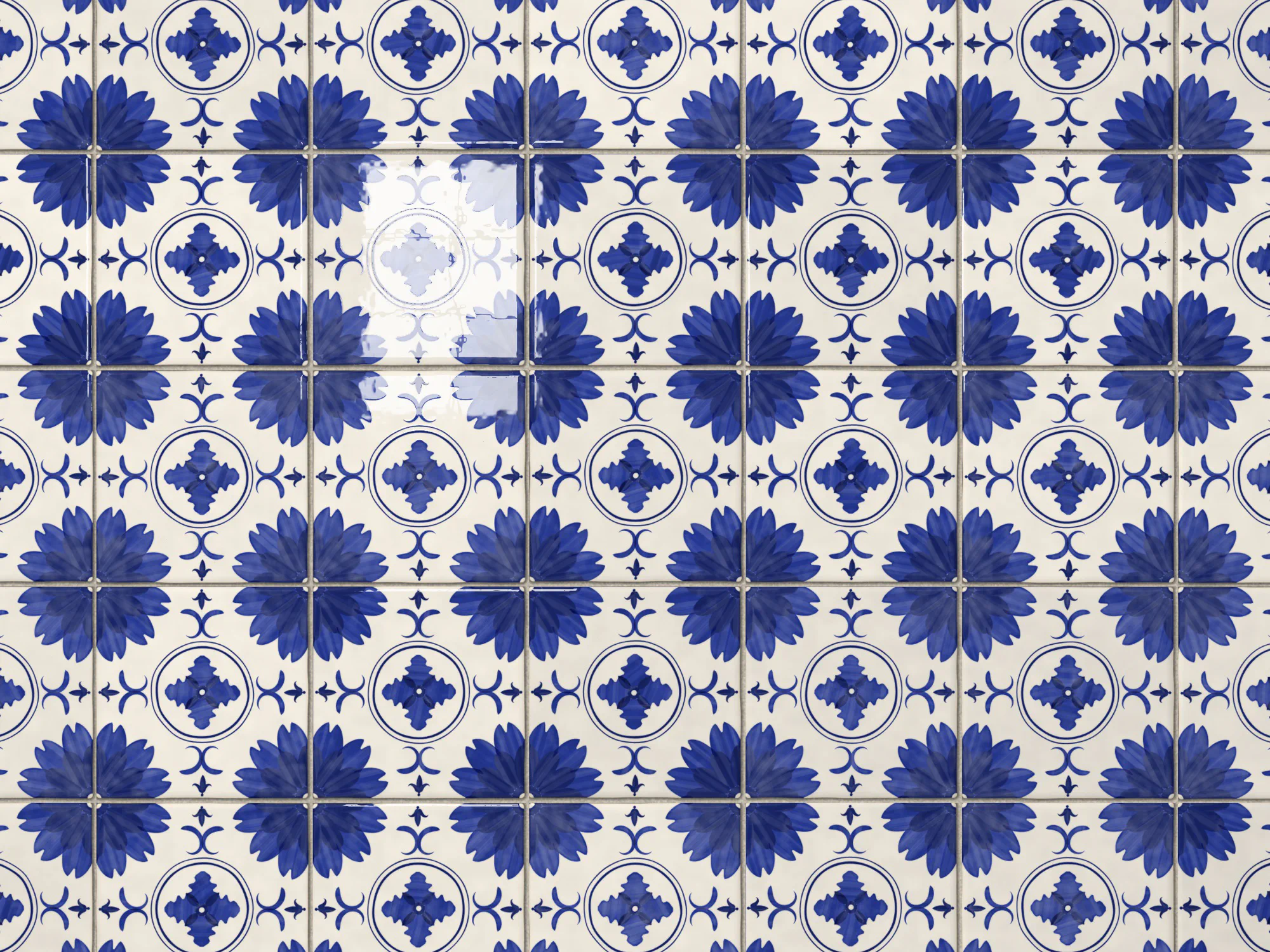
This one started on a visit to the CCB in Lisbon with my wife, where we saw some azulejos, the painted tiles you find all over the city. I wanted to see if I could make a generator that paints a new one every time, and then shows how it looks on a wall.
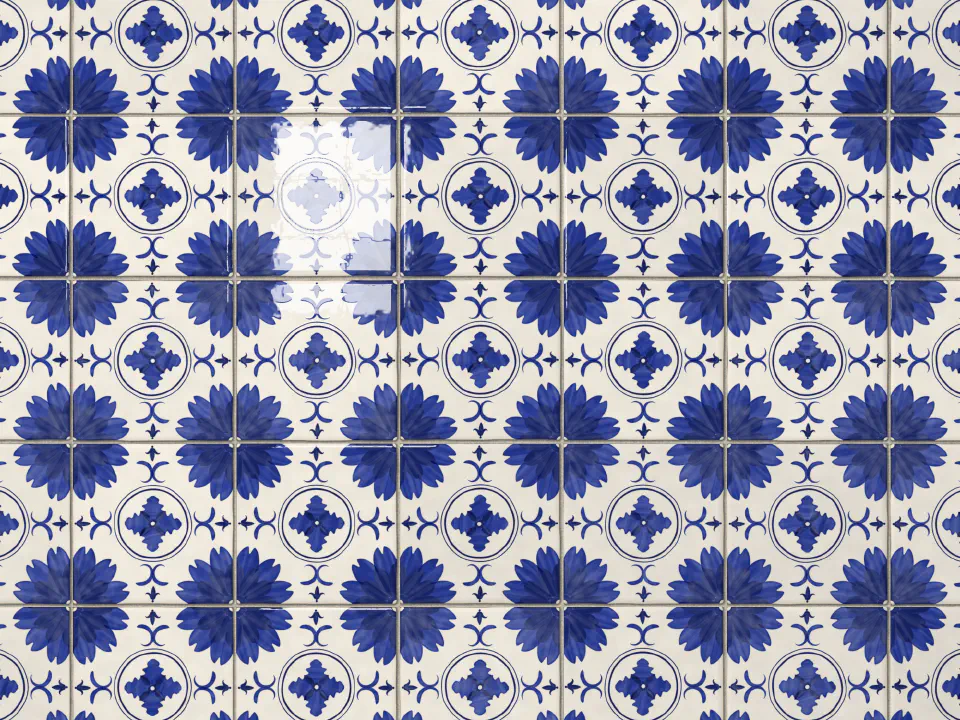
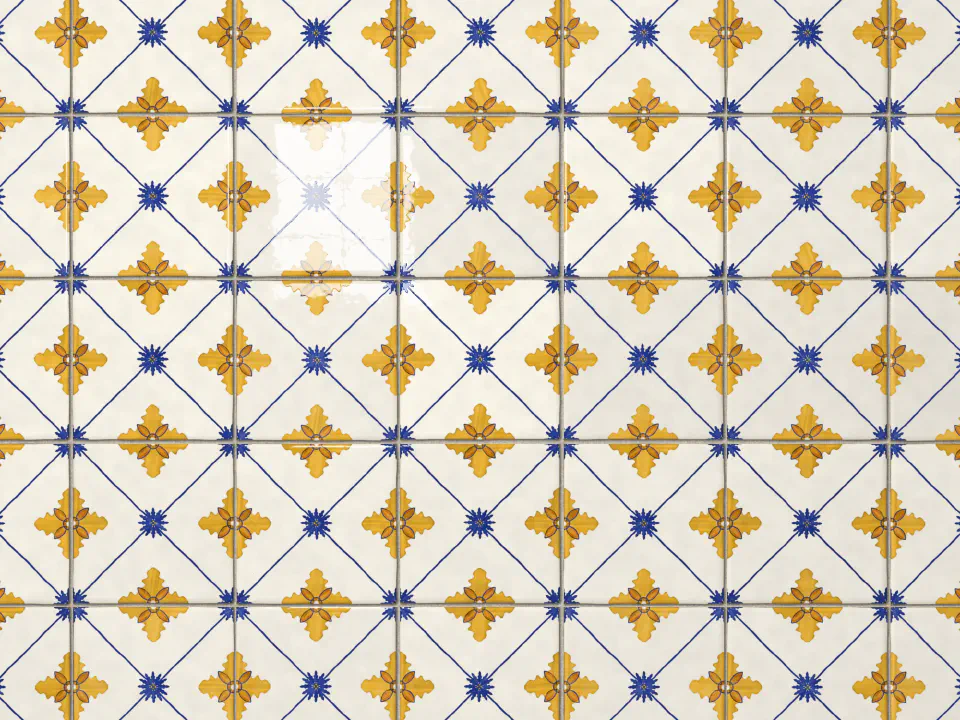
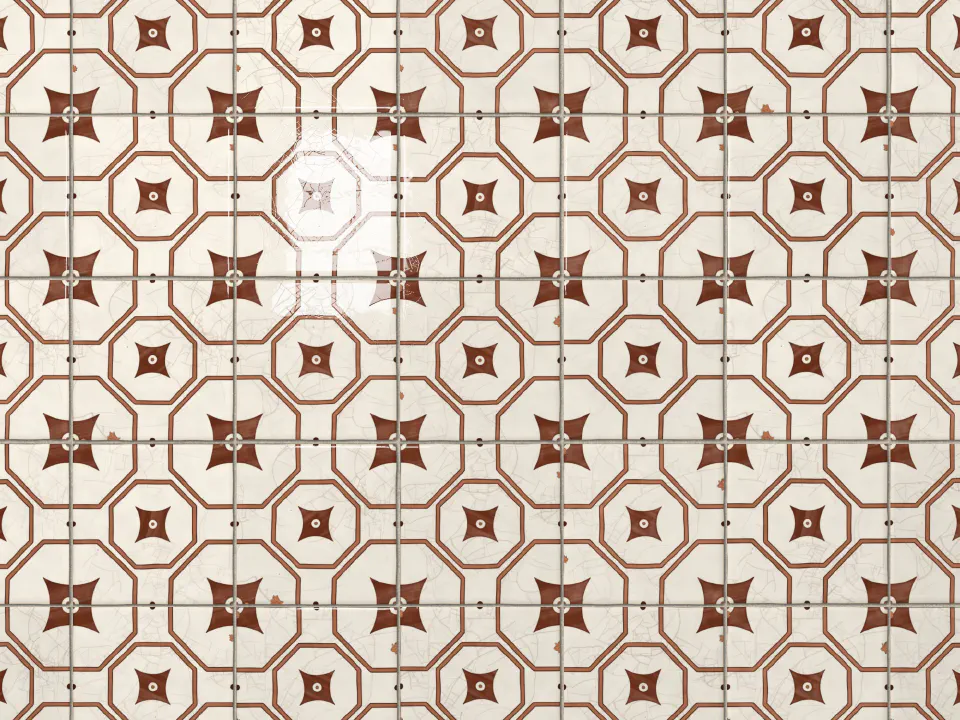
Press New tile, or the space bar, for a new one, and switch to Wall to see it repeated. It’s nicer on its own page, where the tile gets the whole screen. There, each tile’s number goes in the address, so you can share one you like.
Looking at the Real Ones
Before writing any code I spent a while looking at old pattern tiles, mostly on Gazete Azulejos, which has a big catalogue of them. A few things stood out.
They’re built from very few ideas. Usually two or three motifs, like a flower, a star or a leaf, and each one is always painted in the same colour.
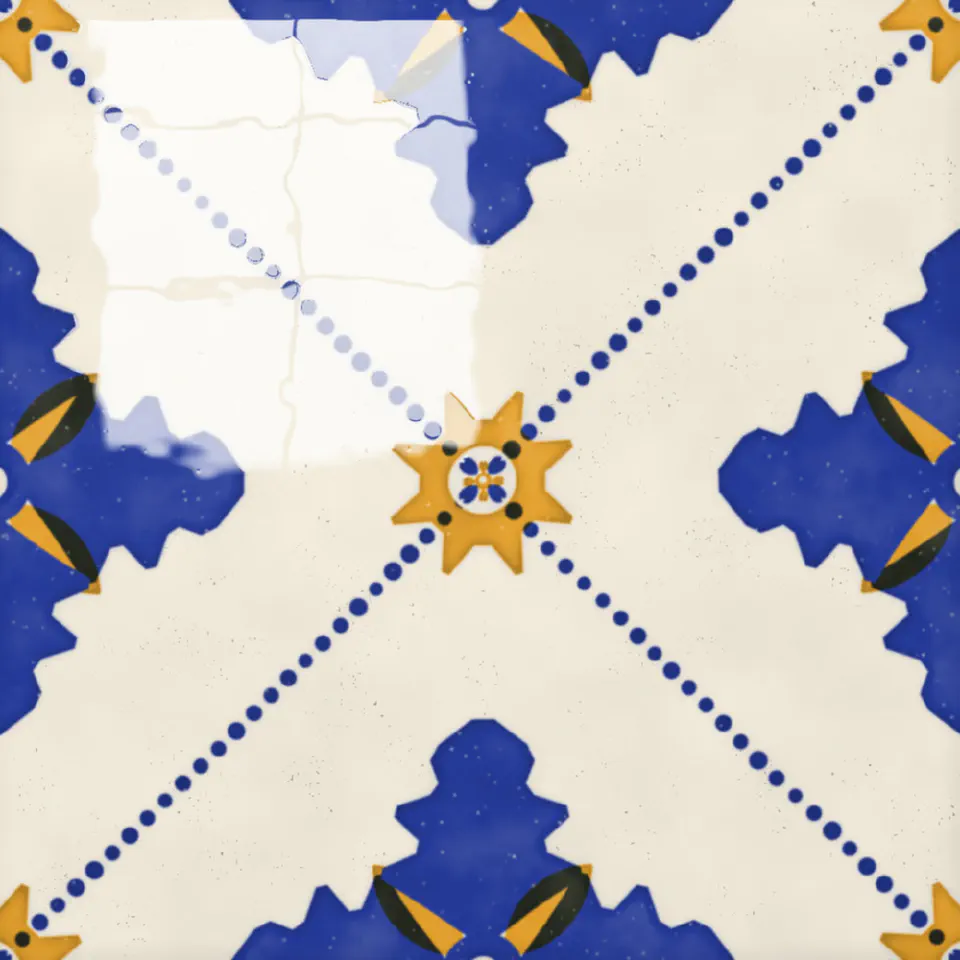
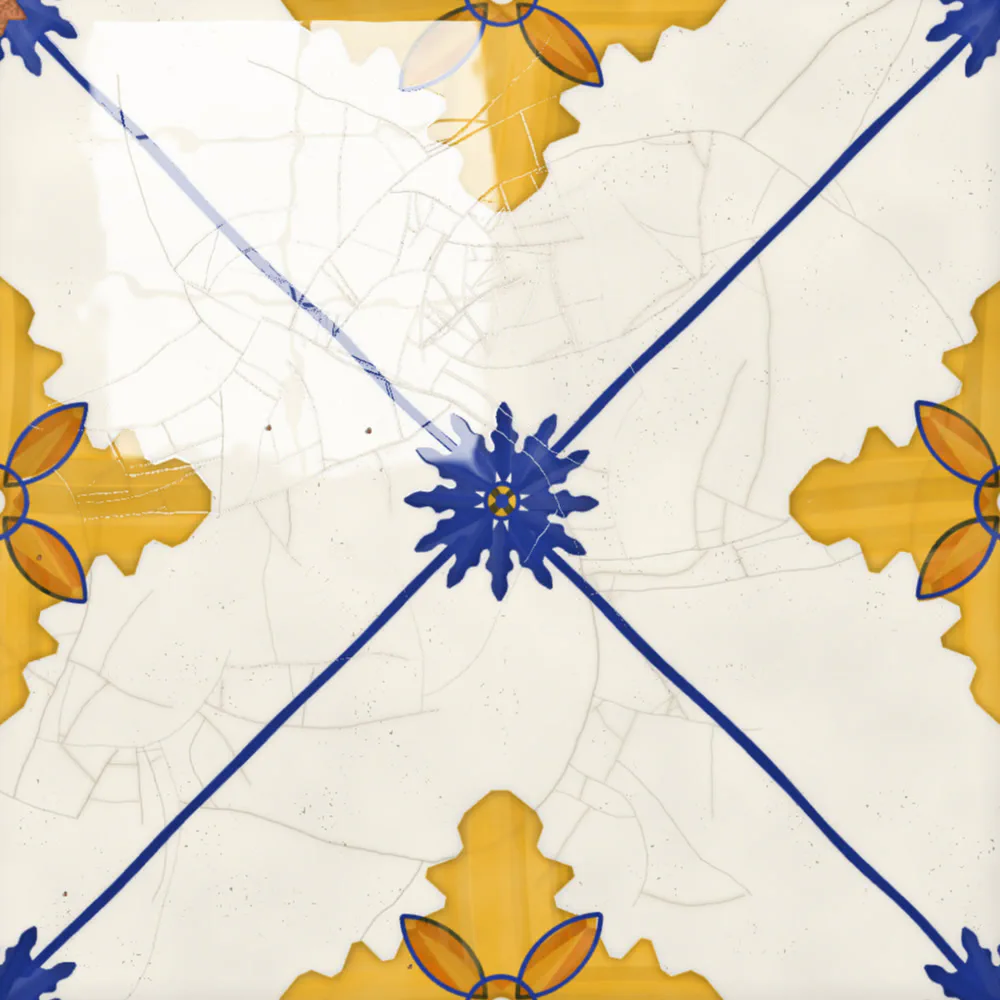
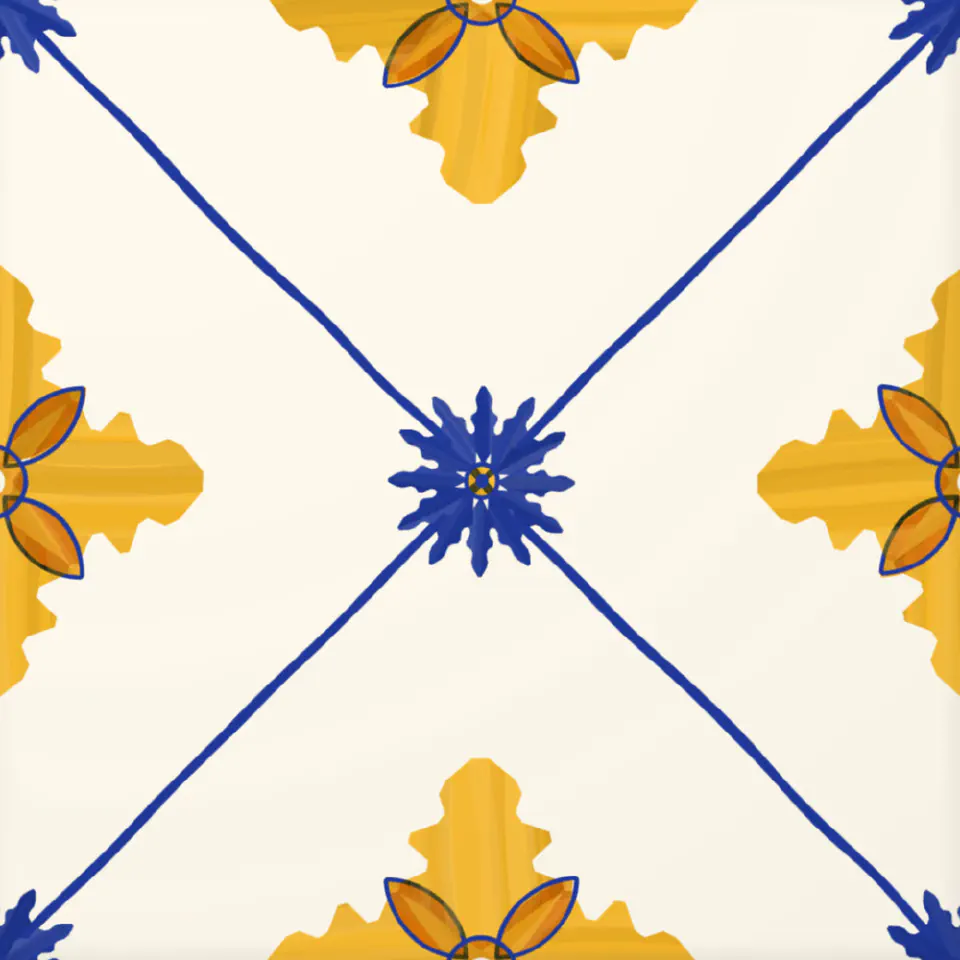
They’re symmetric, and the corners matter most. A tile is only a piece of the pattern: whatever sits on a corner is cut in four, and you only see the whole shape when four tiles meet. That’s what makes a wall of them look like one big pattern instead of a grid of squares.
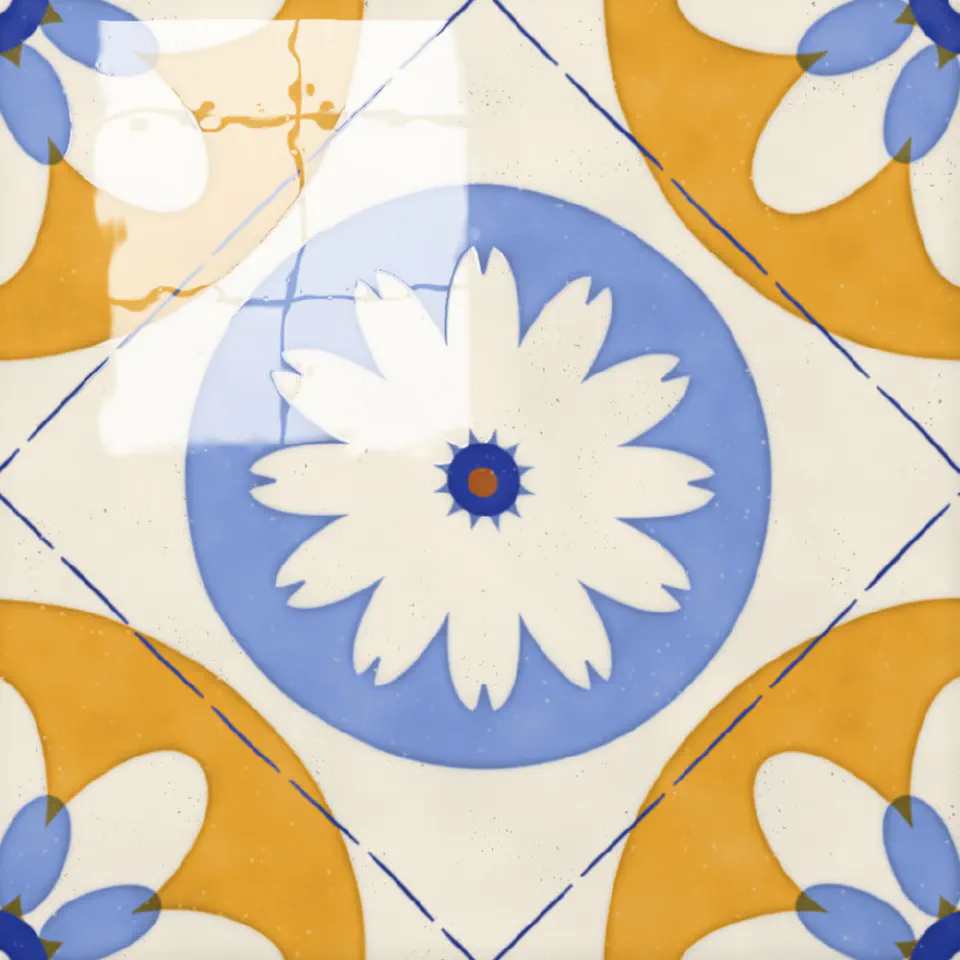
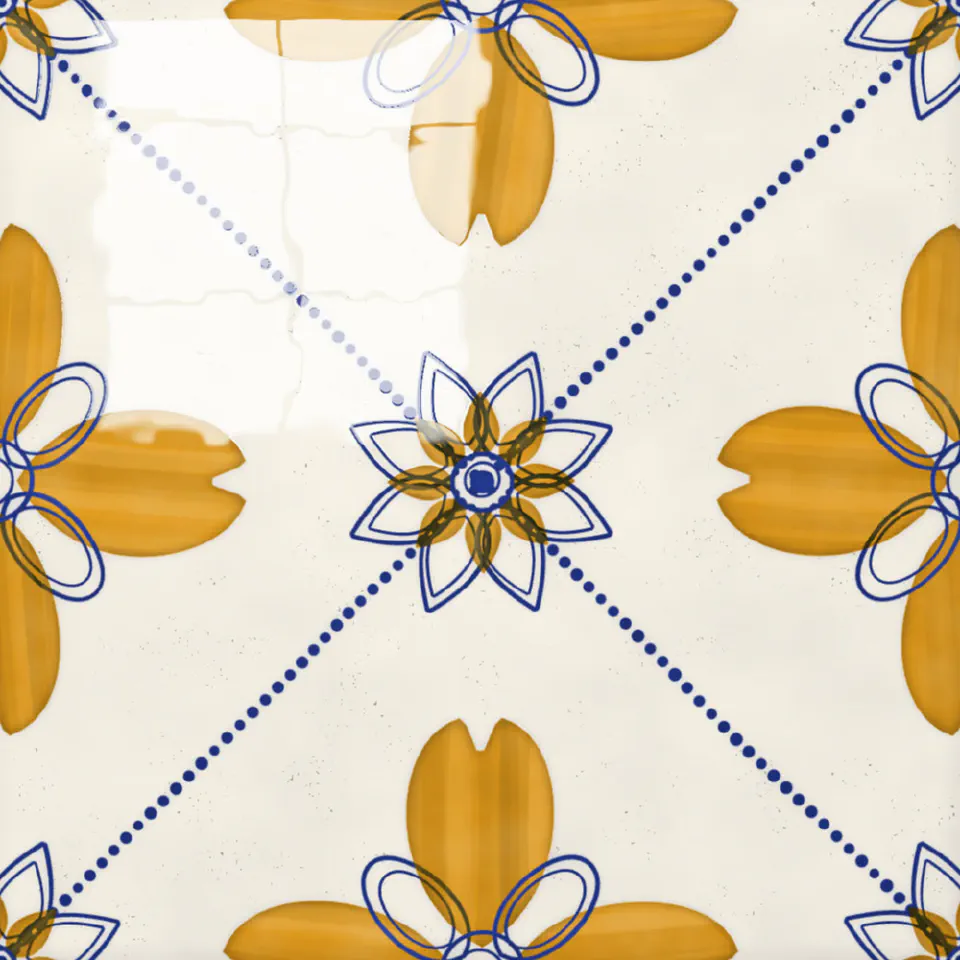
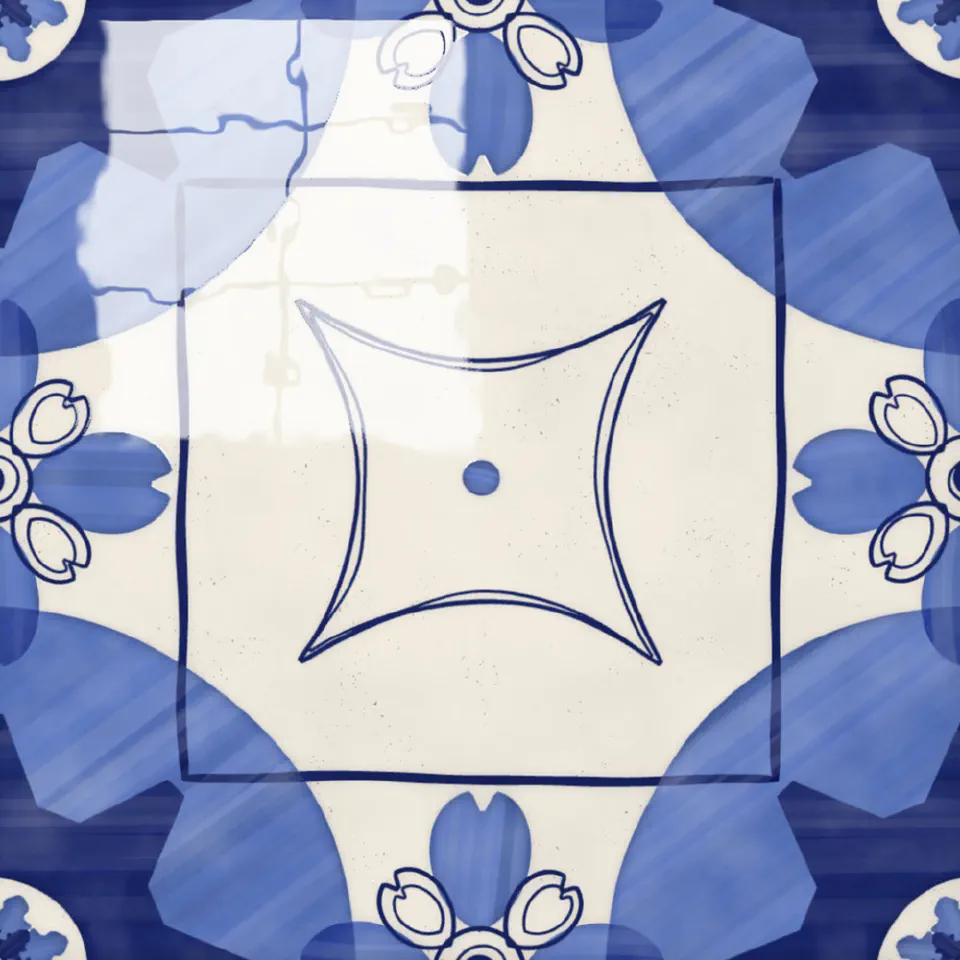
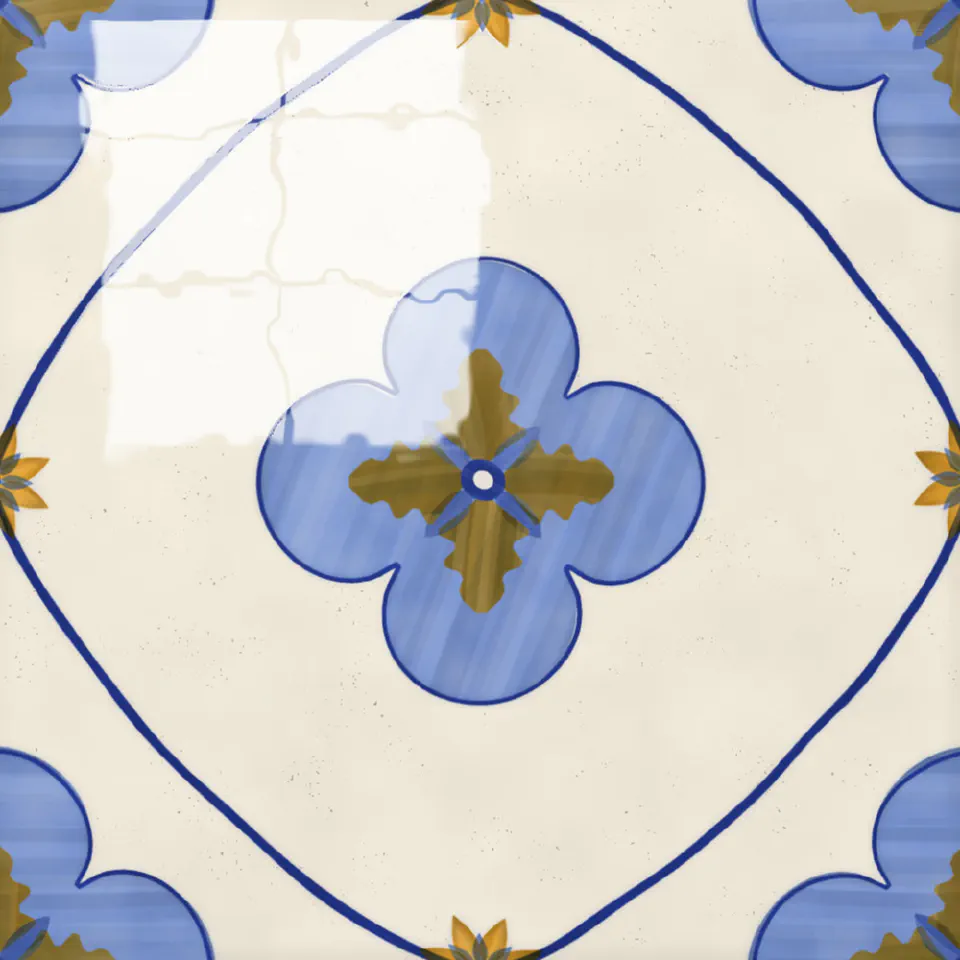
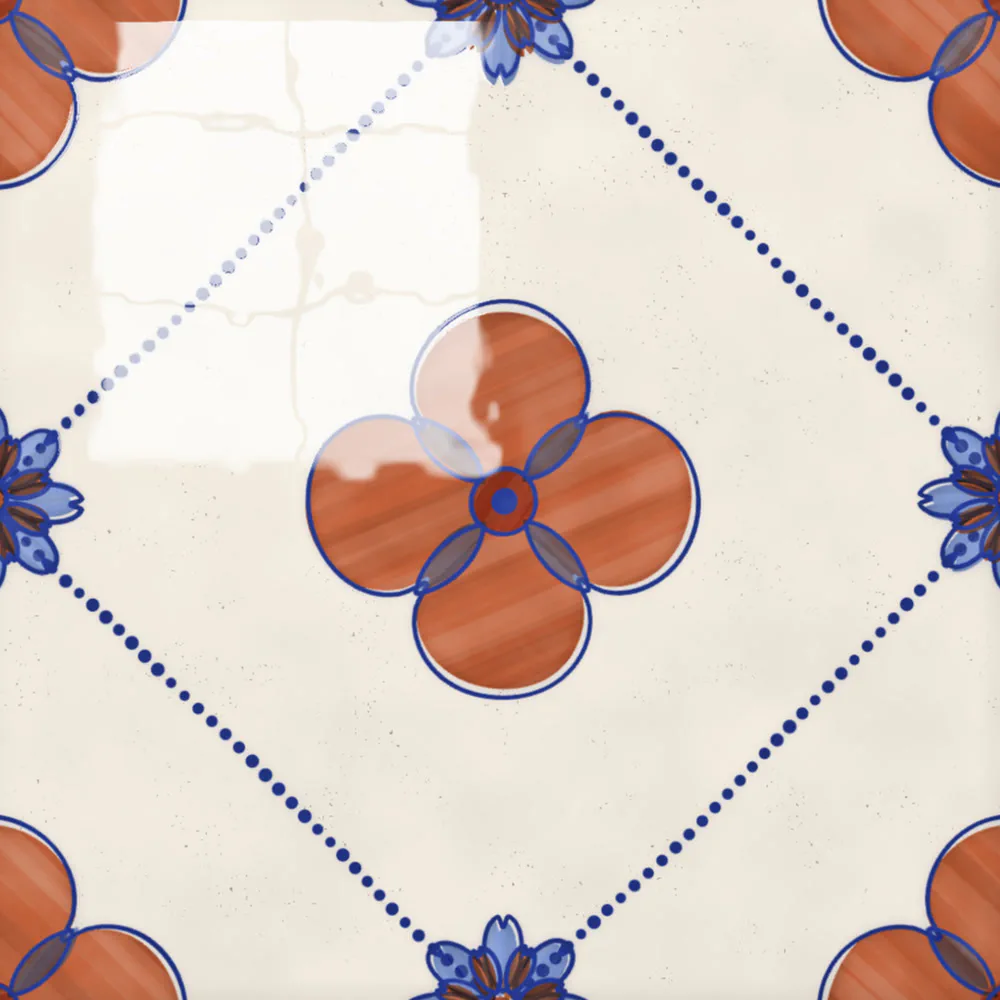
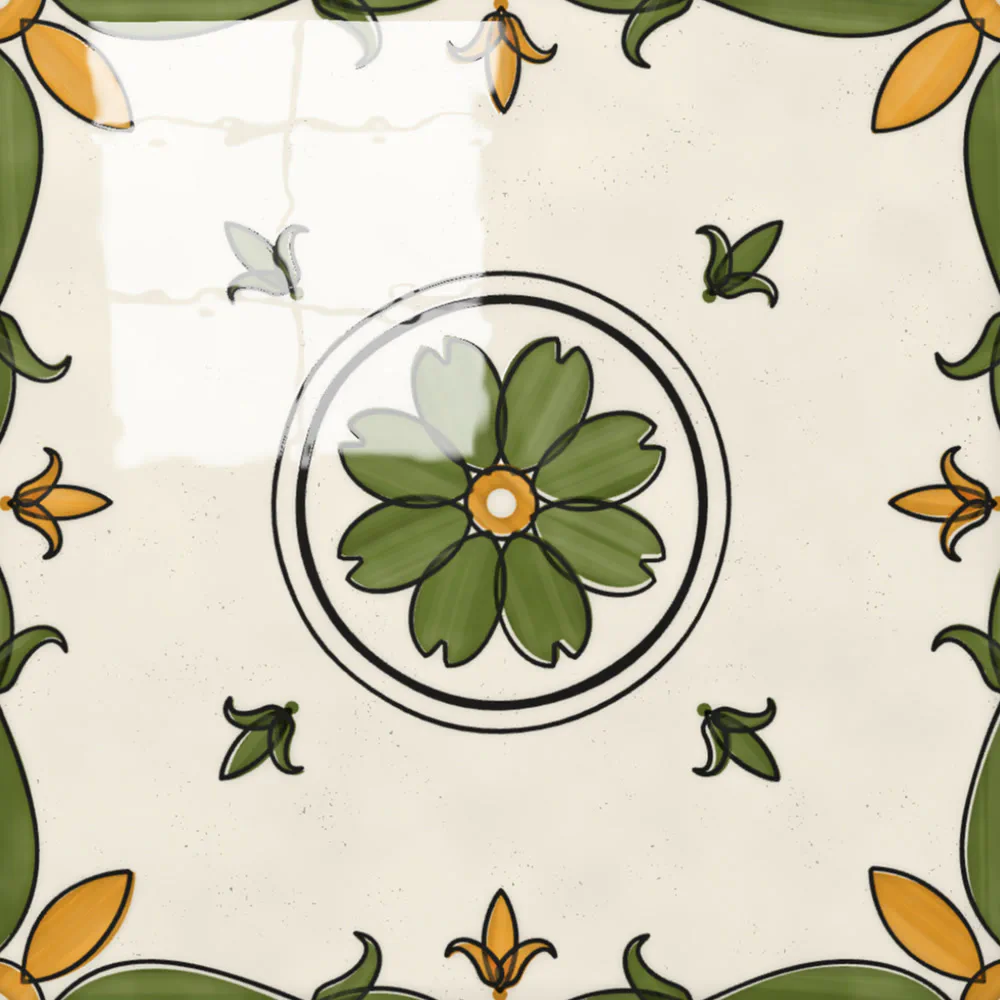
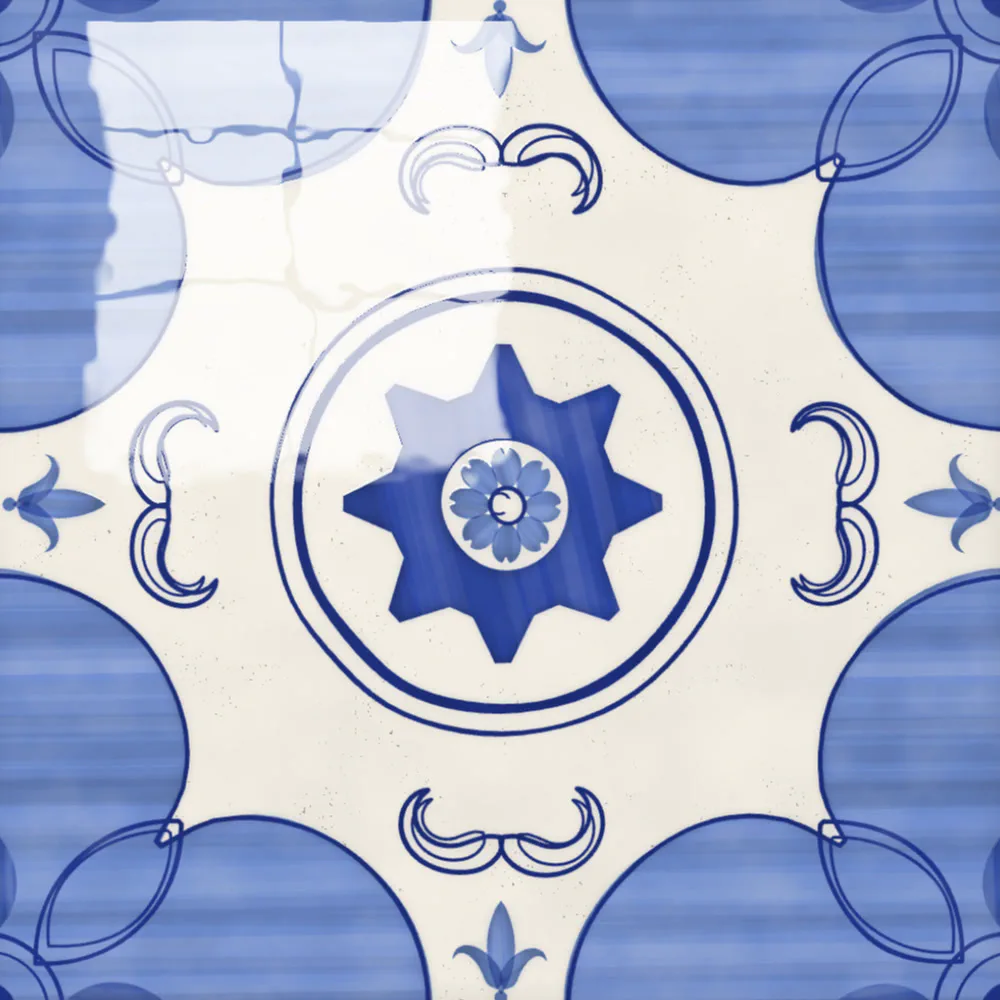
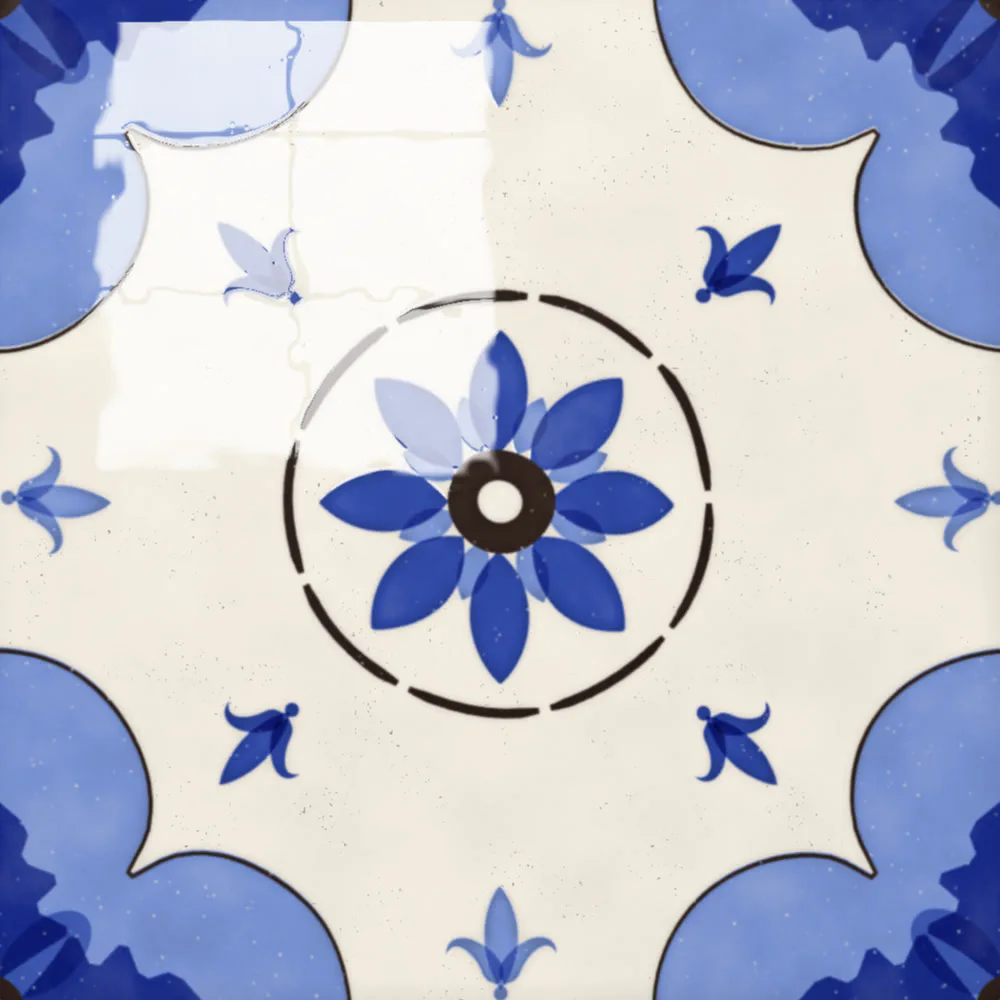
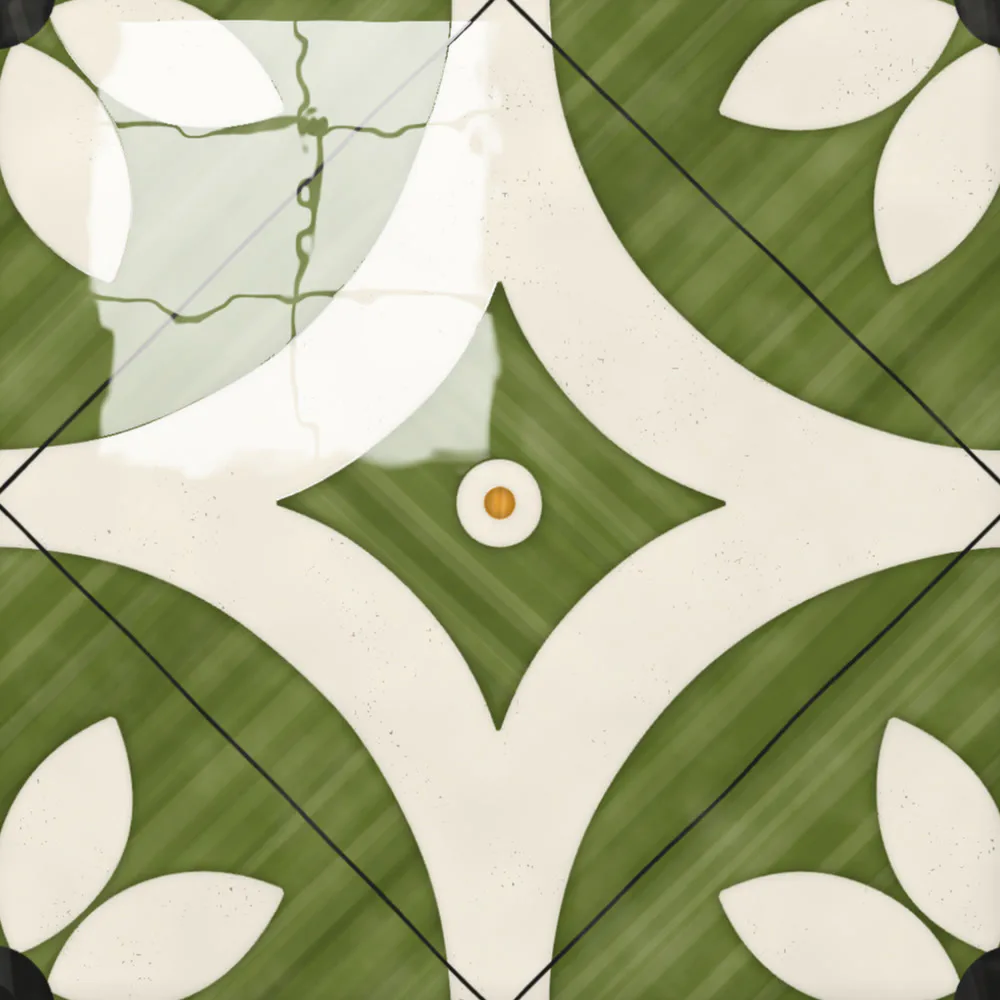
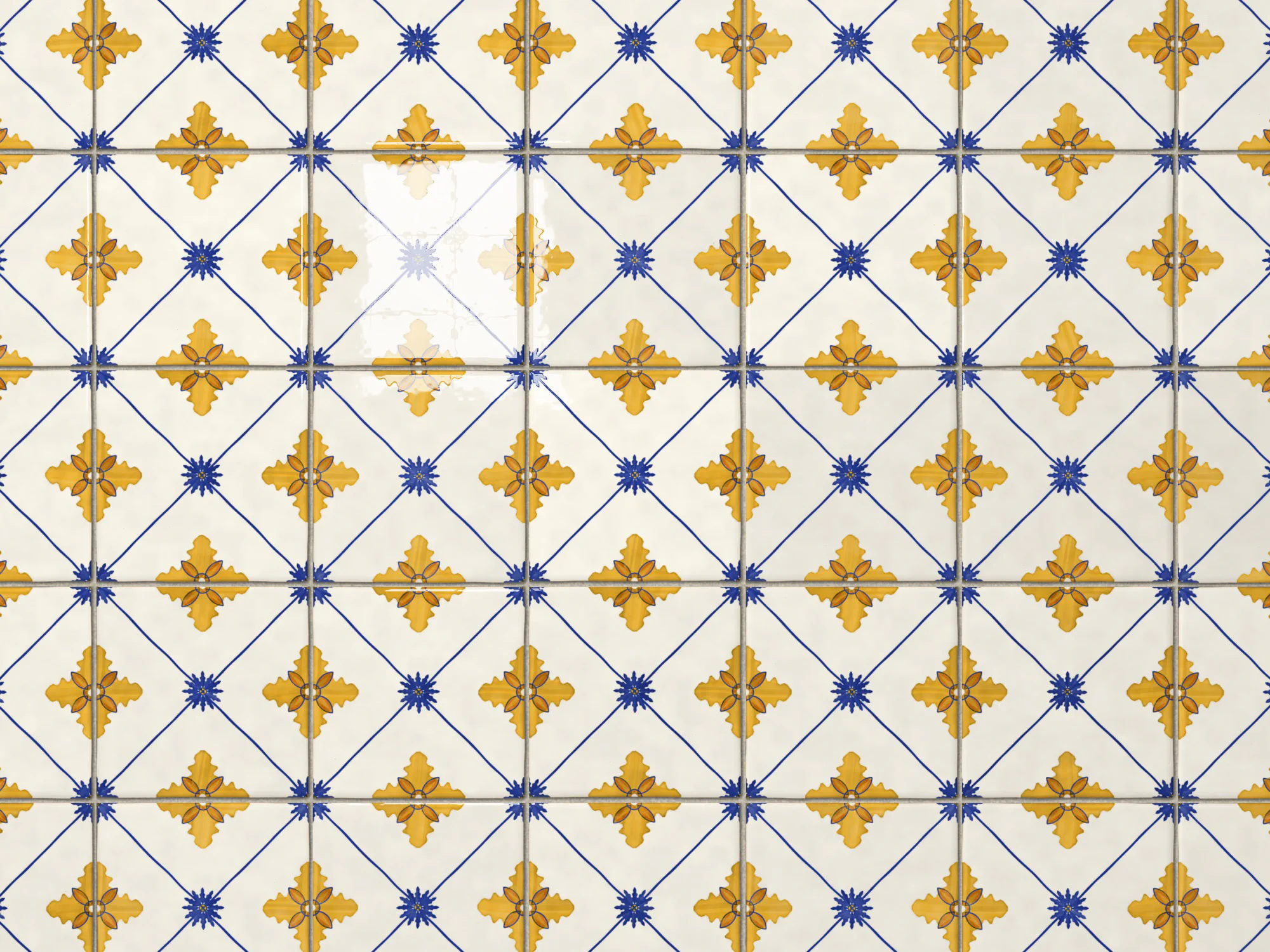
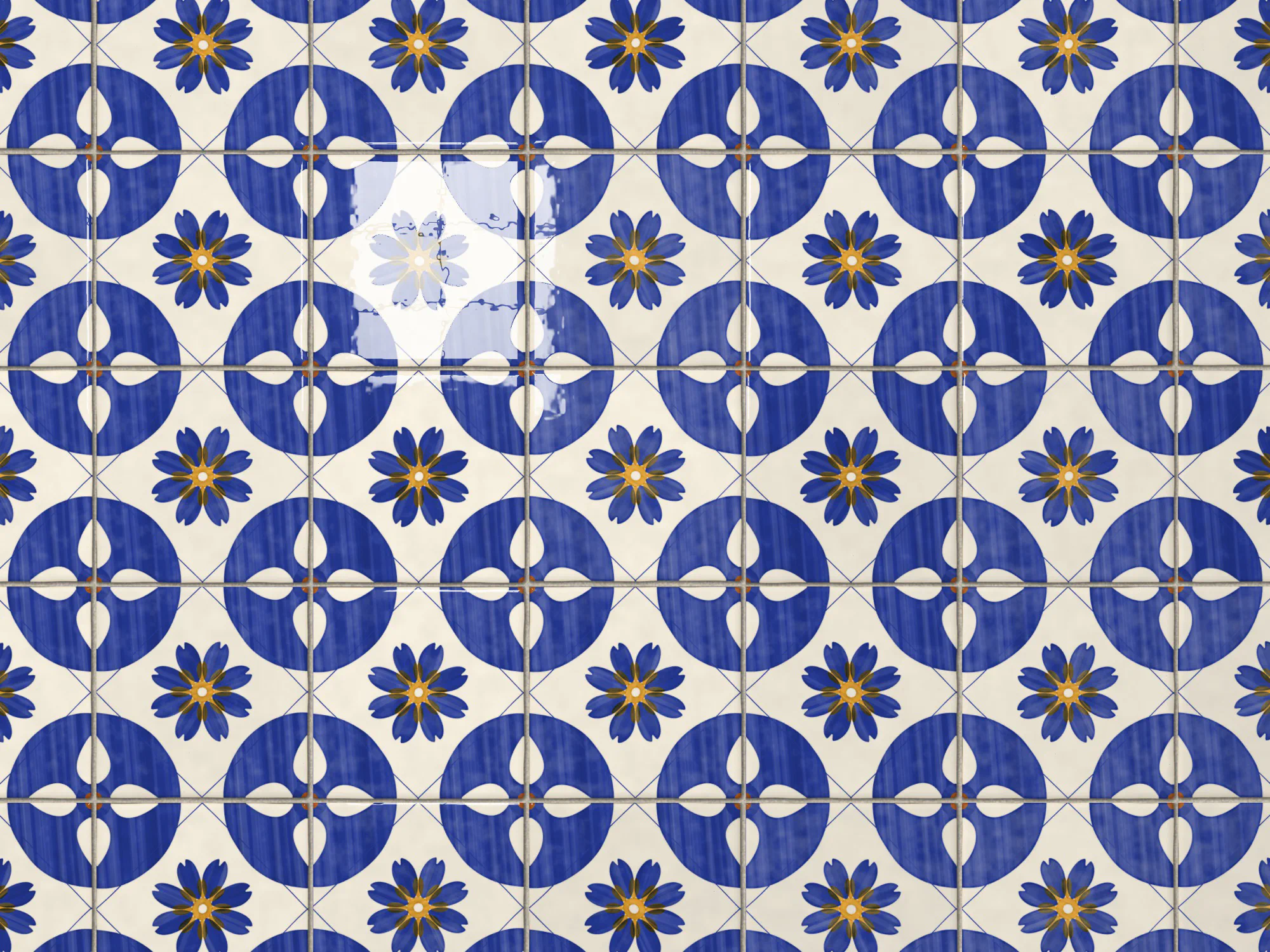
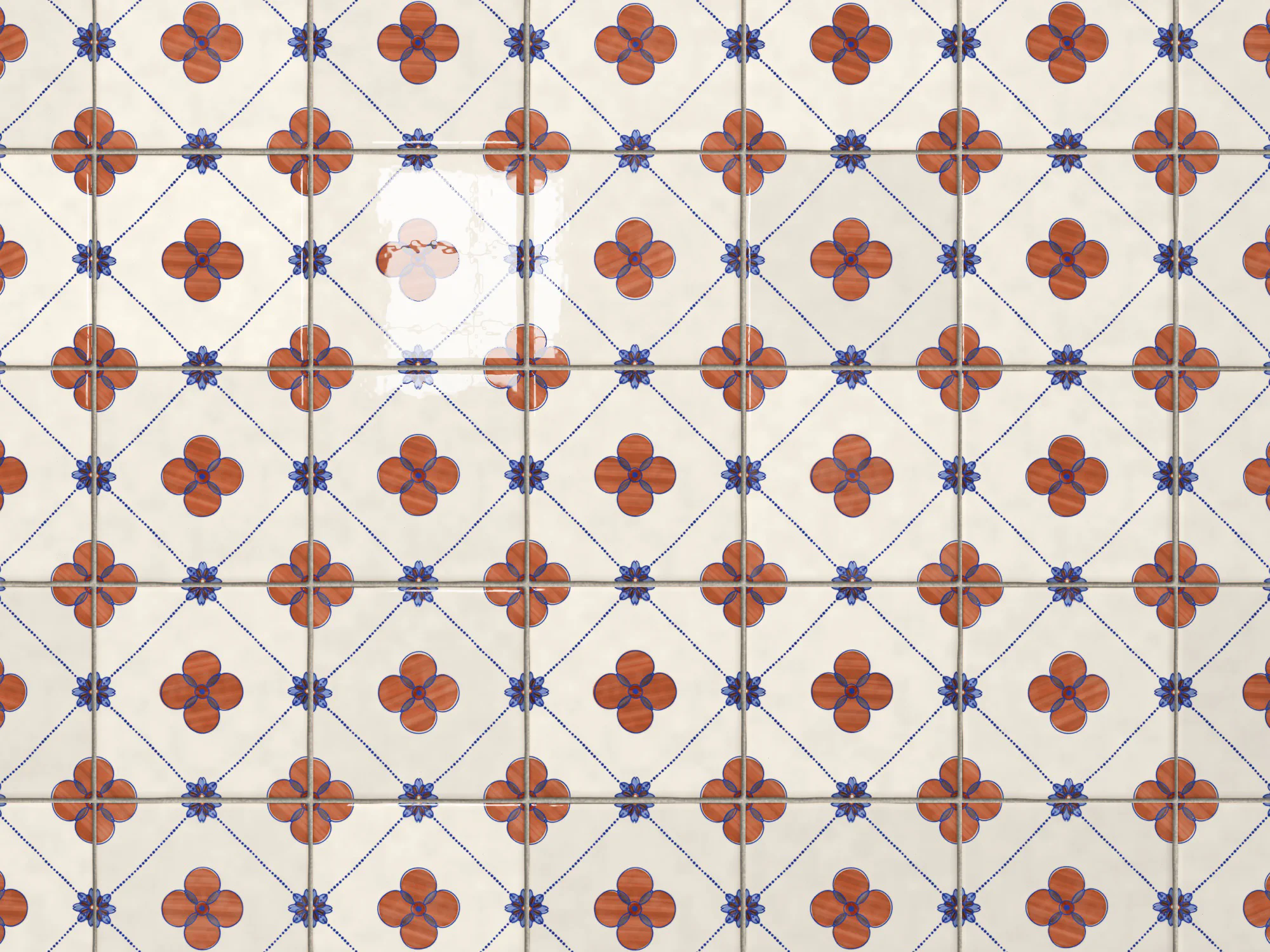
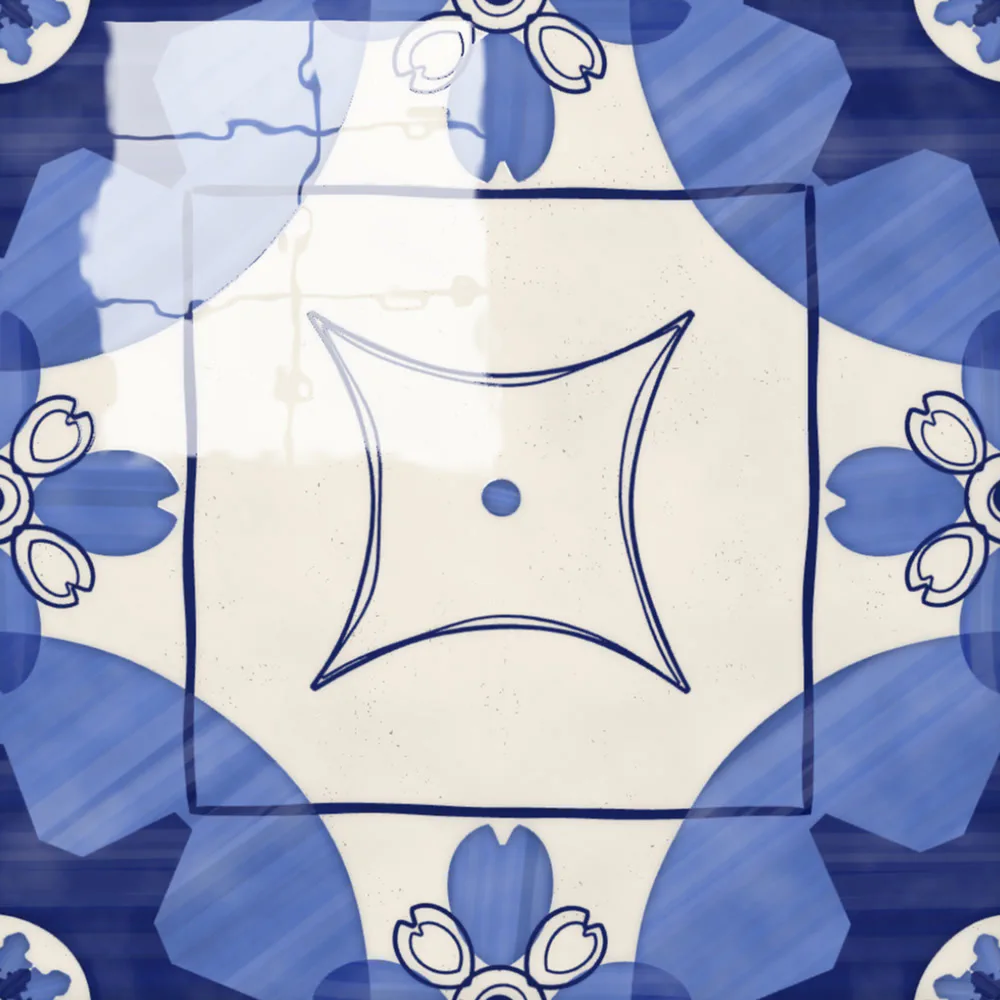
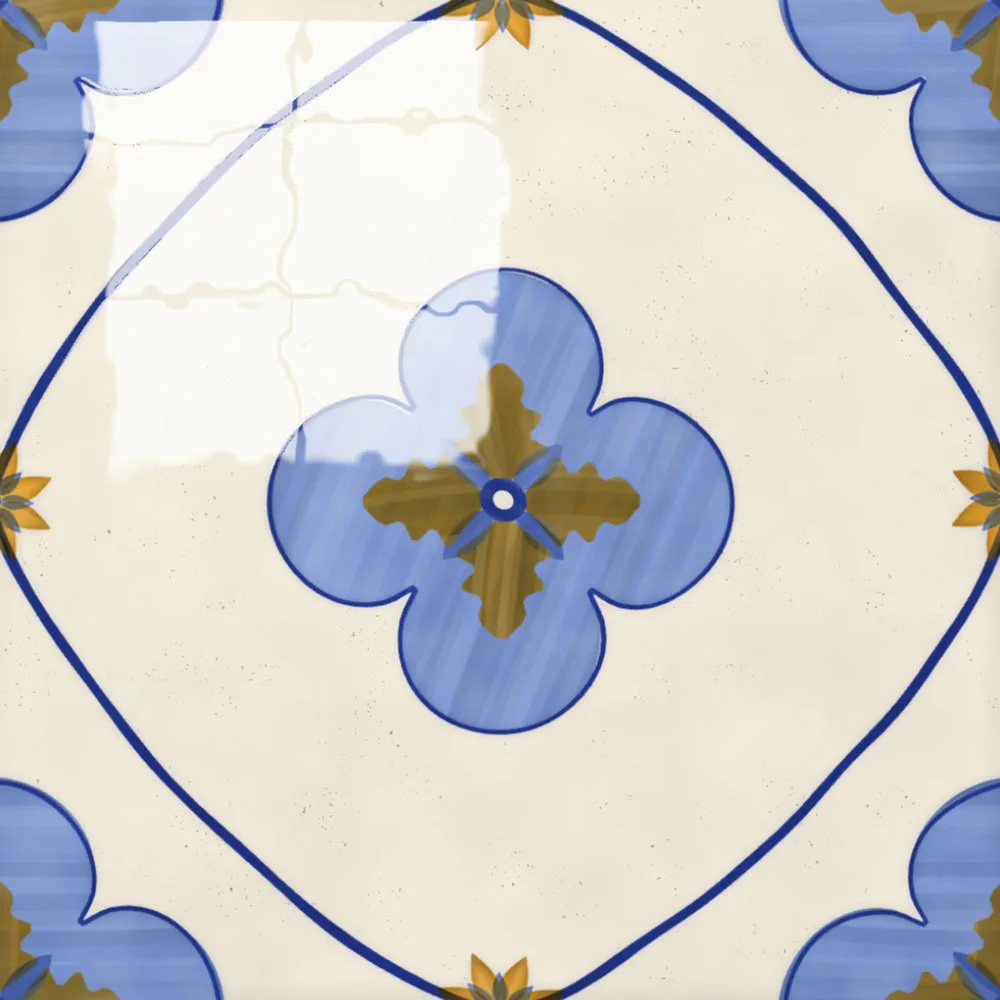
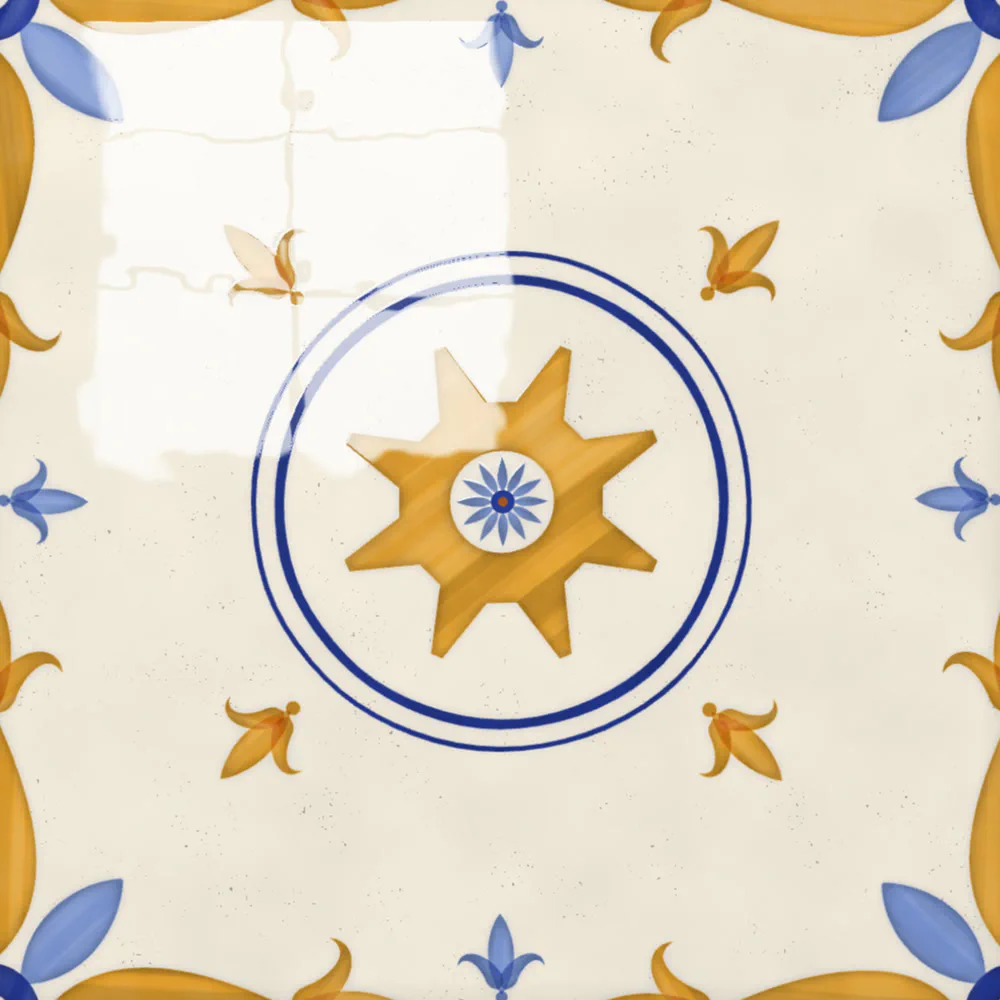
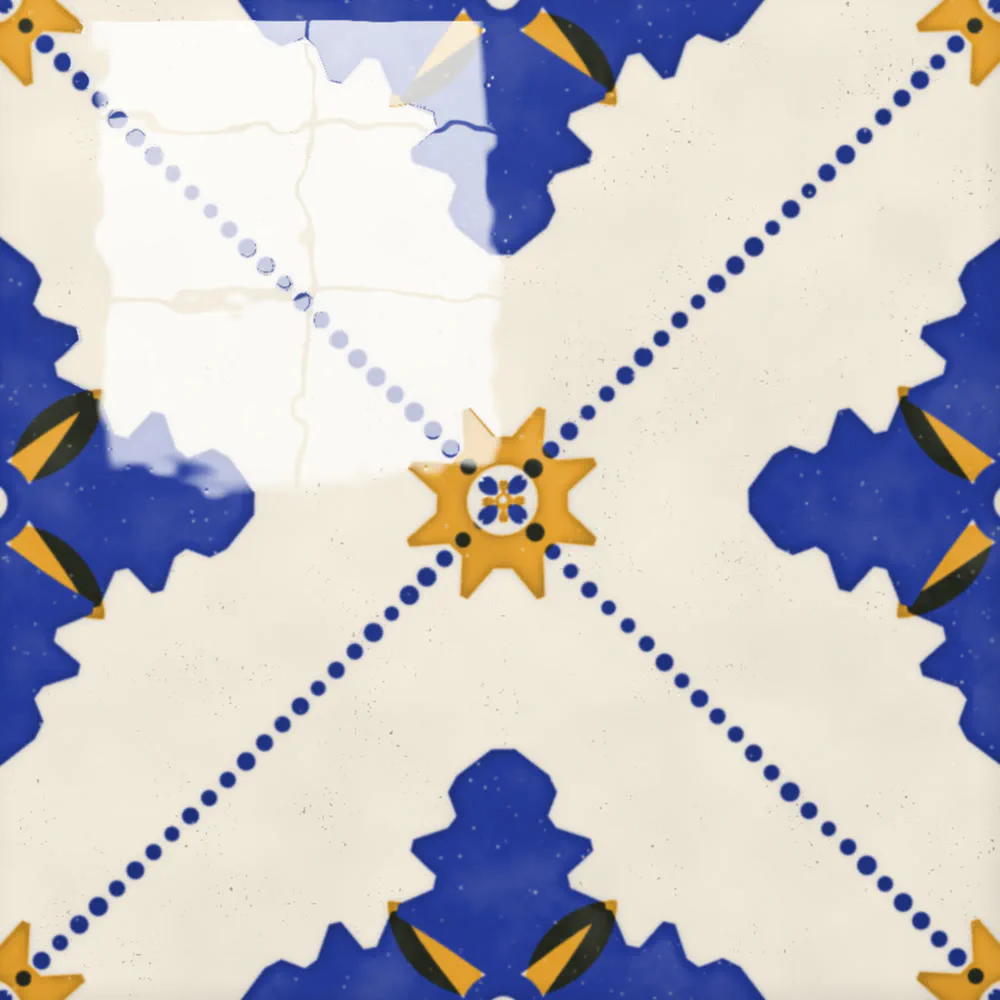
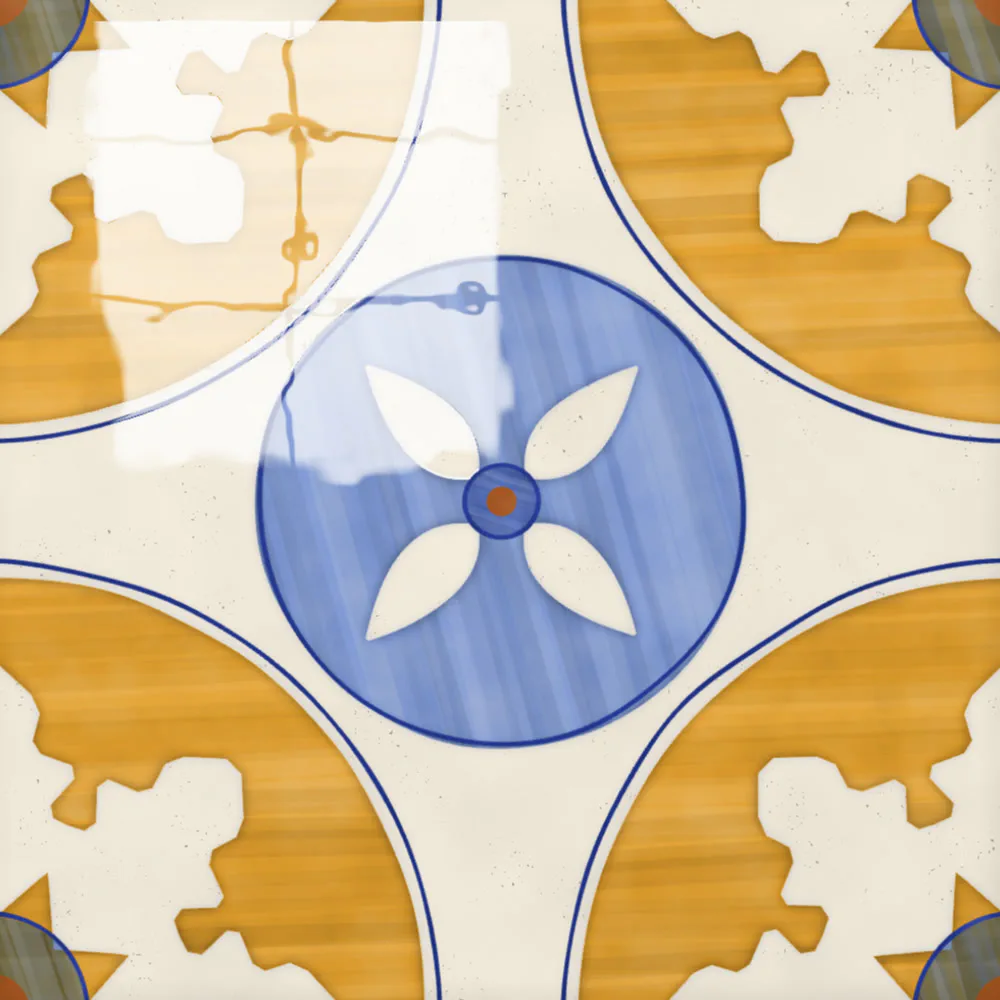
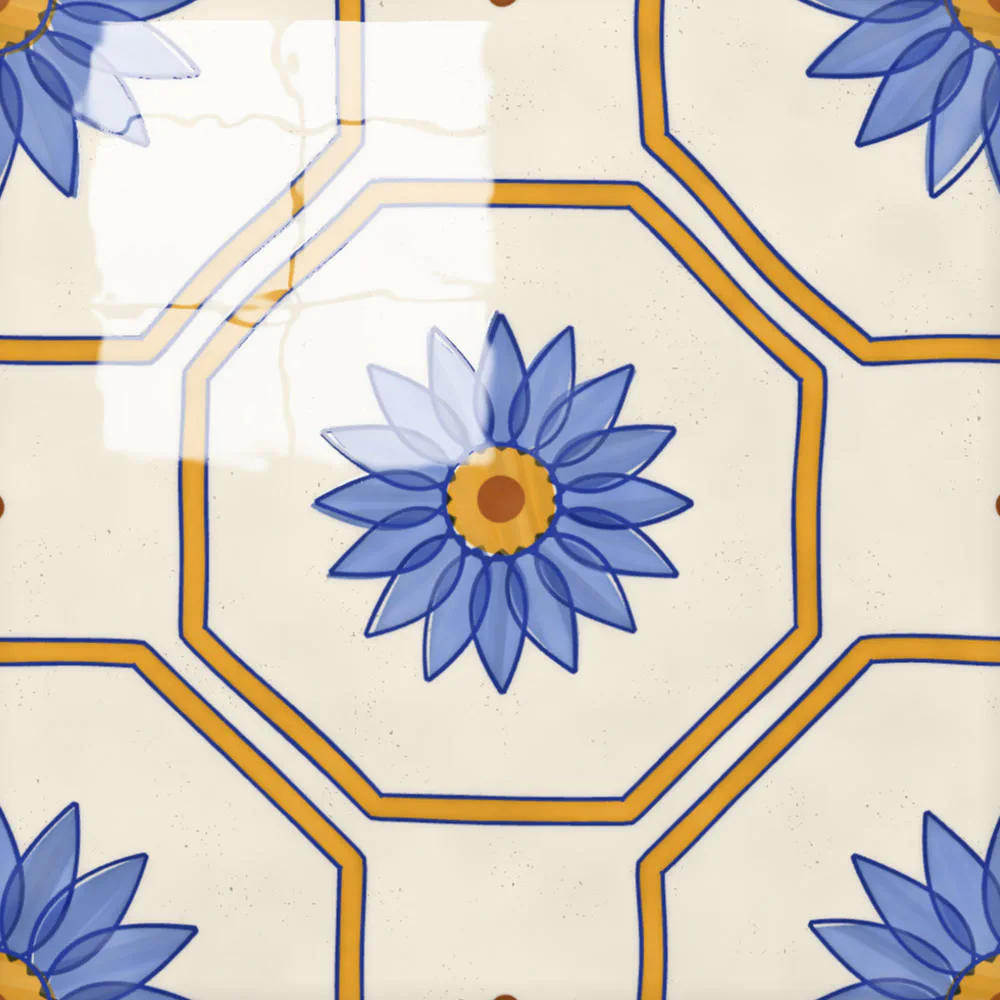
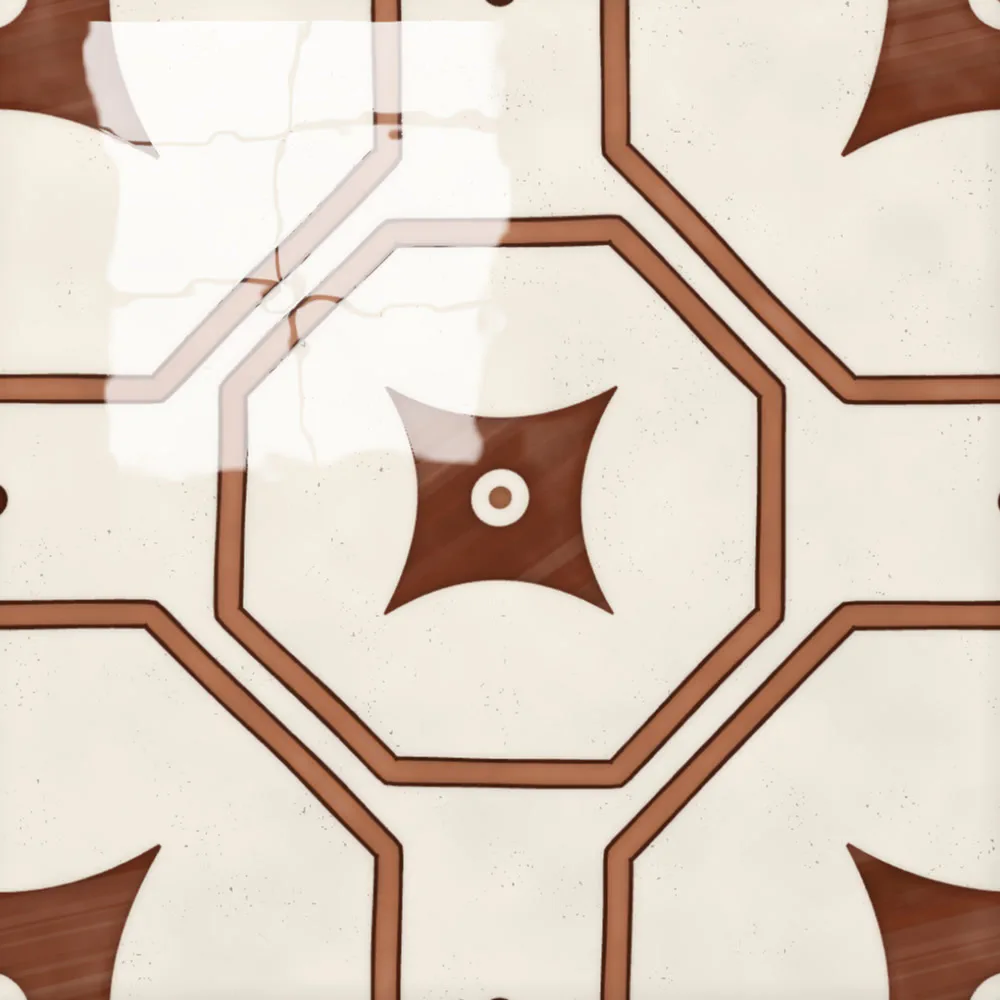
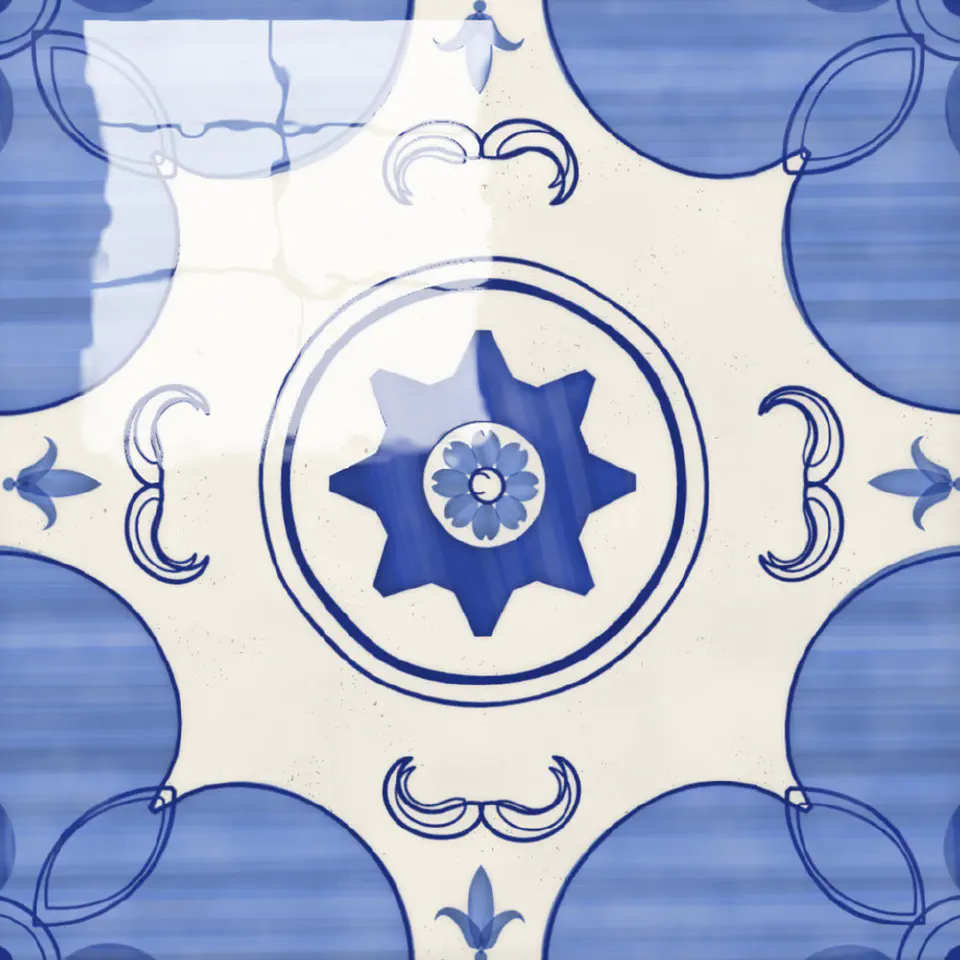
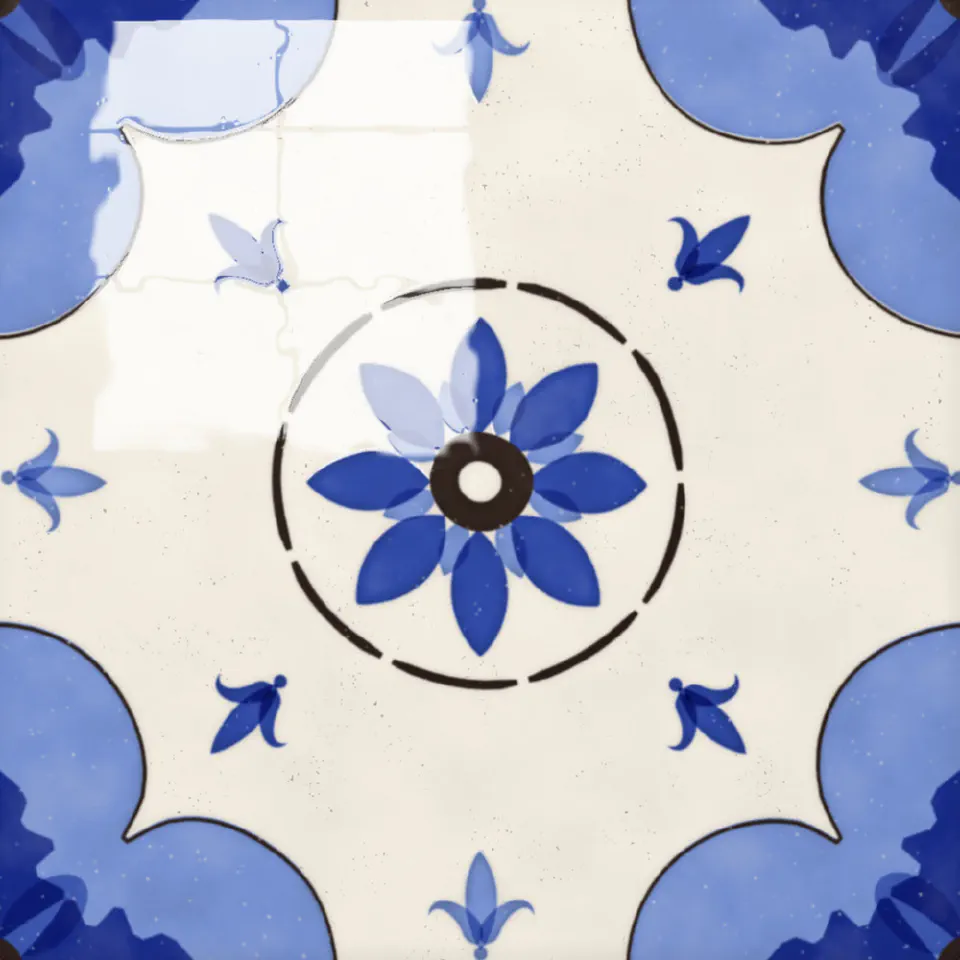
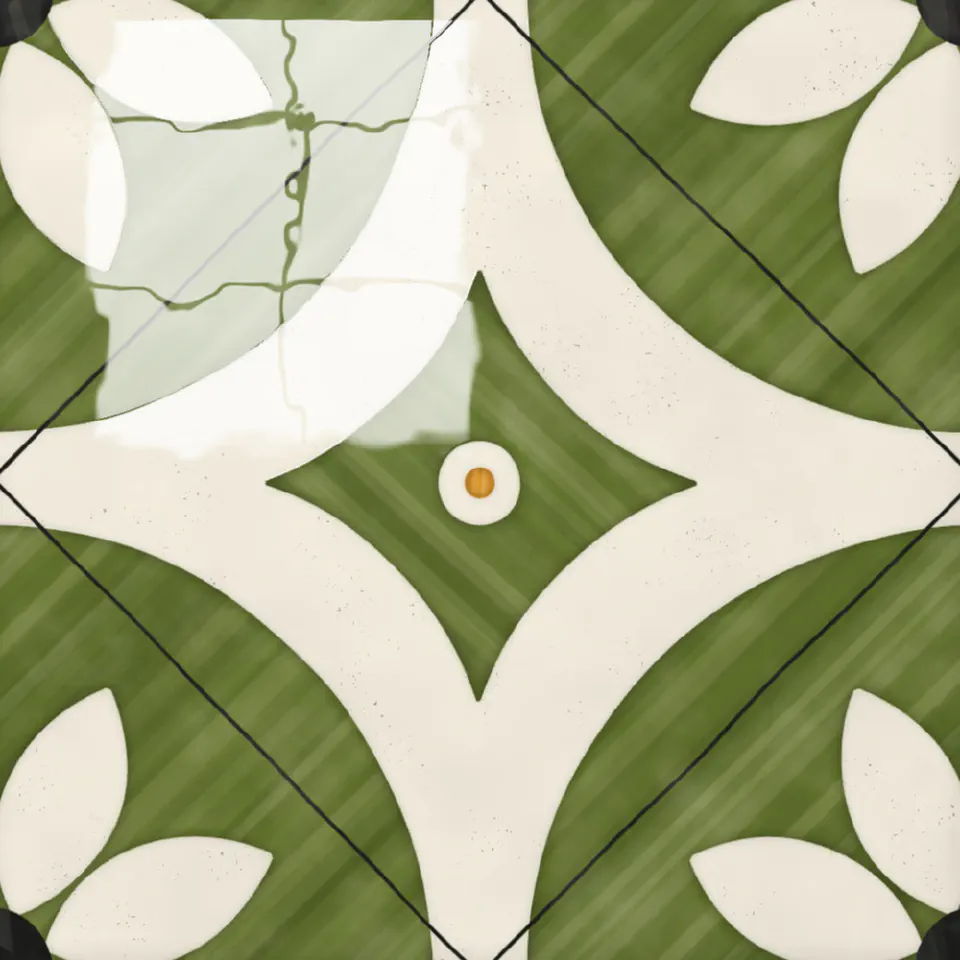
And the same few layouts keep coming back. So the generator picks one of five:
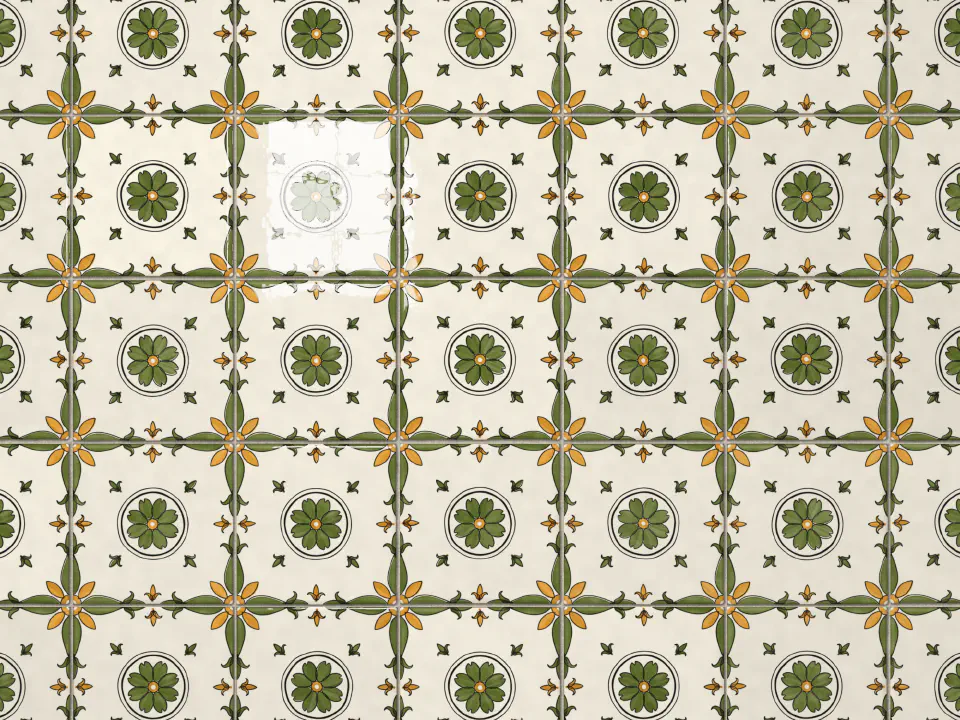
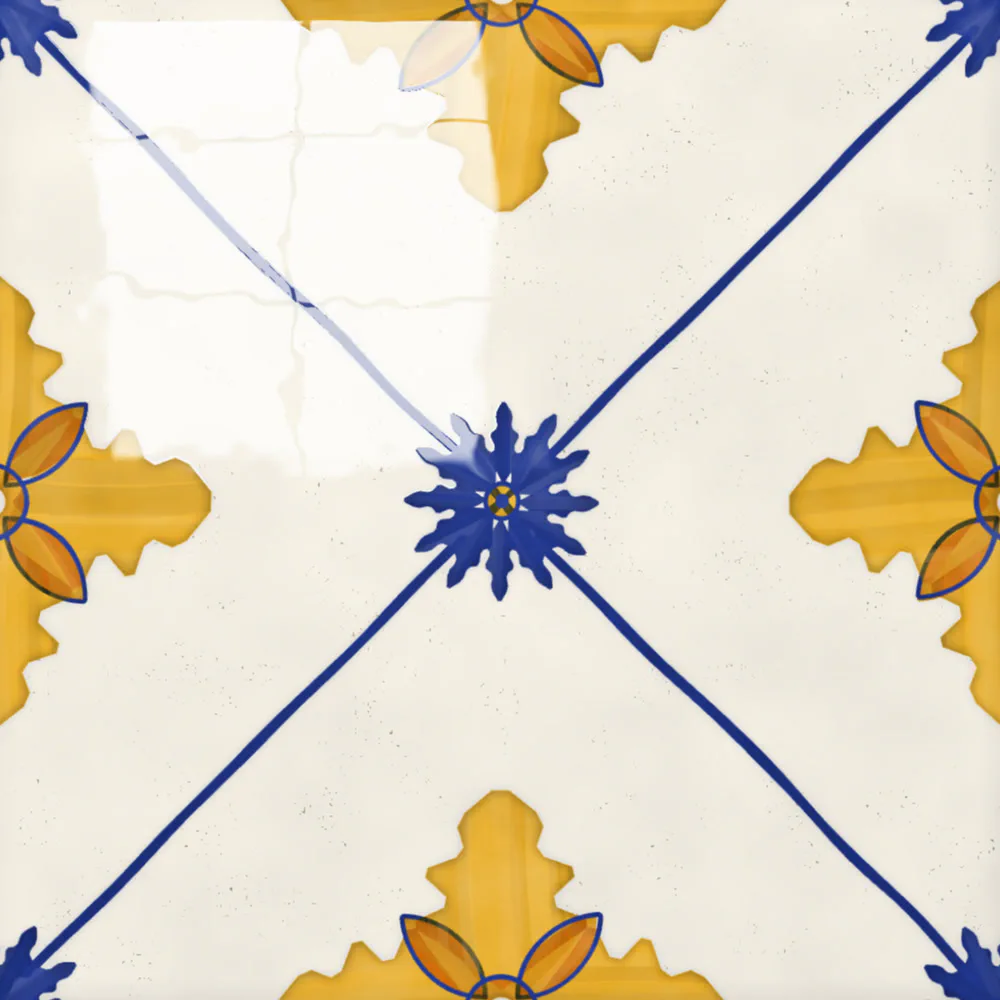
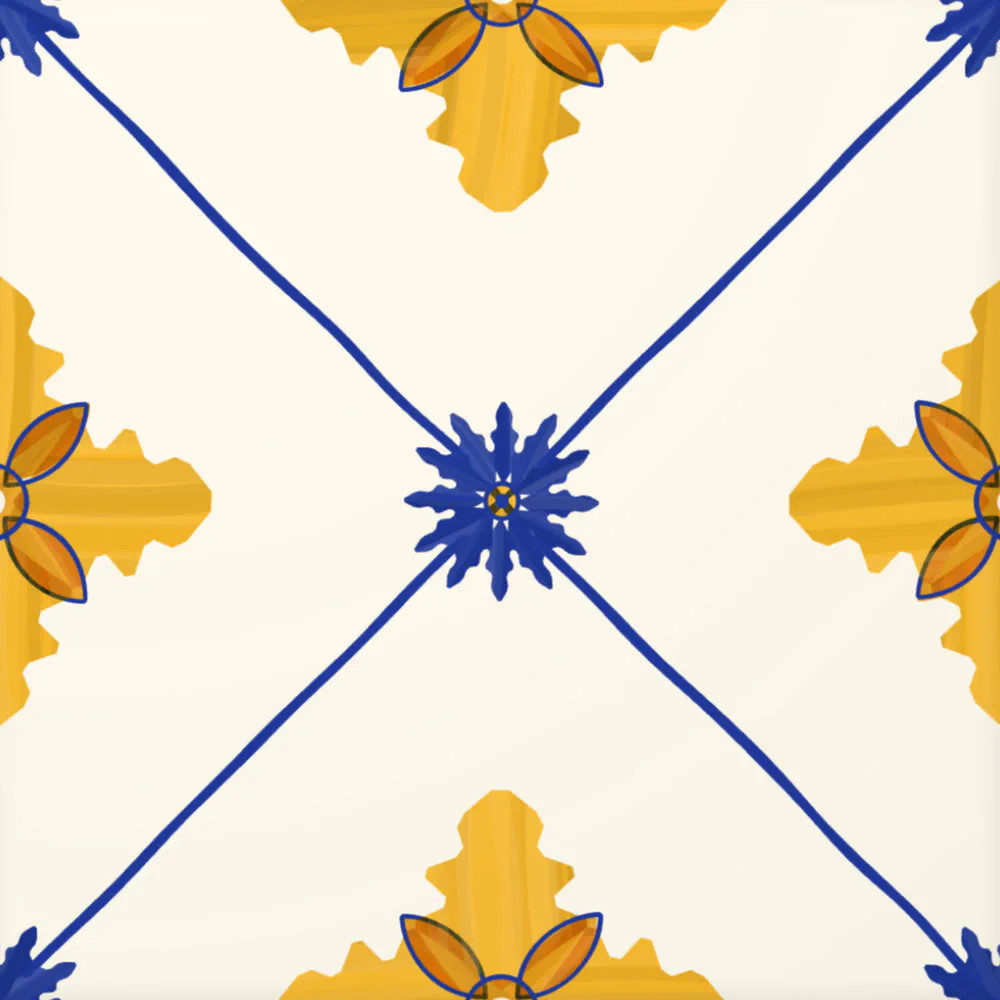
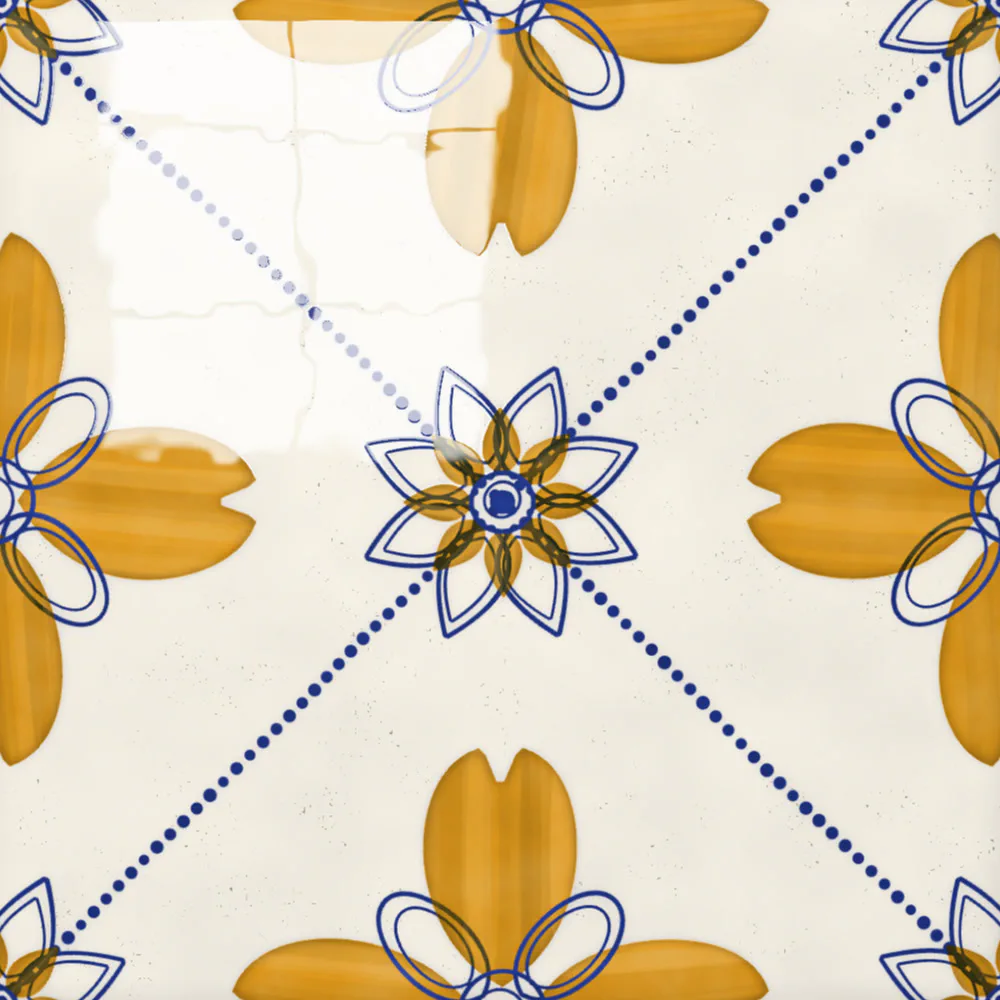
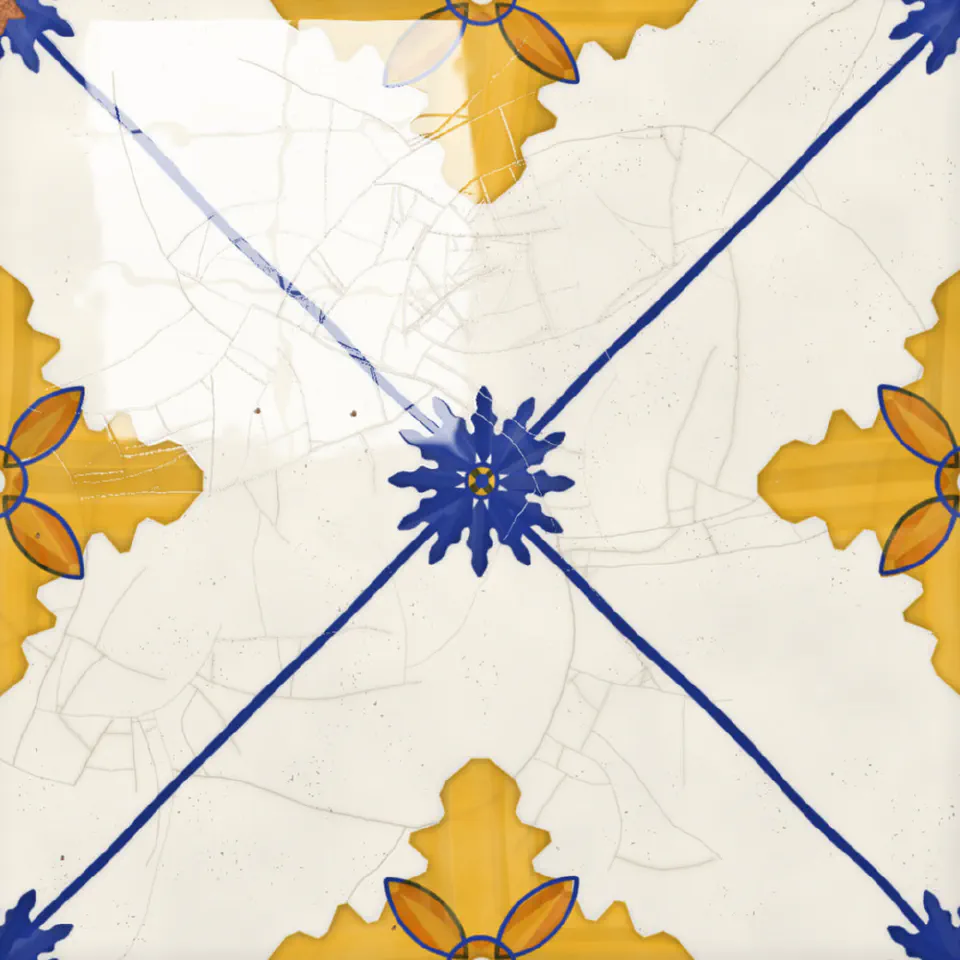
- Lattice - lines crossing the tile, with the same flower wherever they meet
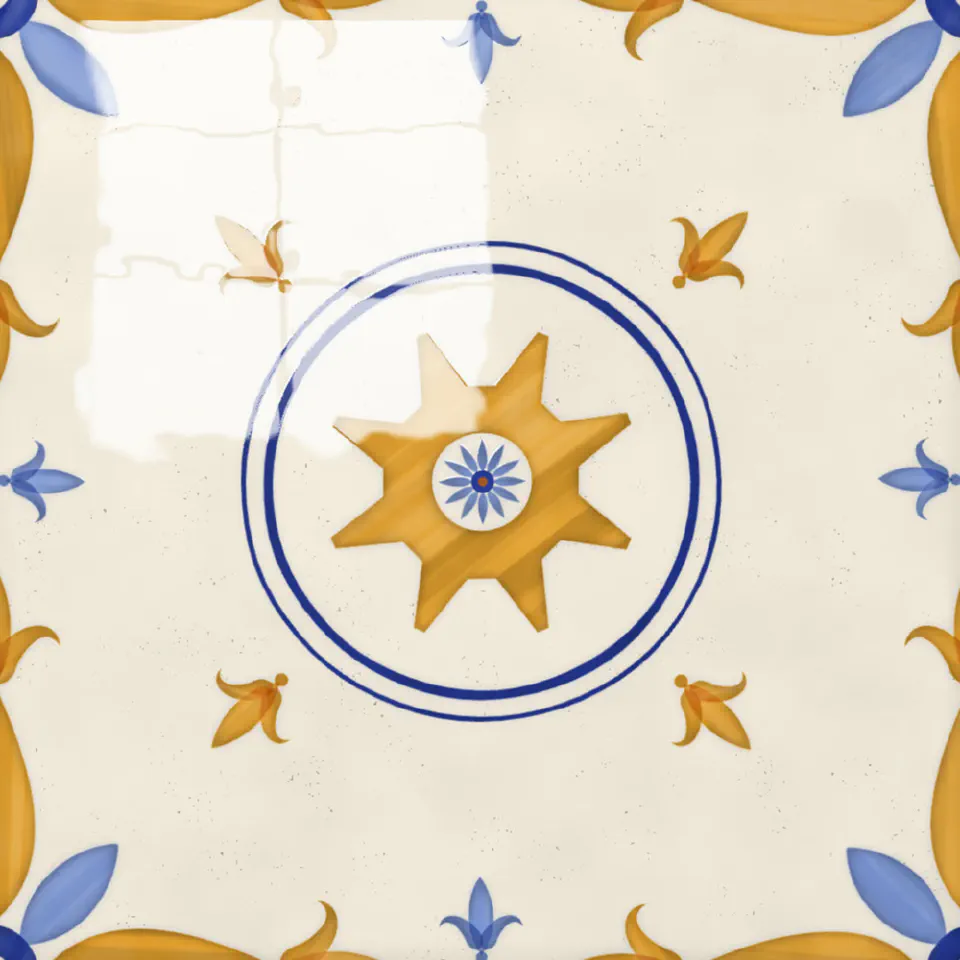
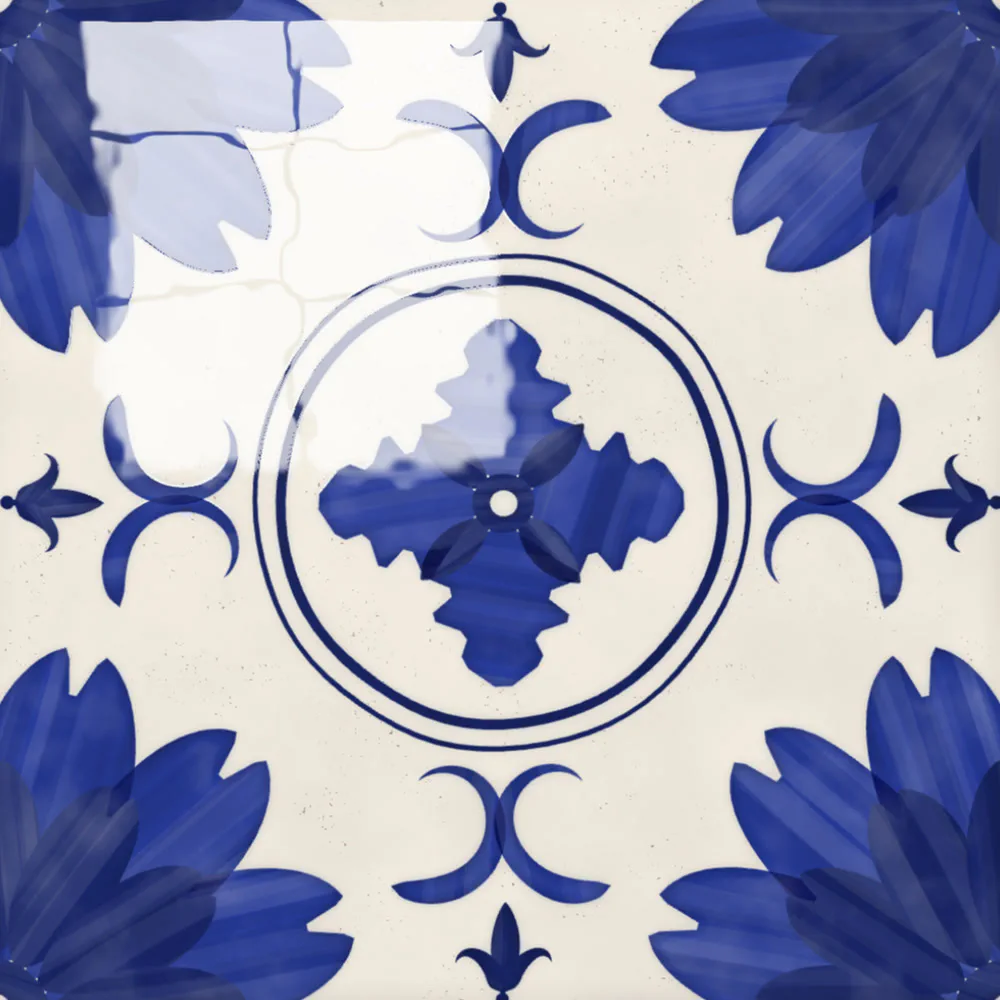
- Medallion - a big motif on the corners and a framed one in the middle
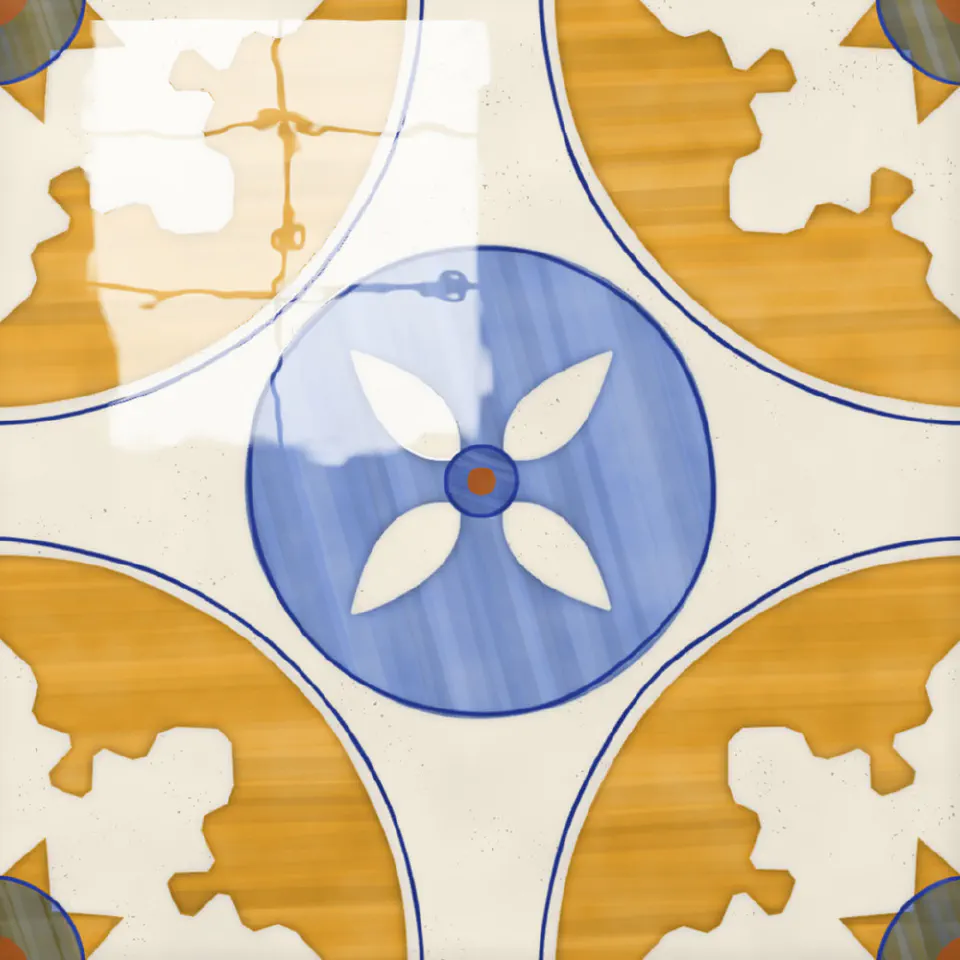
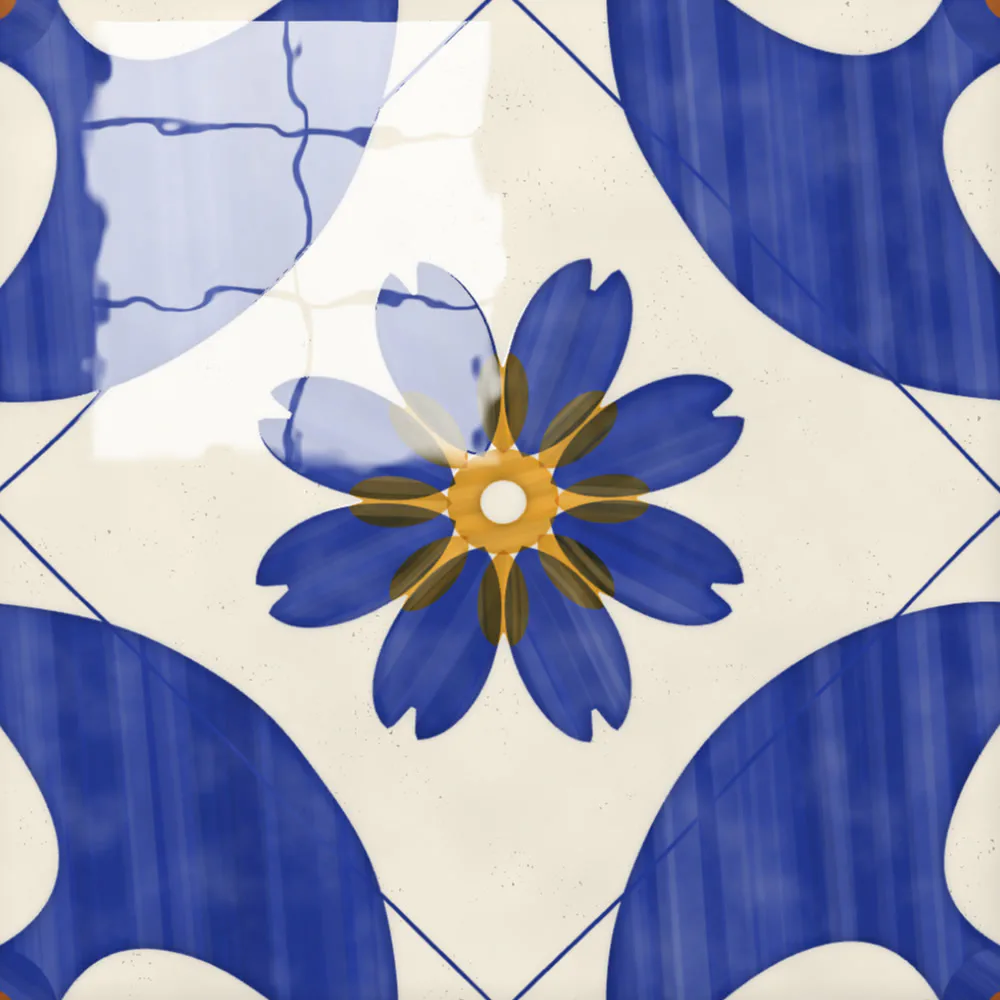
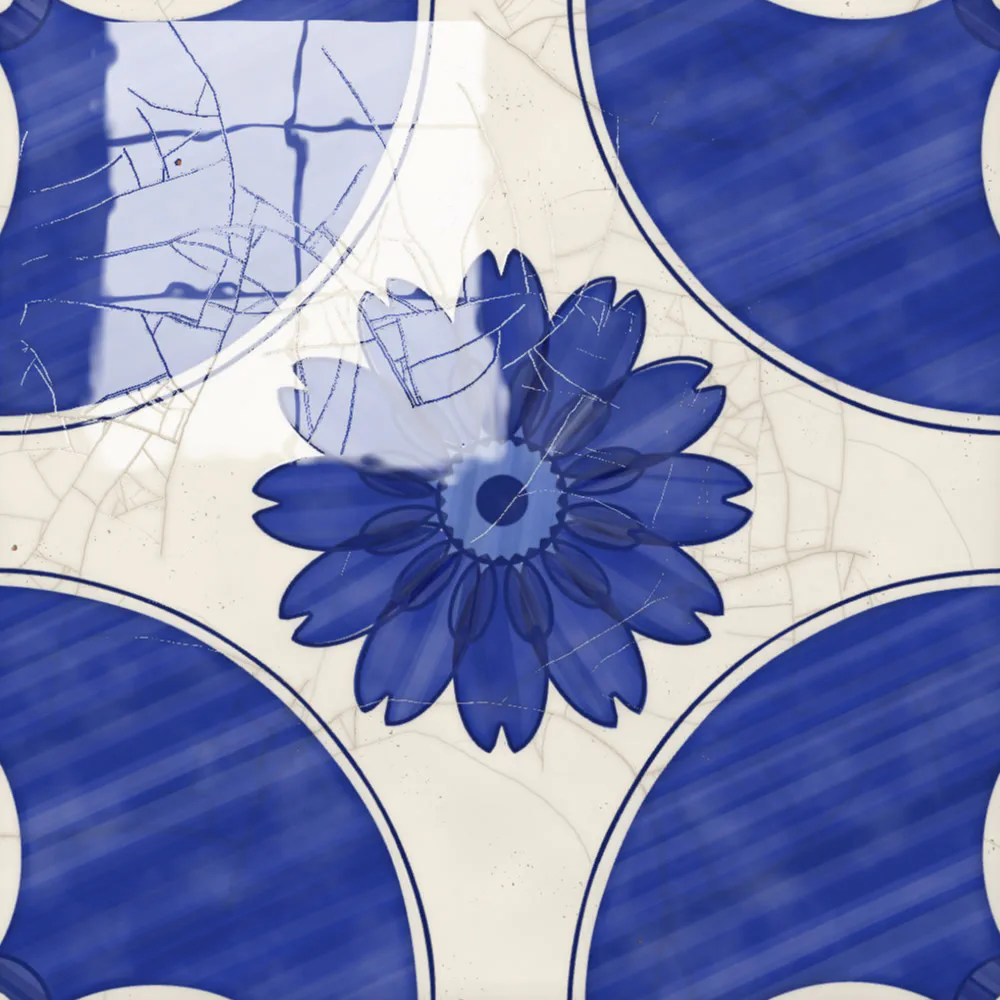
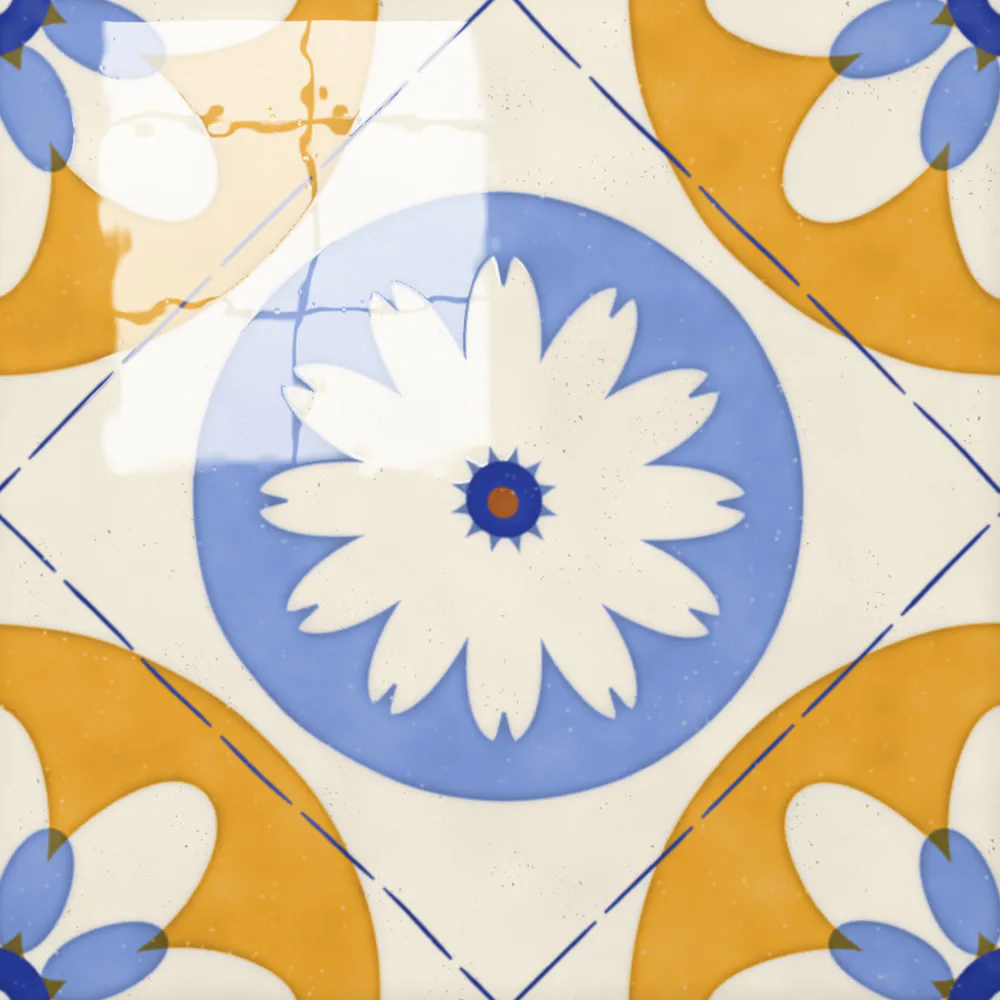
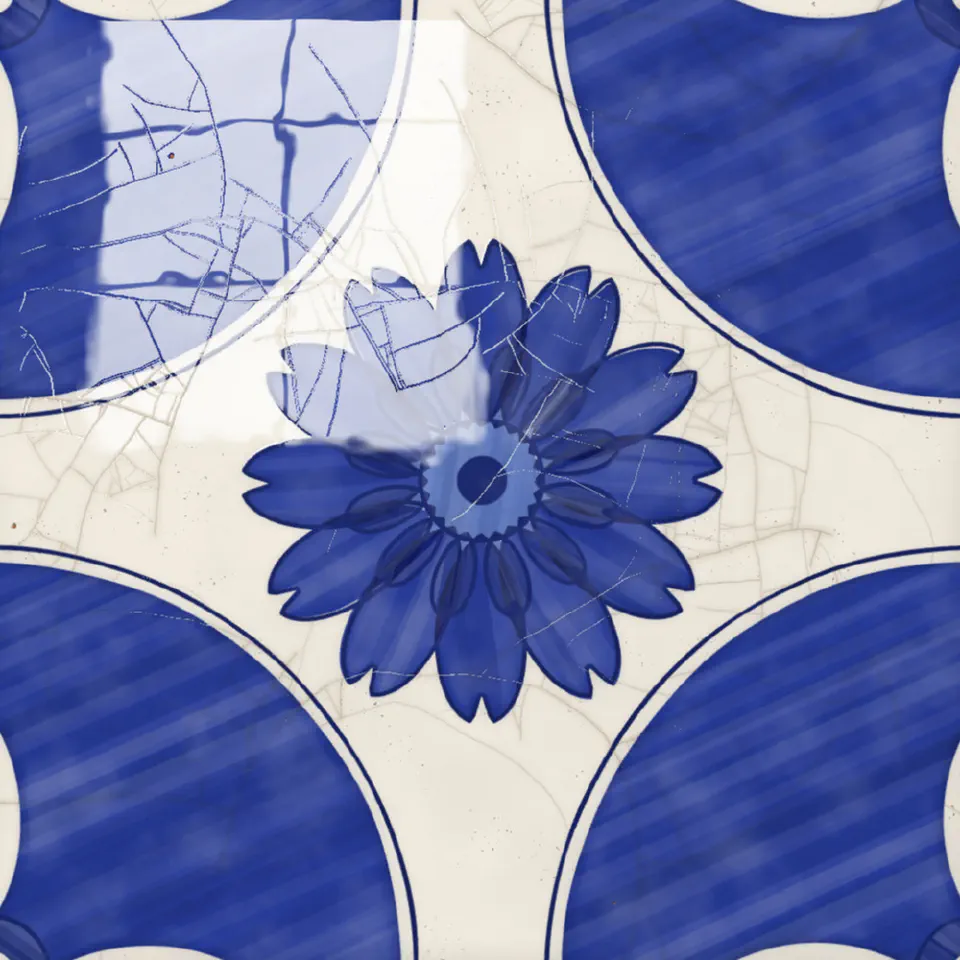
- Bold - big solid discs on the corners, with white petals left in them
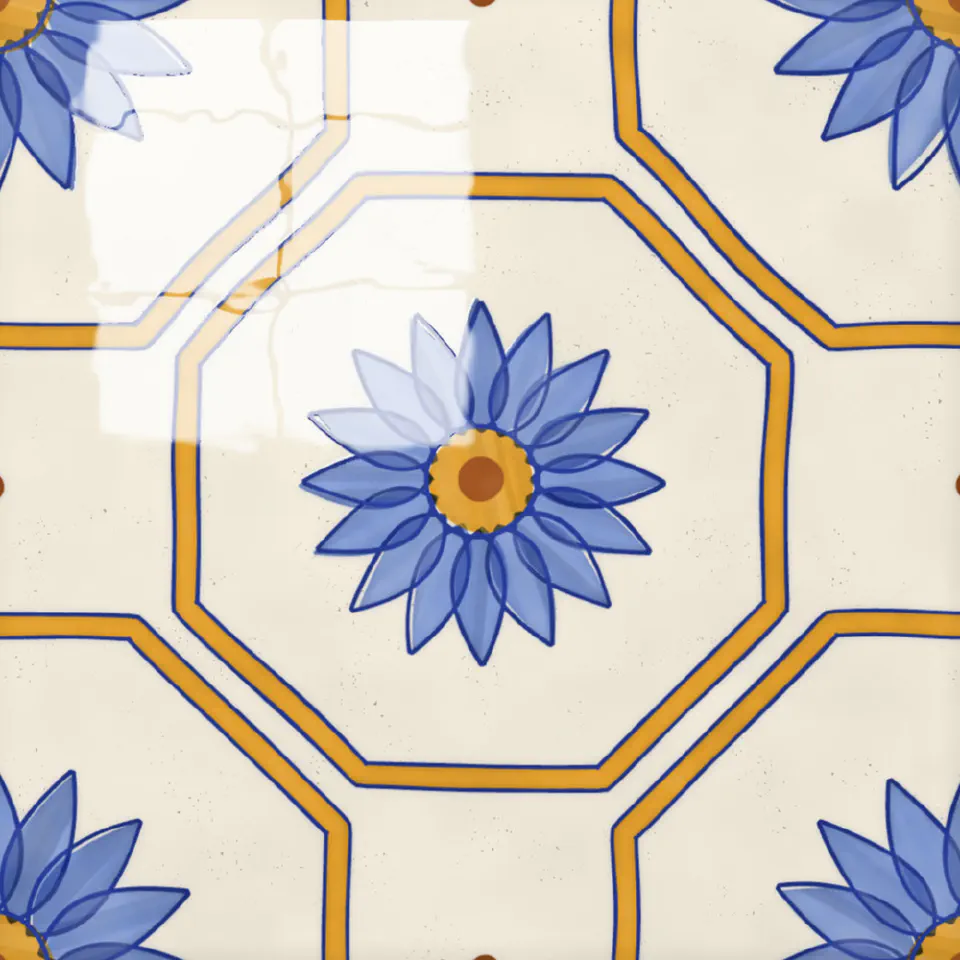
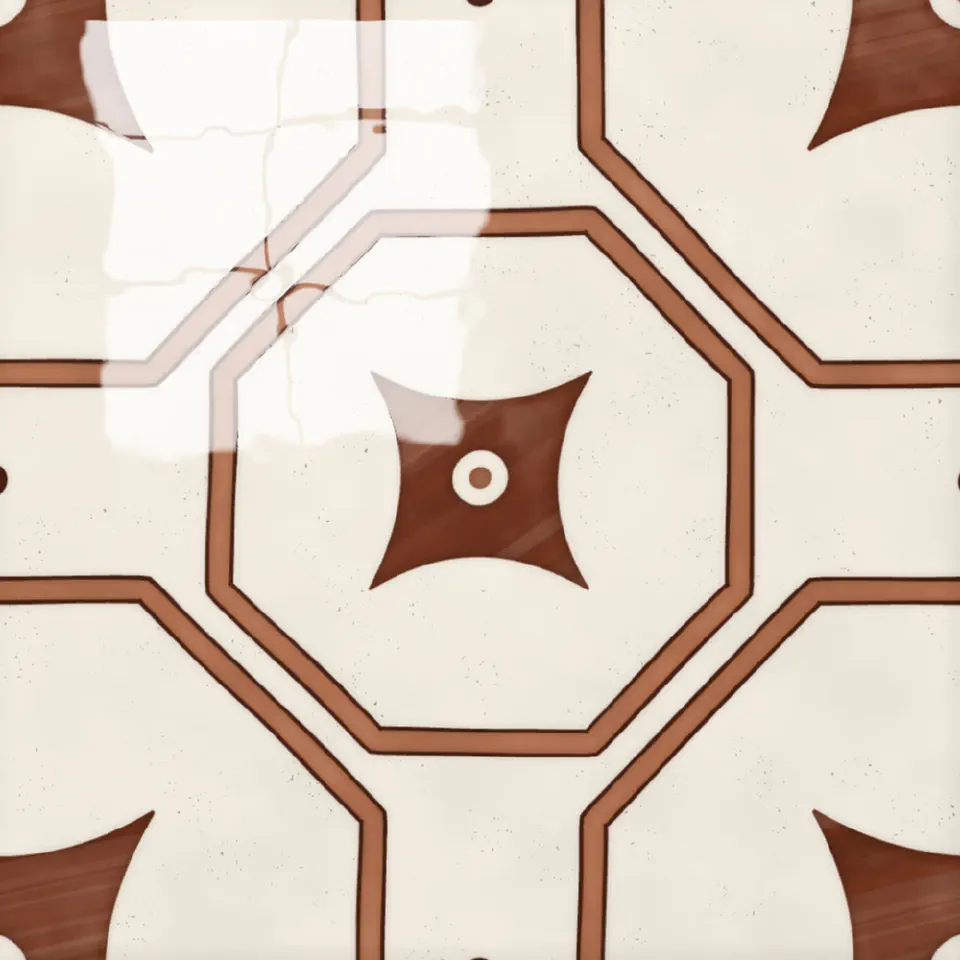
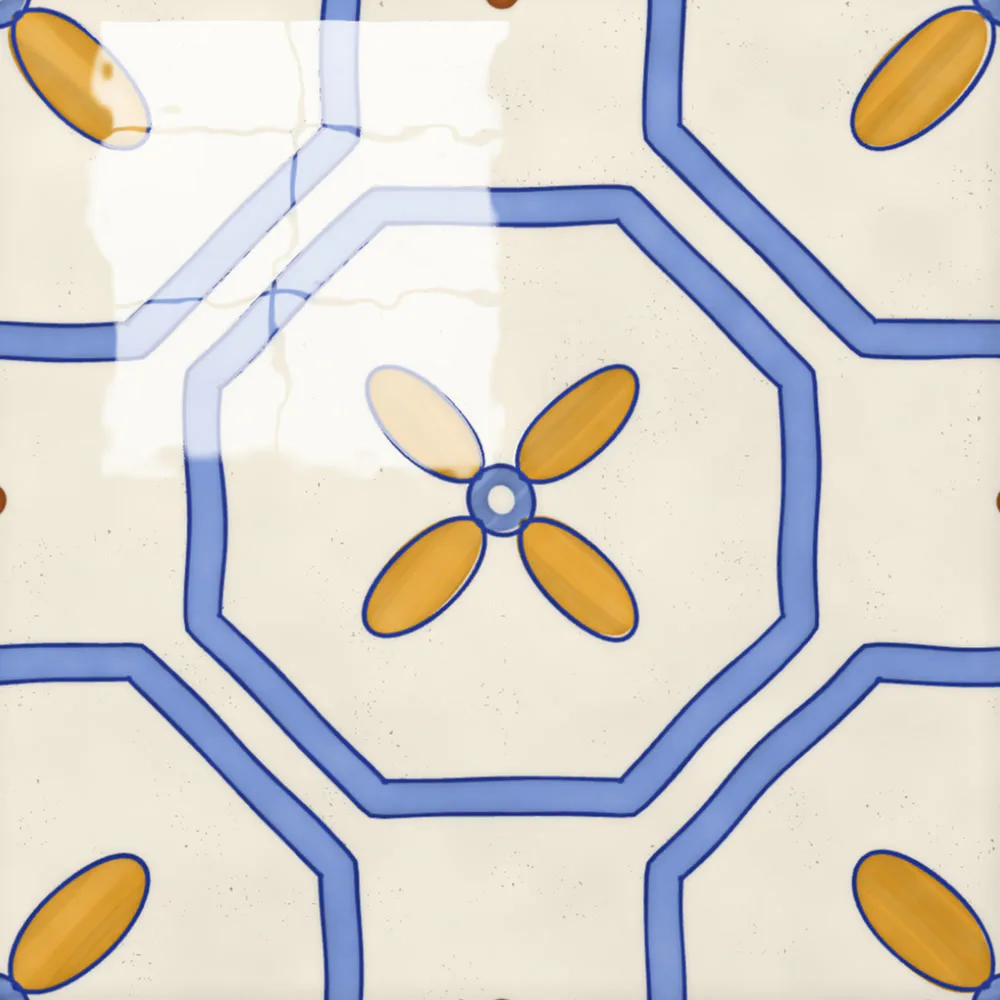
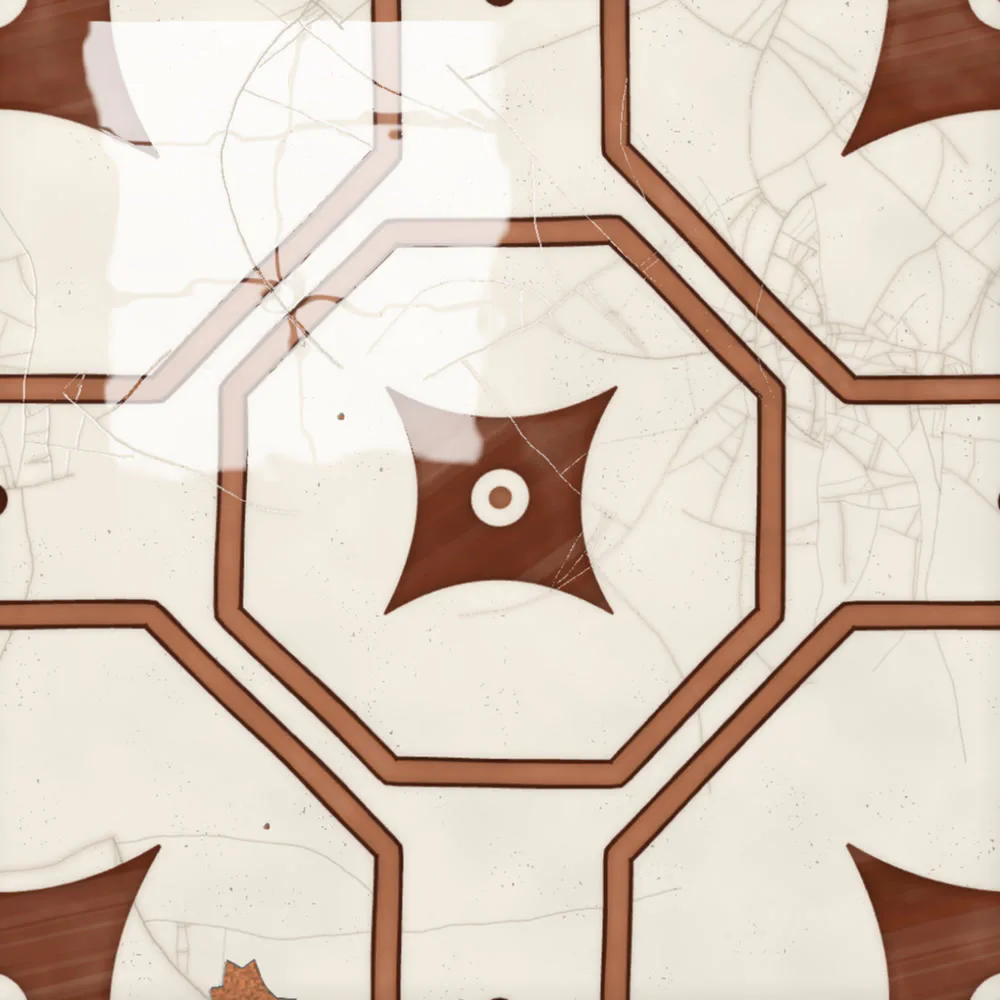
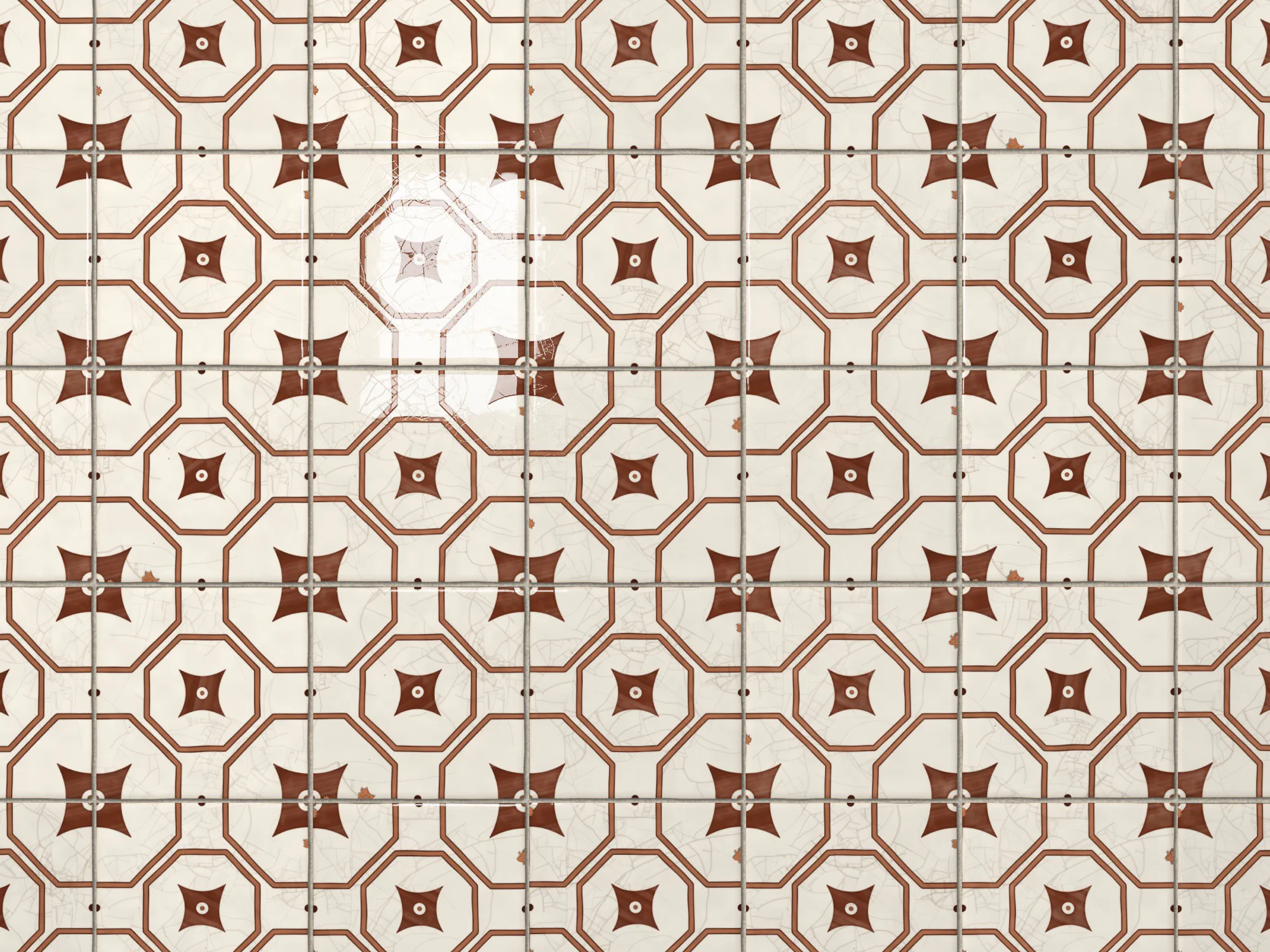
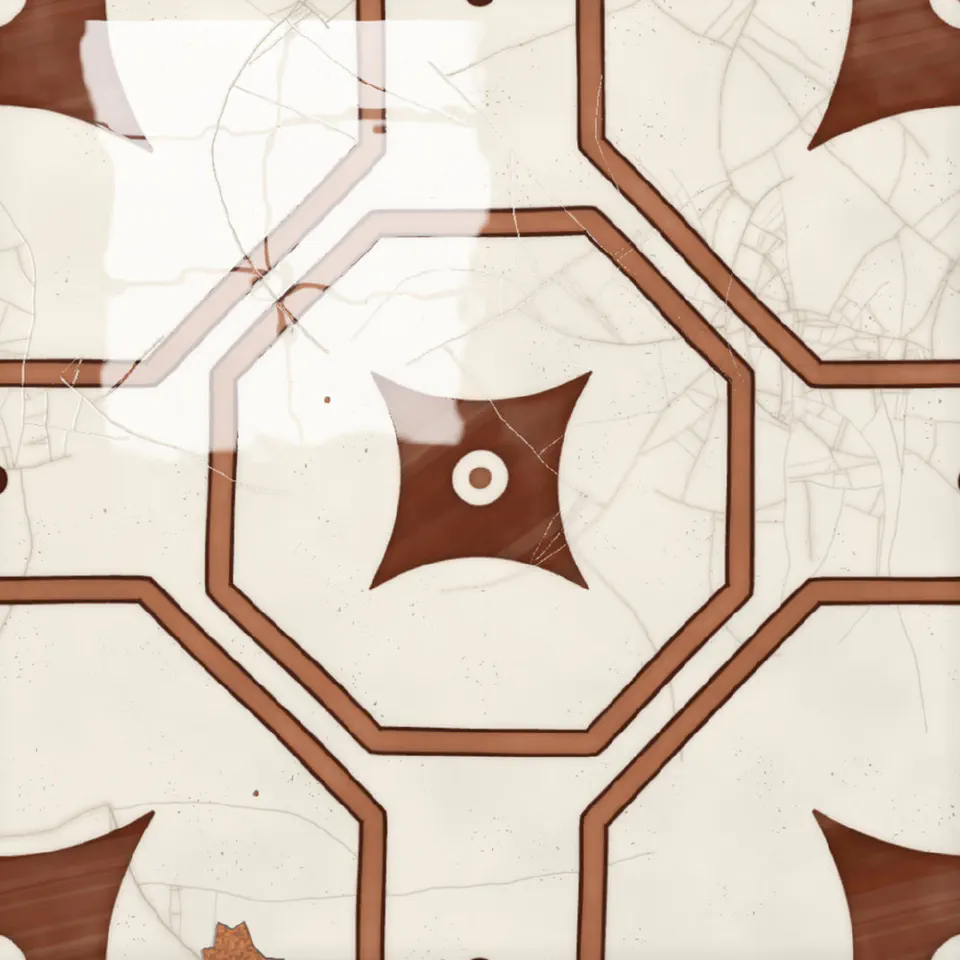
- Strapwork - bands of colour making octagons
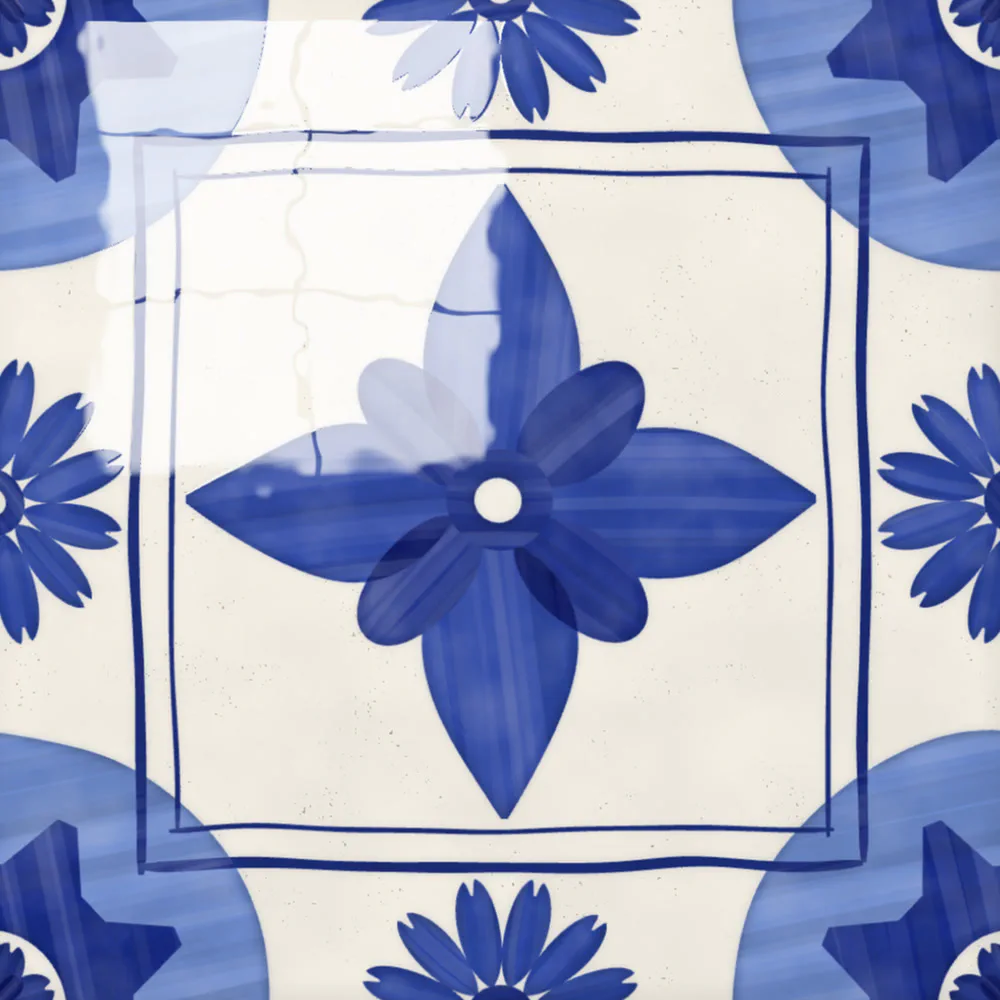
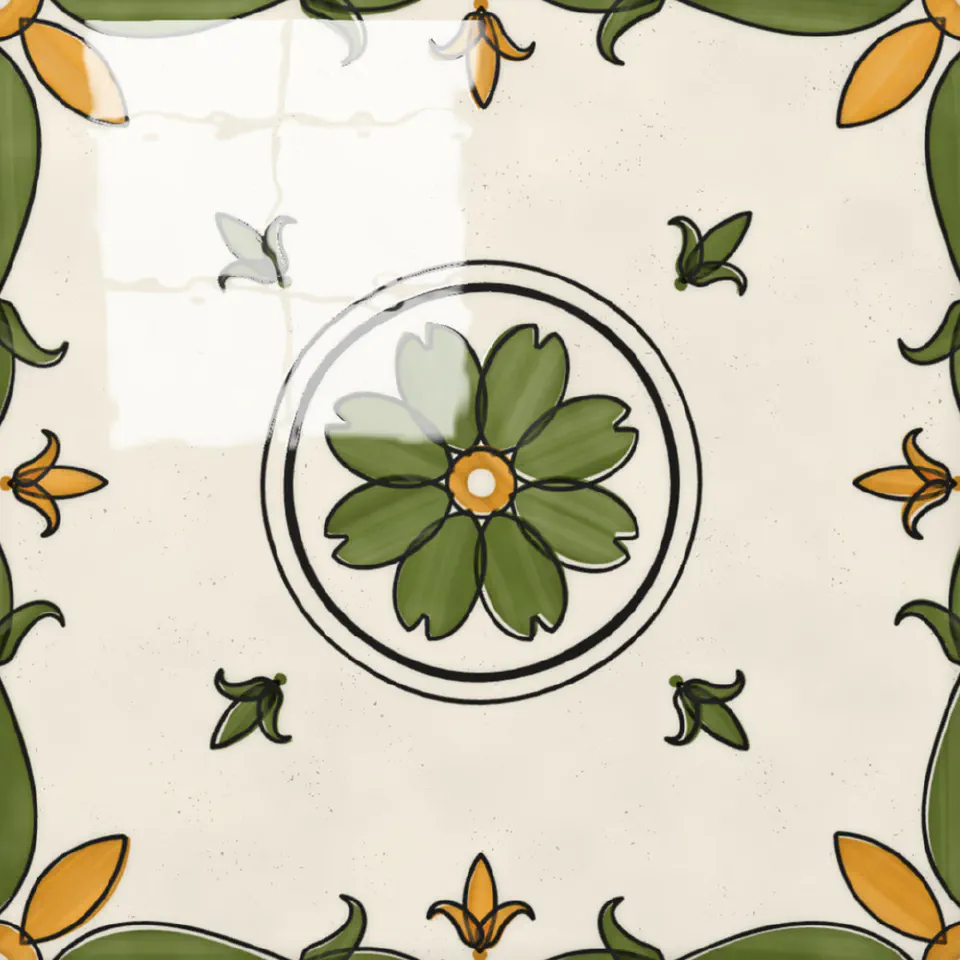
- Frame - a square frame between the centre and the corners
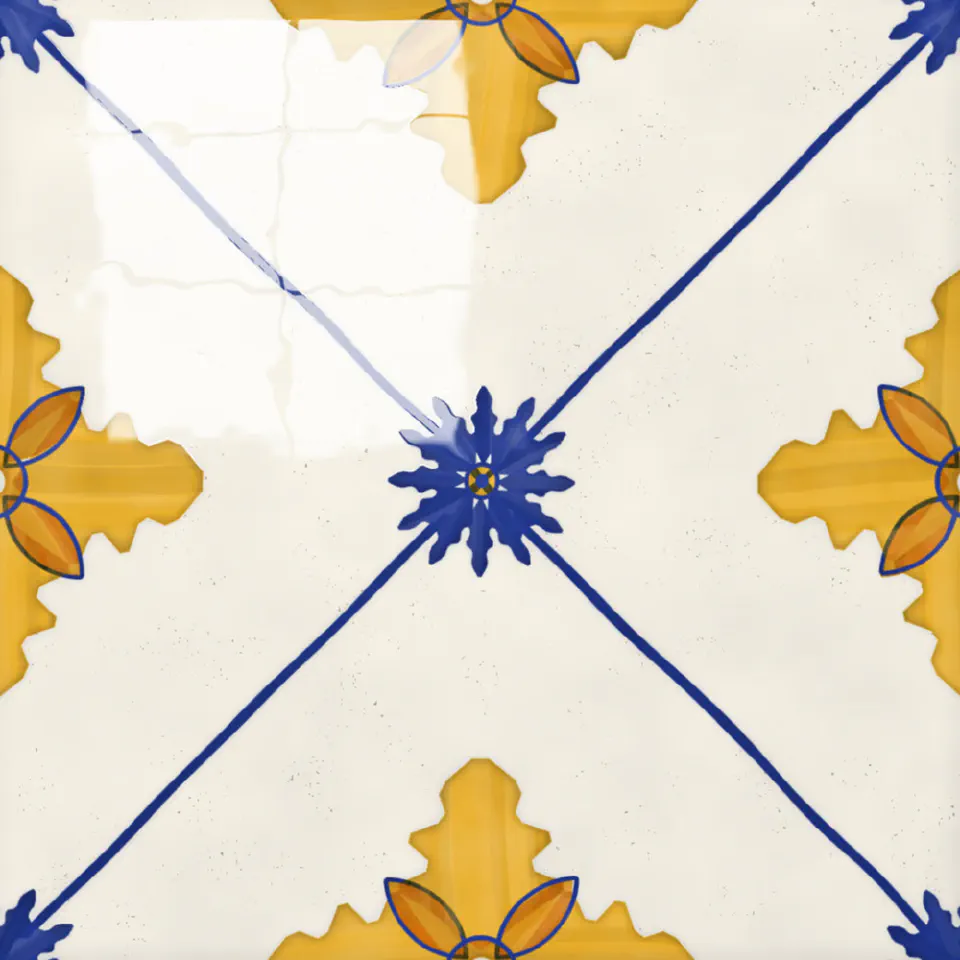
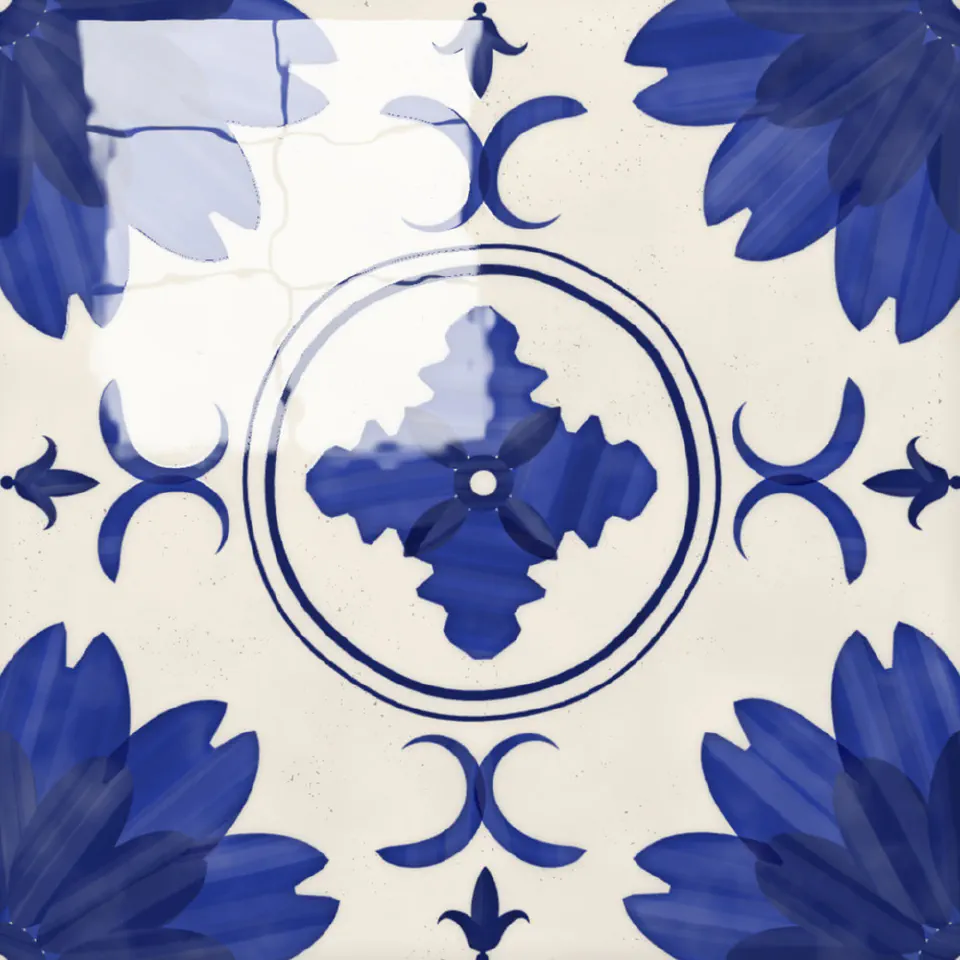
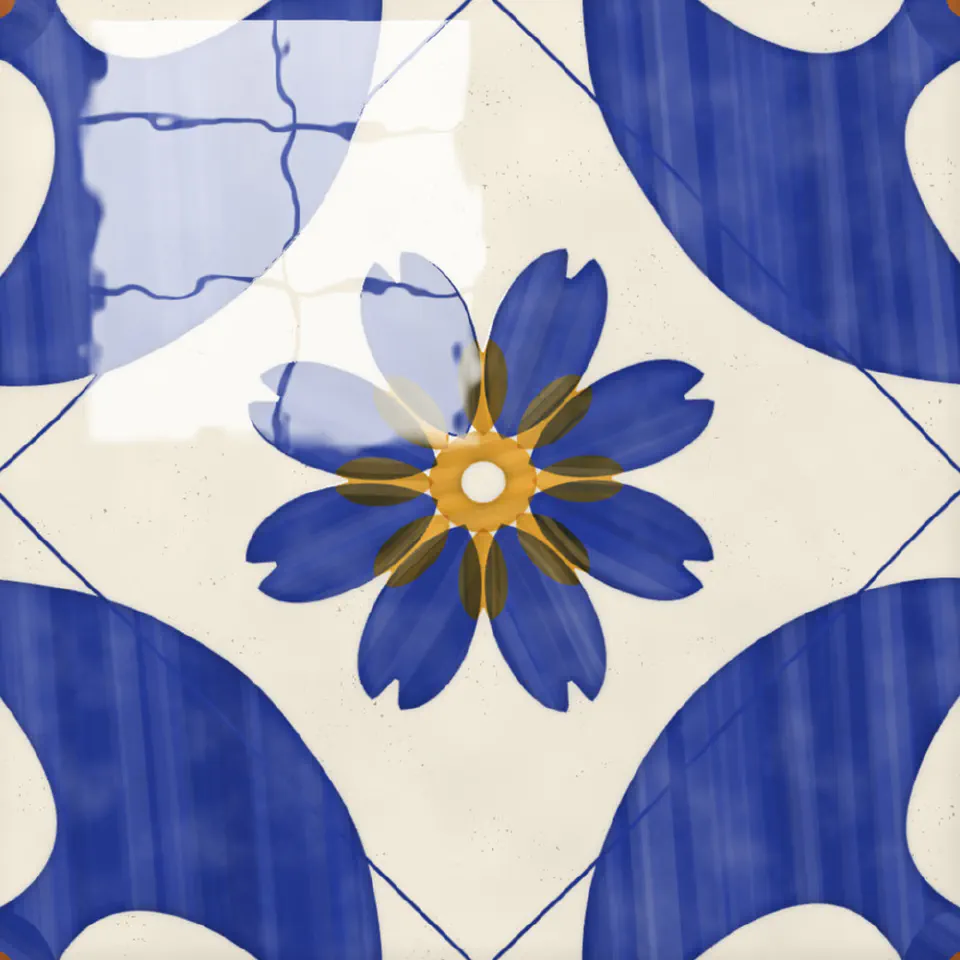
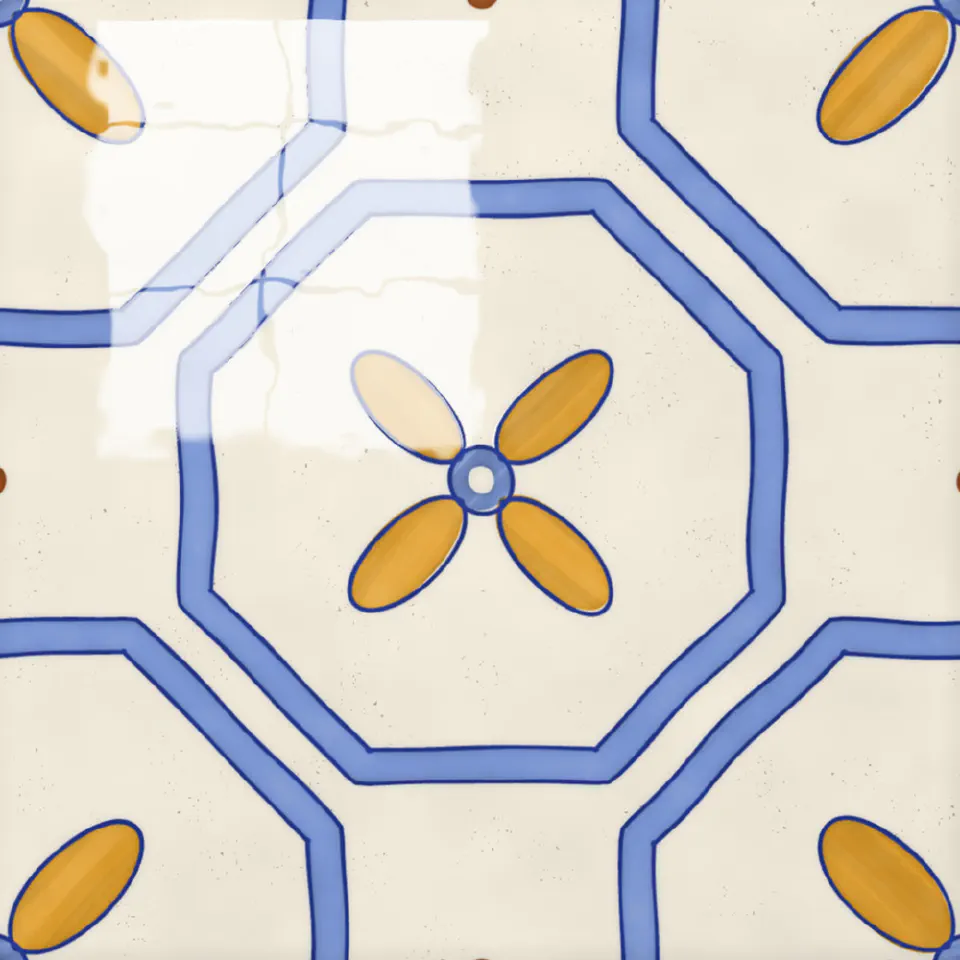
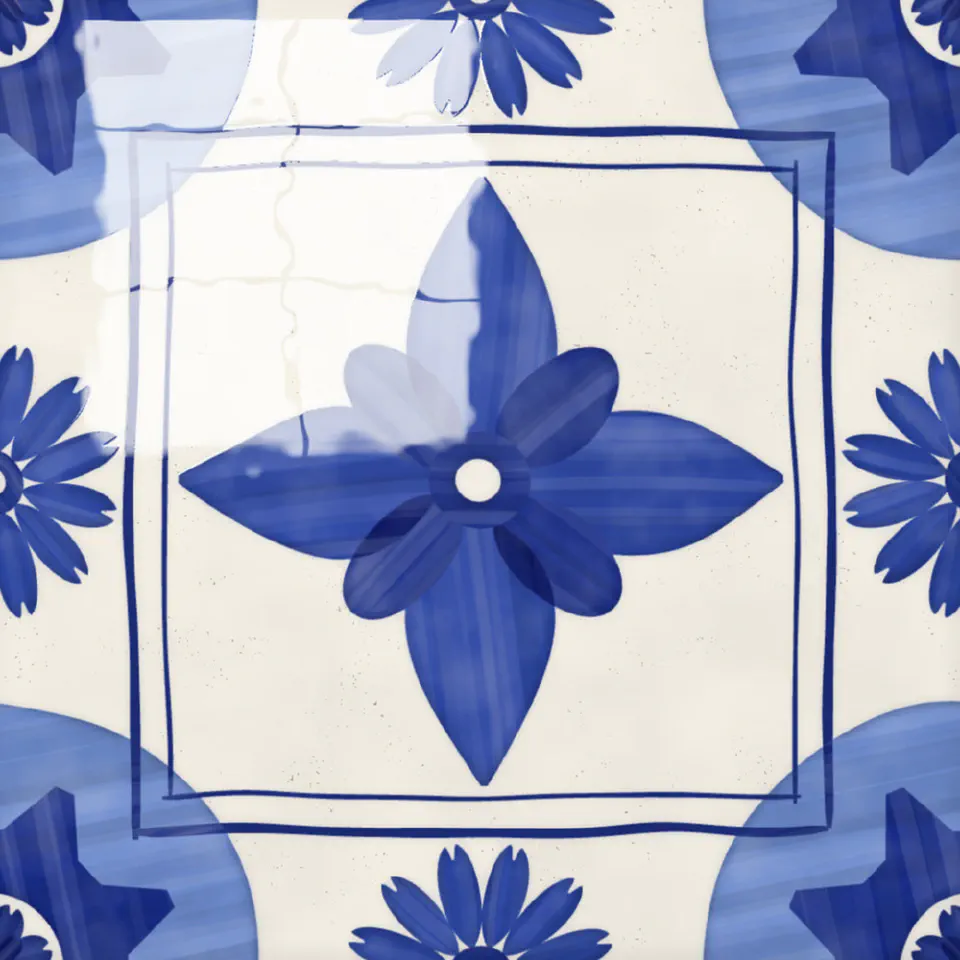
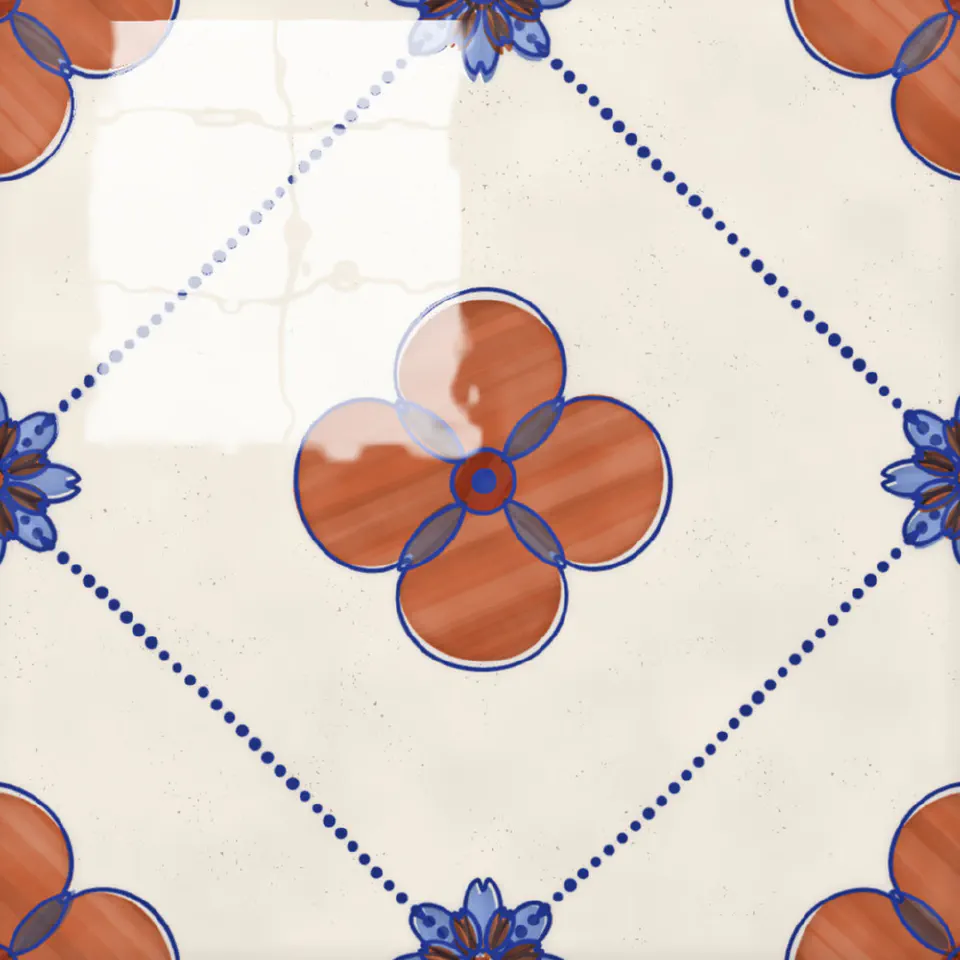
The colours come from the pigments the old workshops had: cobalt blue, antimony yellow, manganese, copper green, ochre and iron red. Most tiles get some cobalt blue.
Painted, Not Drawn
My first versions looked wrong straight away. The lines were perfect, the corners were sharp, and every petal was the same. The real ones were painted by hand, with brushes or through stencils, and you can tell.
So now every shape is made of brush strokes. A petal is one stroke that presses down in the middle and lifts at both ends. The thick curls are commas: a round blob that tapers into a tail. Lines get a little thicker and thinner as they go, and corners get rounded off, because a brush doesn’t really stop on a corner. The washes inside the outlines have streaks running the way the brush went, and they don’t sit exactly inside their lines.
Each tile is painted in one of a few styles: flat colour, an outline with a wash inside, just an outline, or stencilled. The stencil one was fun to work out. A stencil is painted one colour at a time, and the stencils never line up perfectly, so the colours shift a little. And a stencil can’t have a ring cut all the way round, or the middle falls out, so the lines have small gaps where the stencil held together.
Making Them Join
This was the hardest part. A wall only works if the pattern runs across the joints without breaking, but every tile should still look painted by hand, and no two hands paint the same.
The trick was to paint each tile as if it repeats. The wobble of the brush comes from waves that repeat exactly once per tile, so a line that leaves one edge comes back in on the opposite edge, wobbling in just the same way. Anything that touches an edge is painted the same on every tile, stroke for stroke, and only what’s inside changes. The wall uses four different paintings of each design, so if you look closely, the tiles next to each other aren’t quite the same.
Each tile on the wall also sits at its own slight angle, has its own colour from the firing, and there’s grout in between.
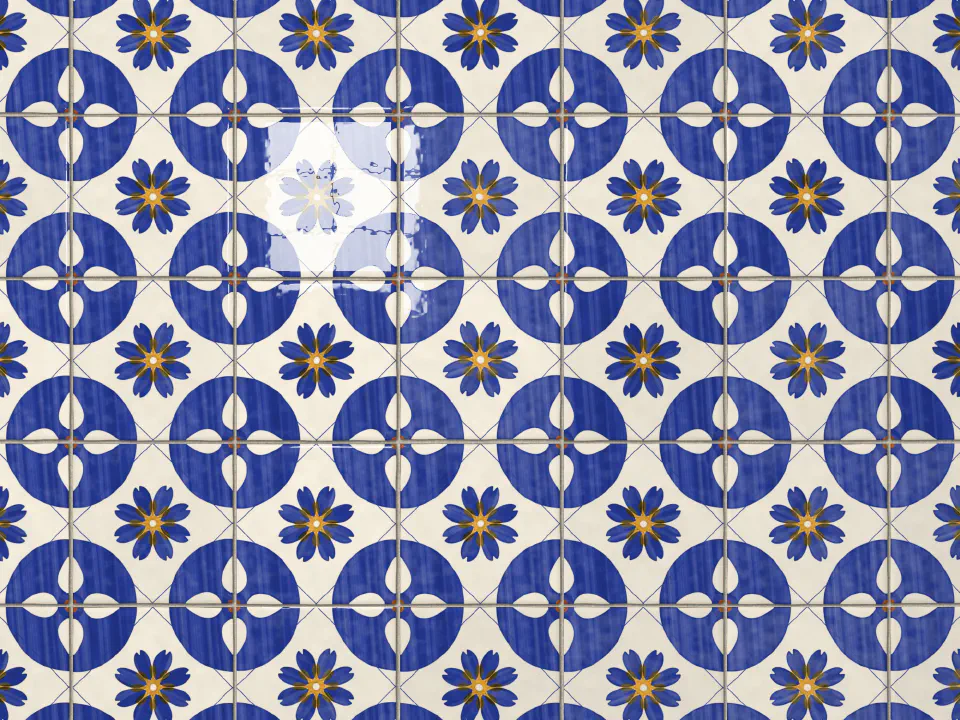
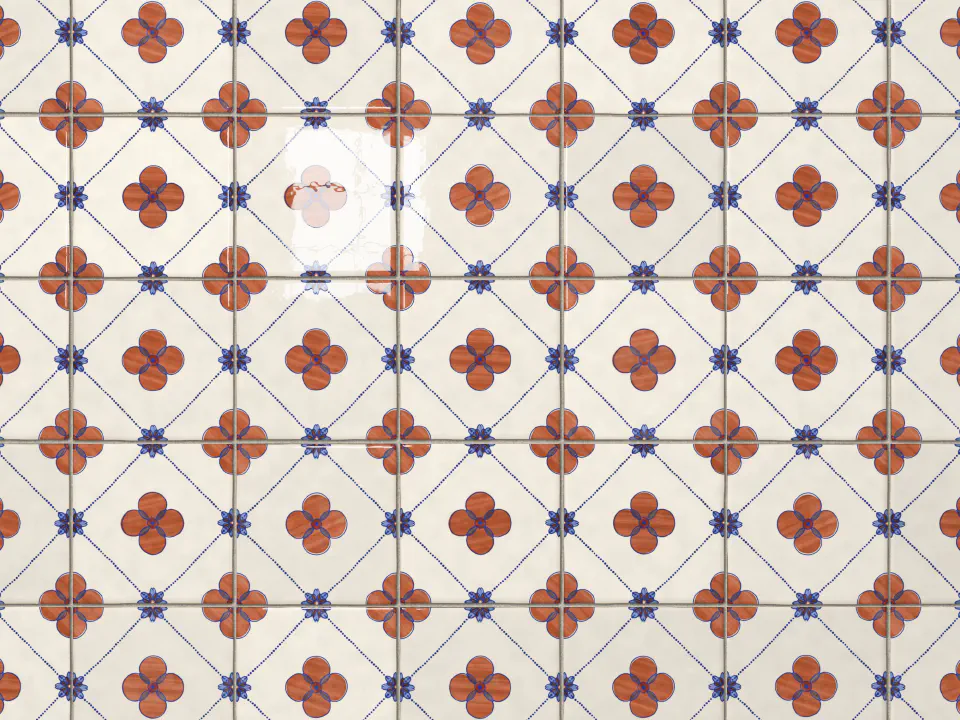
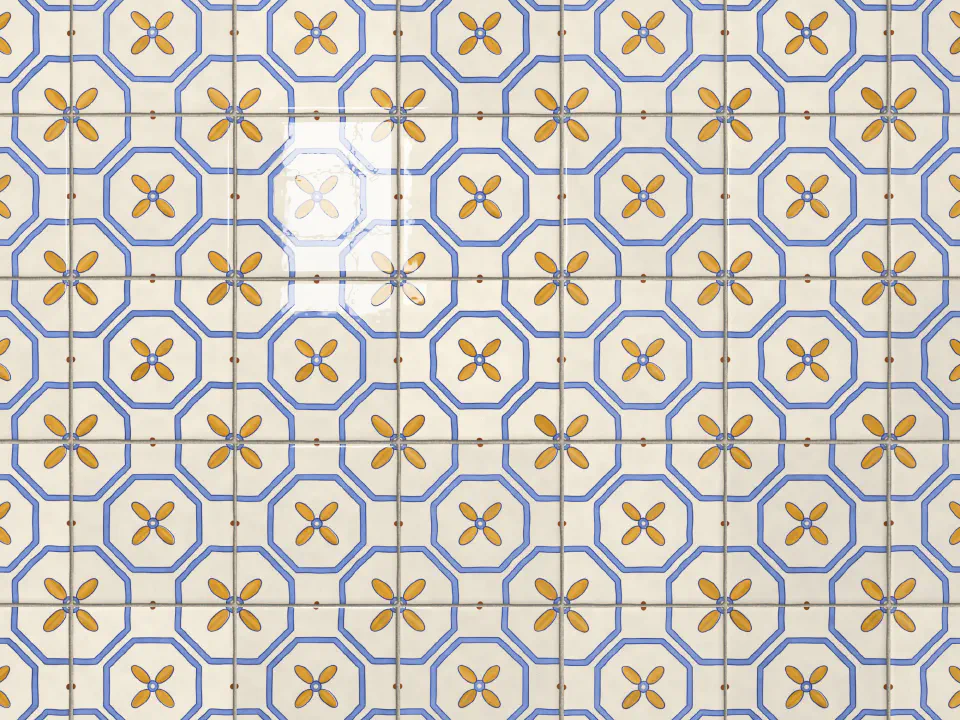
The Glaze
The paint is only half of it. What makes a tile look like a tile is the glaze, and the way the light sits on it. That part is a WebGL shader.
It gives the surface some shape: the edges roll over, the face isn’t perfectly flat, and fired glaze has a fine texture a bit like orange peel. Then it reflects a window. On a single tile, the mouse tilts the tile, so the reflection slides across it and bends over the uneven bits. On the wall the tiles stay put, and the reflection follows the mouse instead.
Here’s the same tile without the glaze, and with it:
Getting Old
Old tiles crack. The glaze shrinks a little more than the clay as it cools, so it splits: long cracks first, then shorter ones in between, each stopping where it meets another. The generator grows the cracks the same way, and some of them collect dirt. Tiles get chipped too, mostly at the corners, where you can see the terracotta under the glaze.
I liked it, but it took the attention away from the painting, so it’s off by default. You can turn on Crackle and Wear in the options menu, next to saving the tile as an image.
The Museum Card
Each tile comes with a small card, like the ones next to objects in a museum: its number, how it was made and in which pigments, its size, a short description of the pattern, and its condition. It’s all written from the tile itself, so the description always matches what you see.
What I Learned
Mostly that the rules matter more than the randomness. My early versions had a lot more random in them and looked worse. Once I followed how the real ones are built (a few motifs, one colour each, everything symmetric, the corners shared), they got much better, even with less going on.
The other thing is that perfect looks fake. Most of the work went into making things a little bit wrong, in the right way.