Helias, Generative Art Experiment with P5.js
I’ve been curious about generative art for some time but never really got into it until recently when I decided to experiment with p5.js. Helias is my first attempt at a fun little project that uses noise functions to generate unique abstract art pieces with each run.
What is Helias?
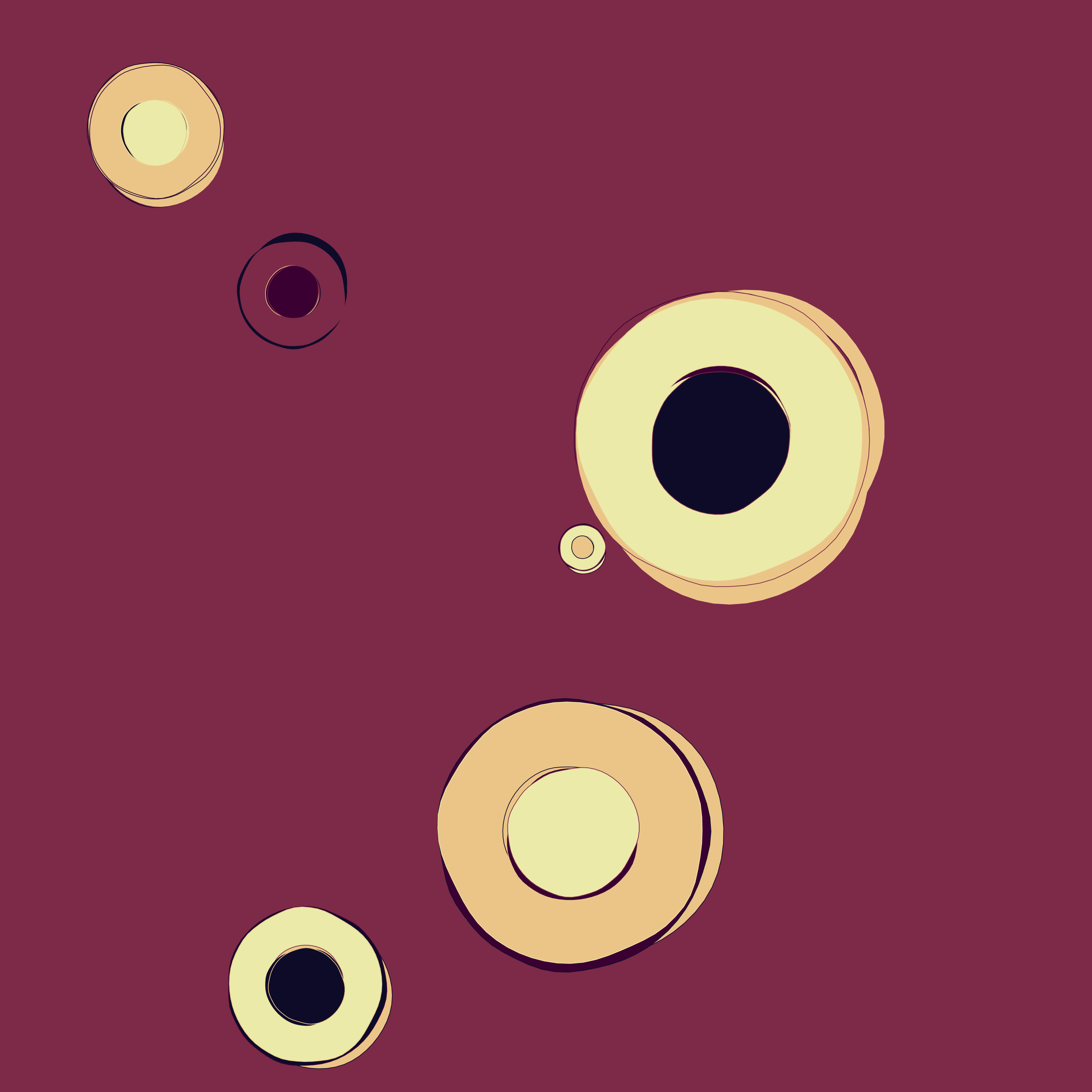
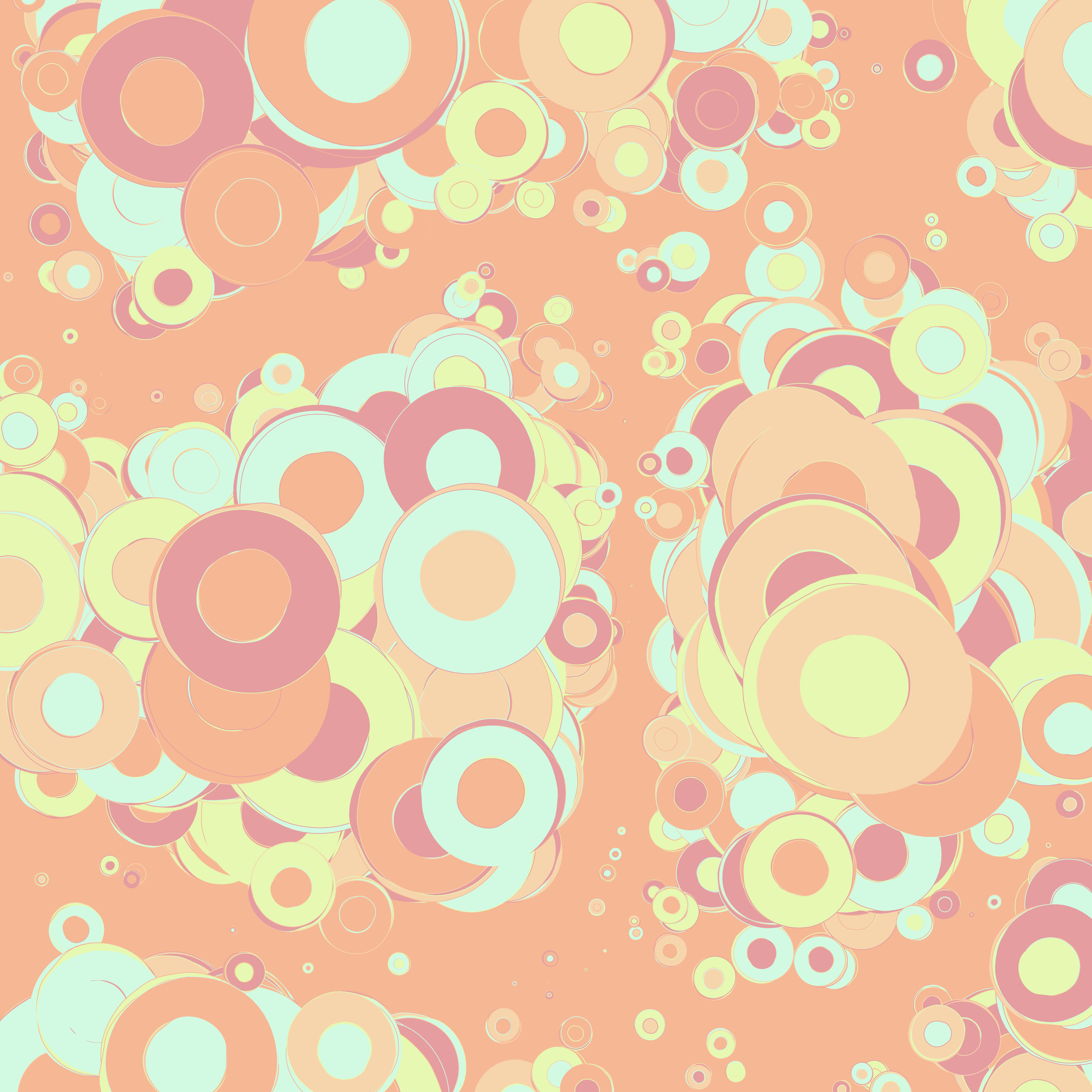
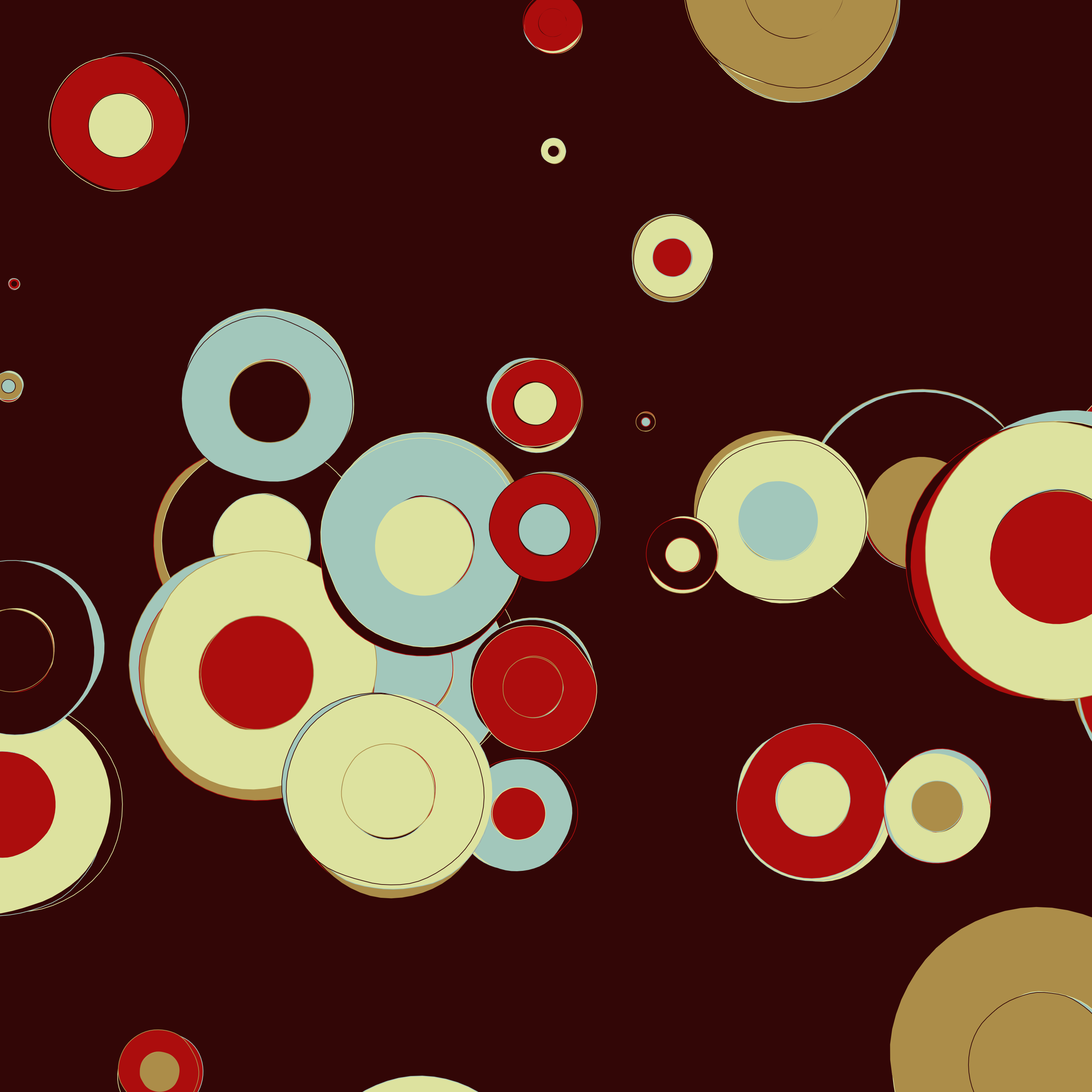
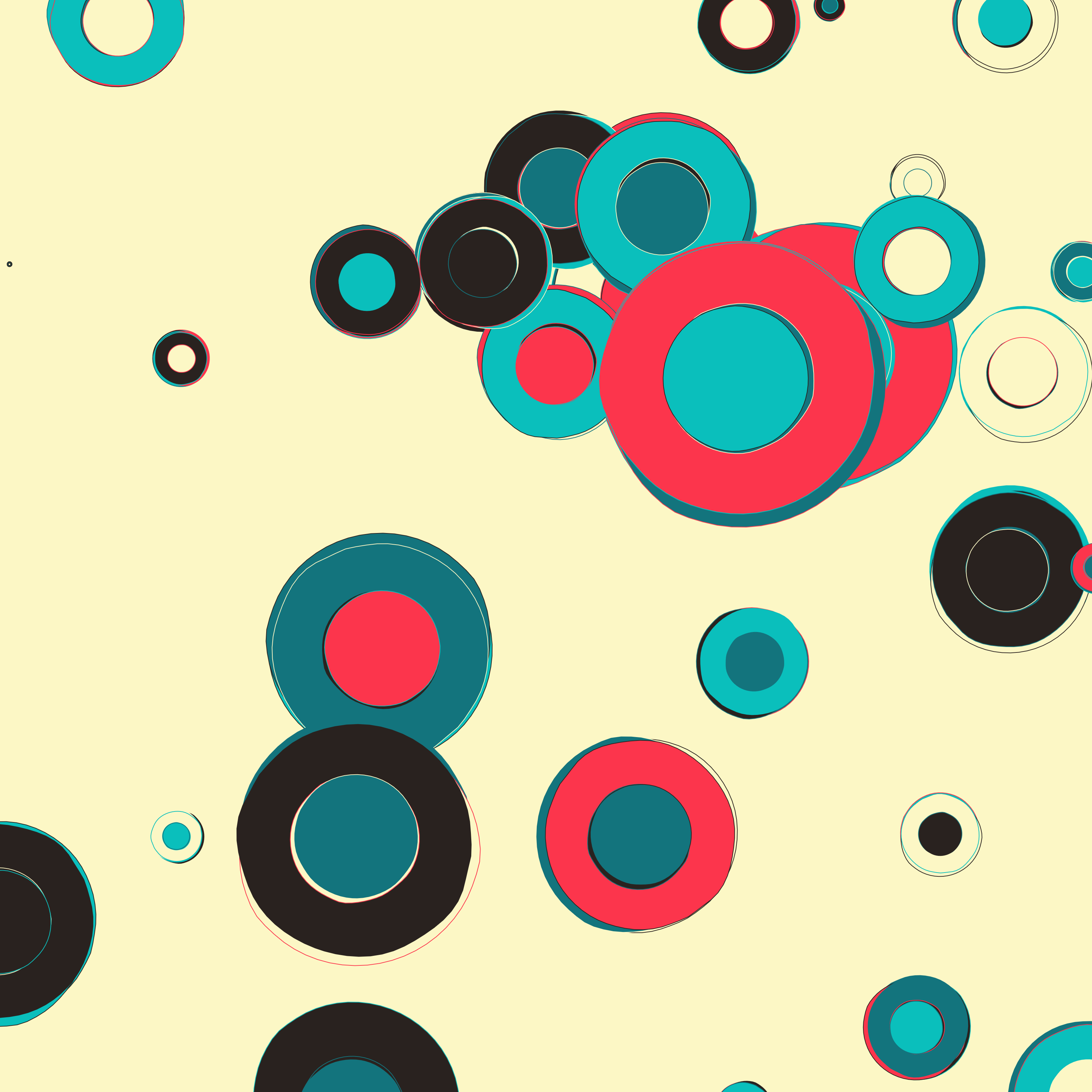
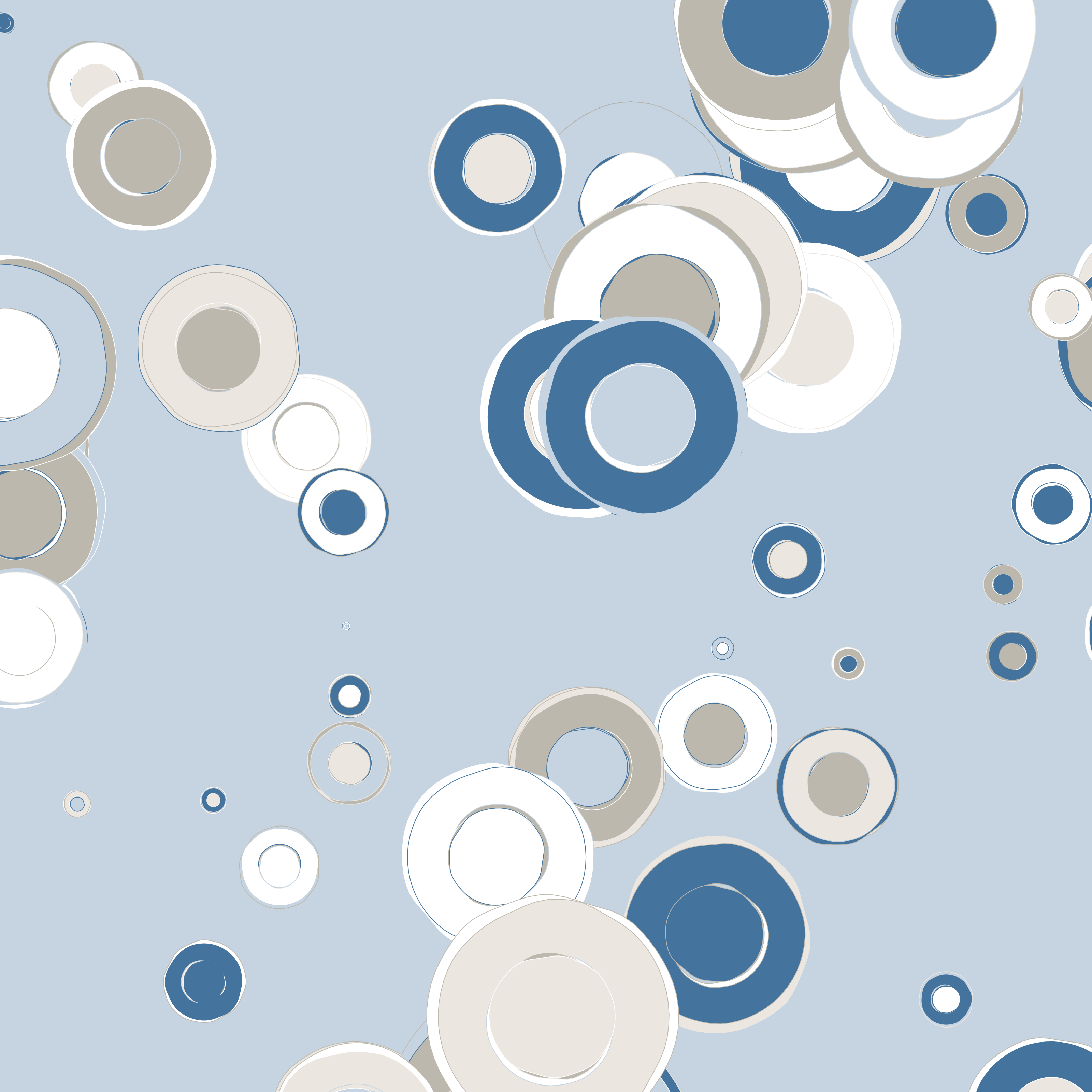
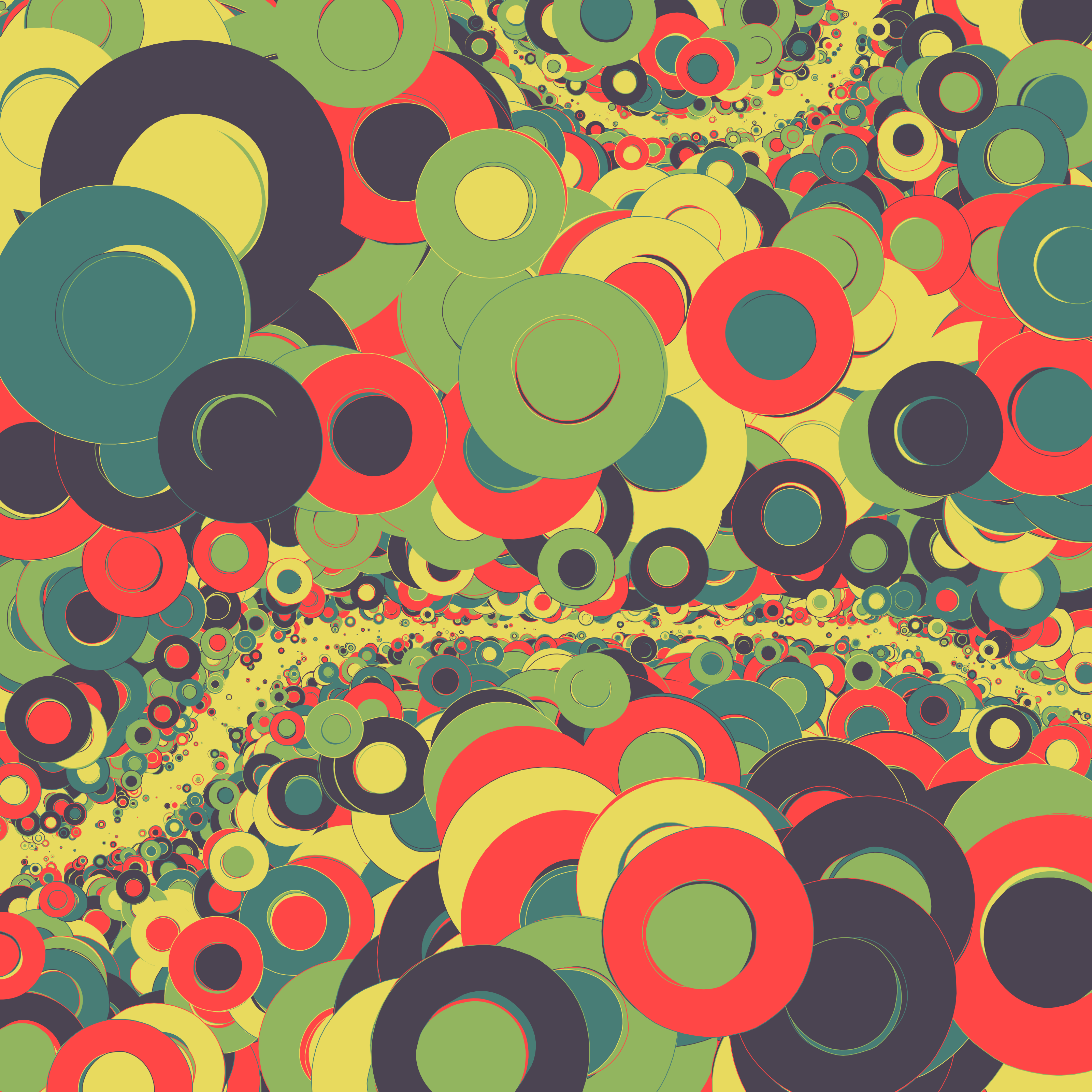
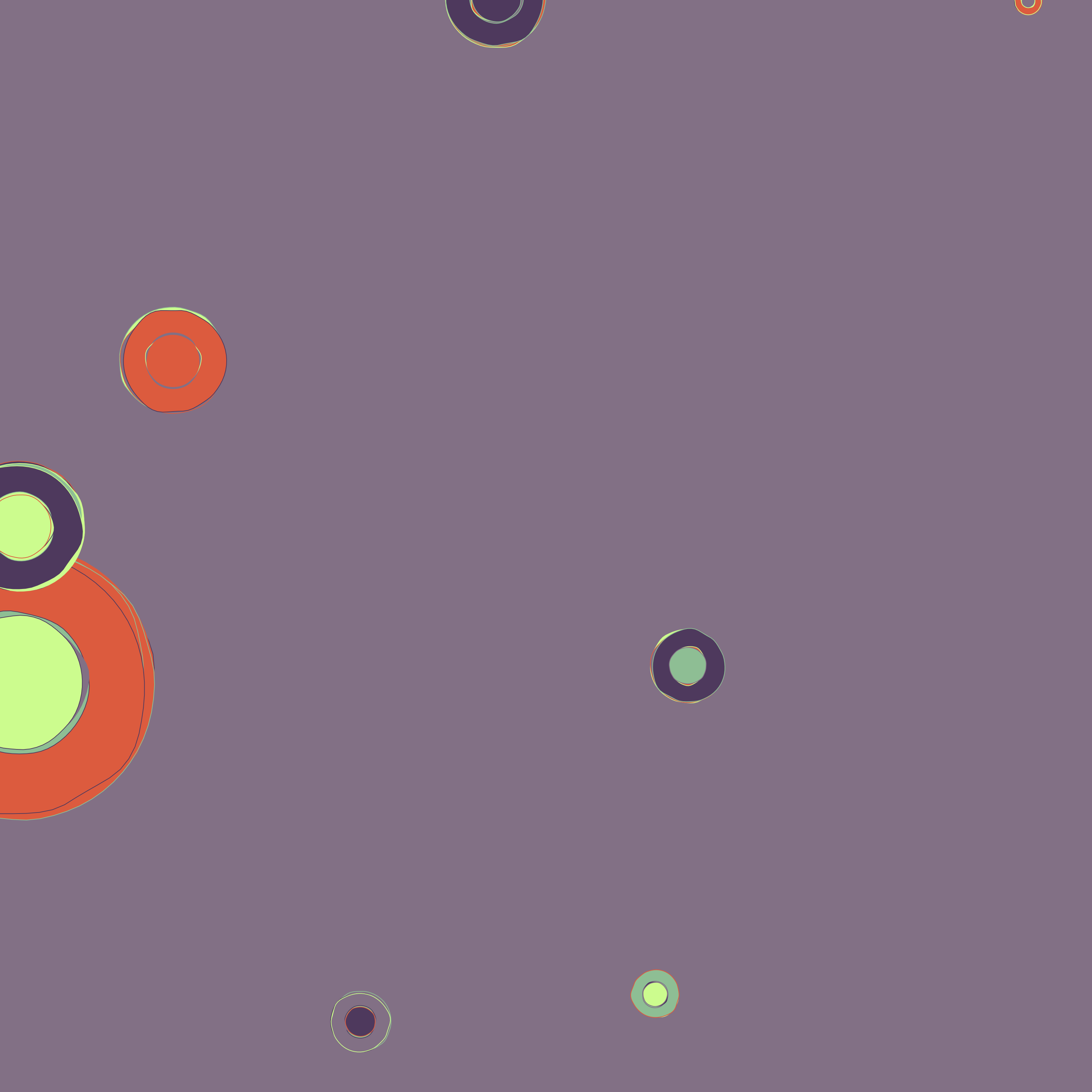
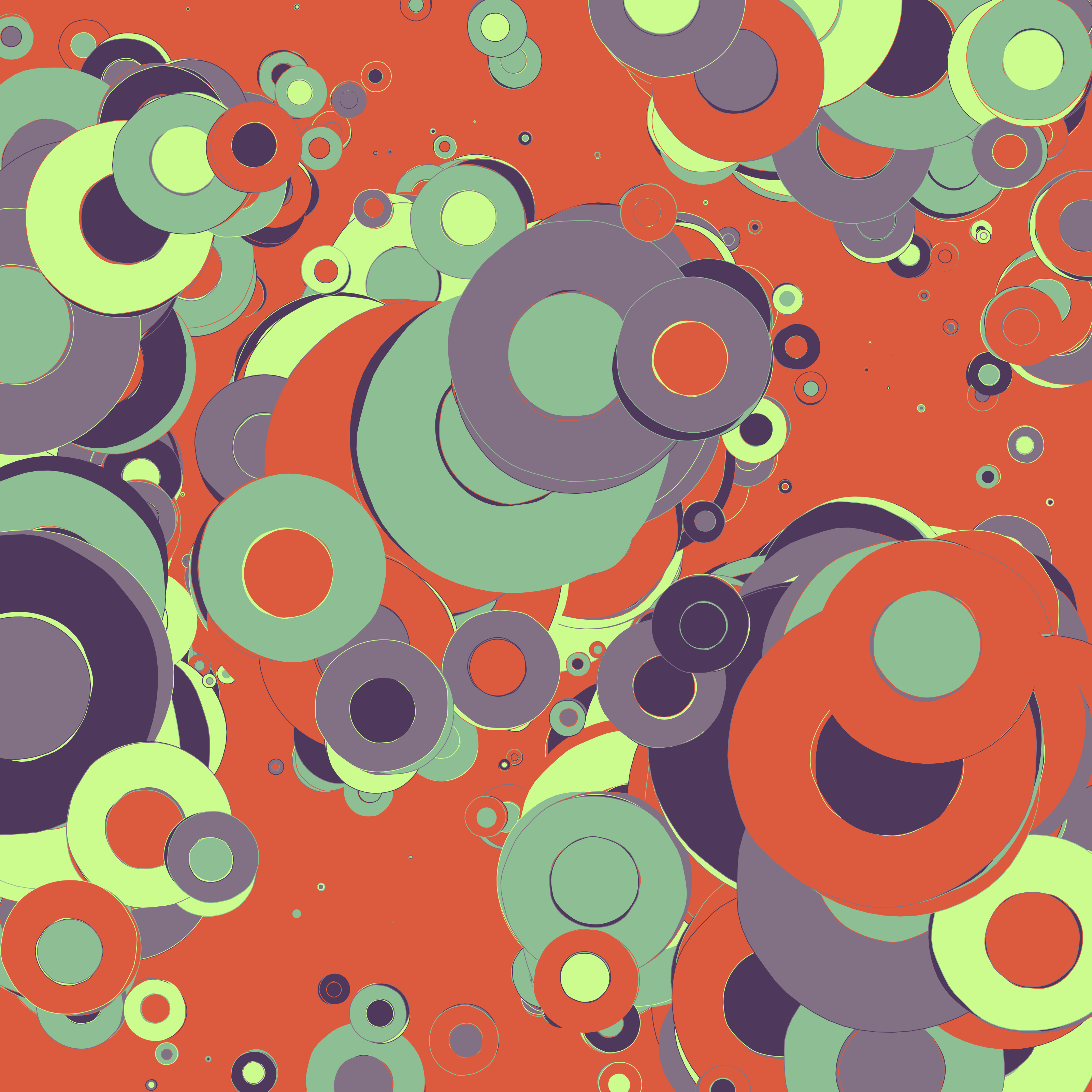
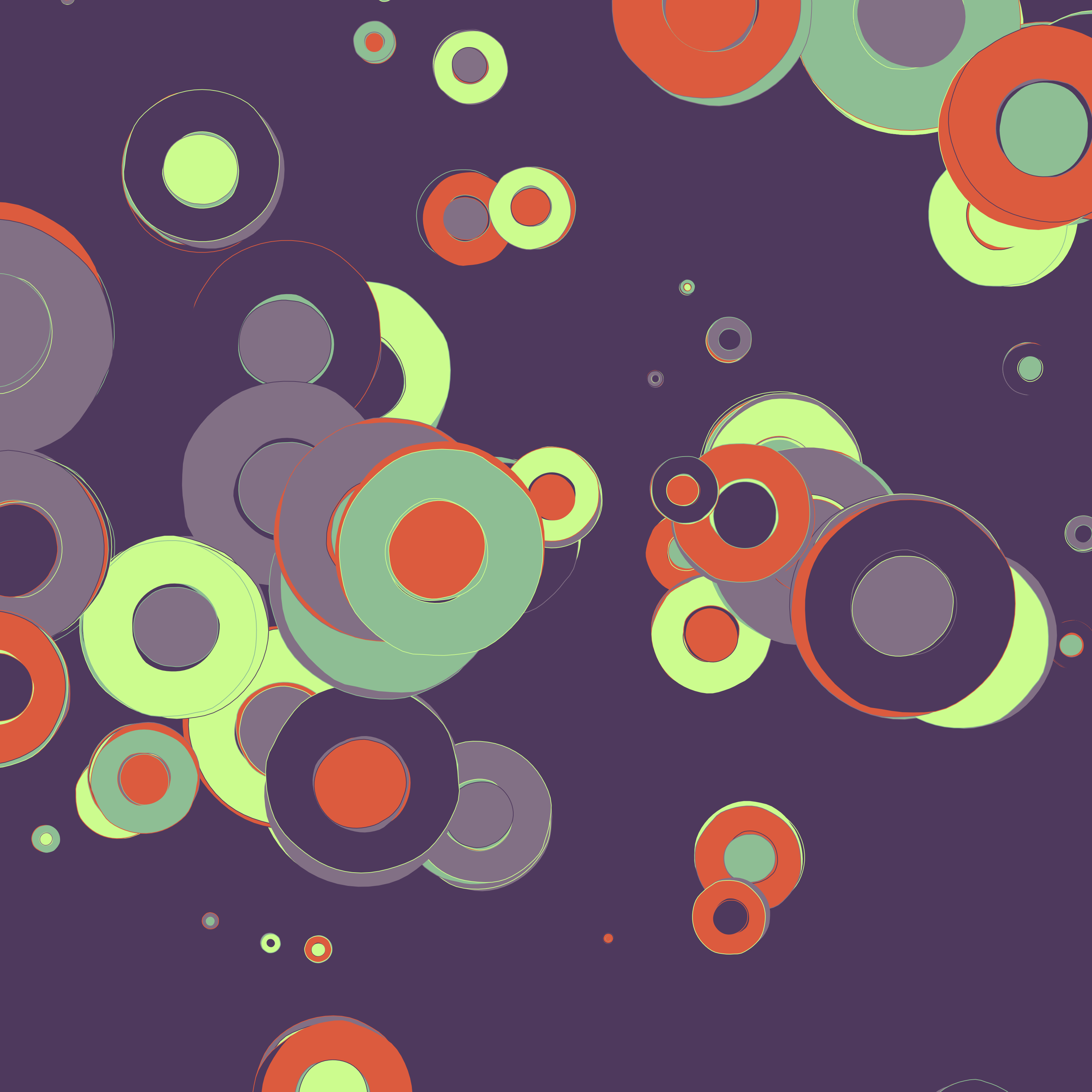
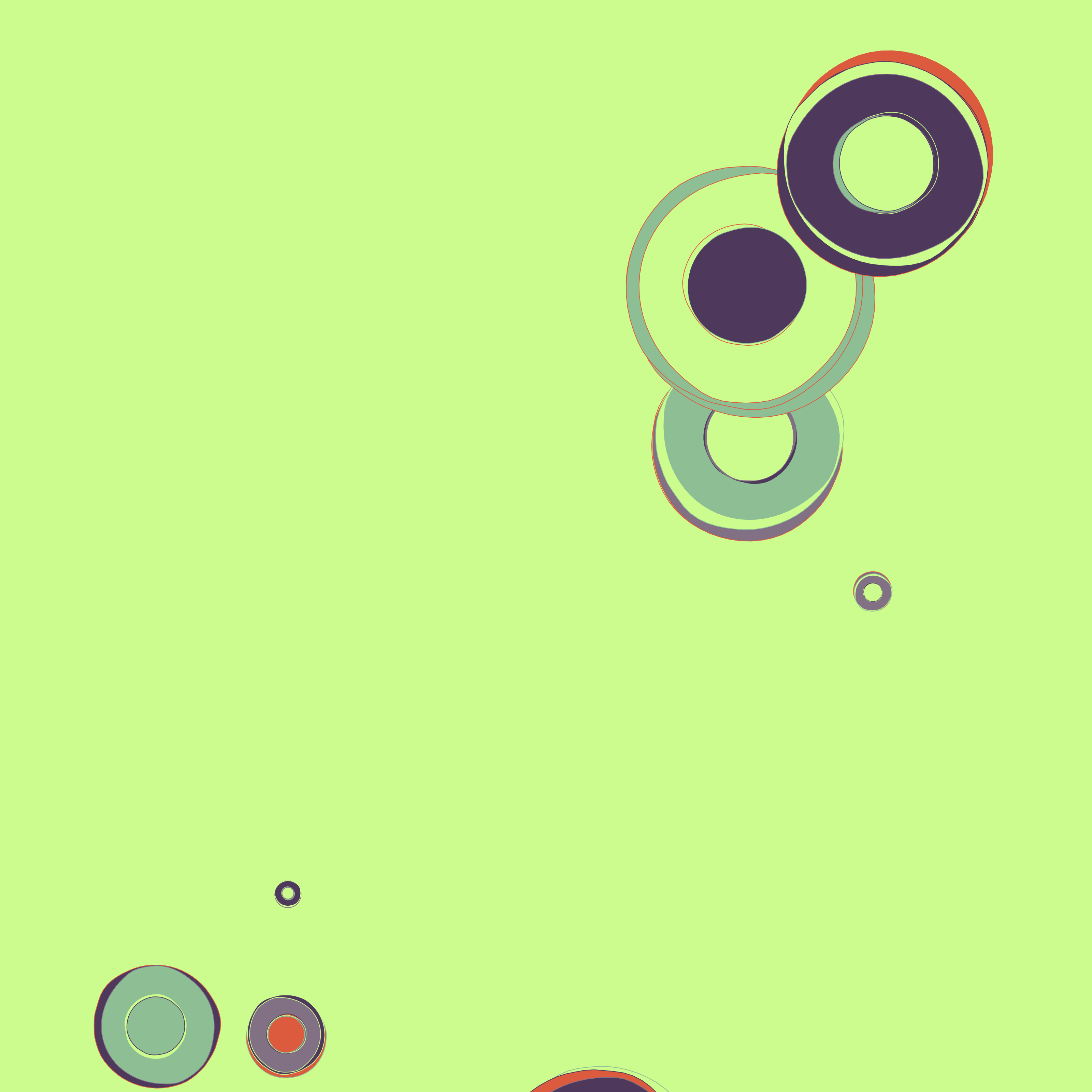
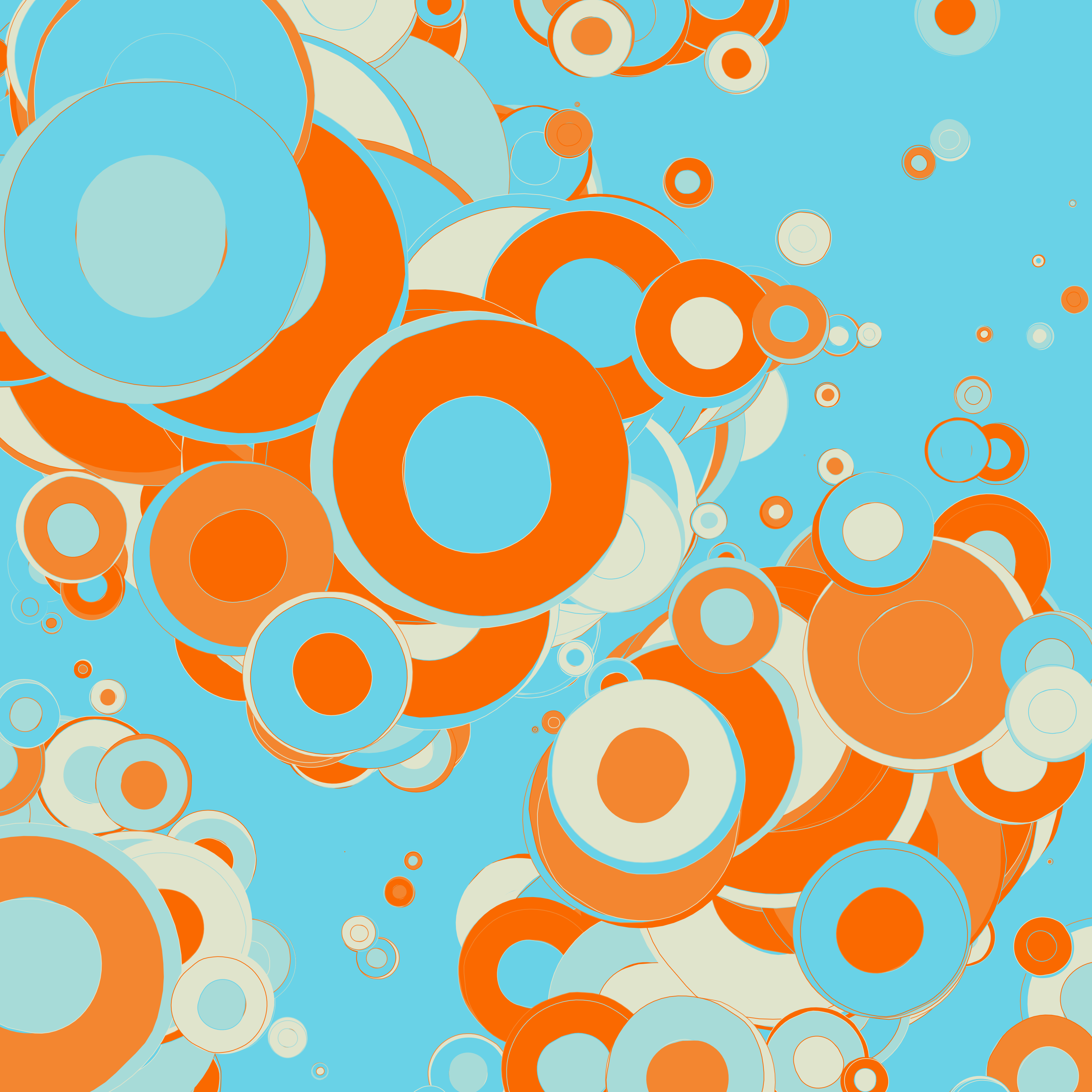
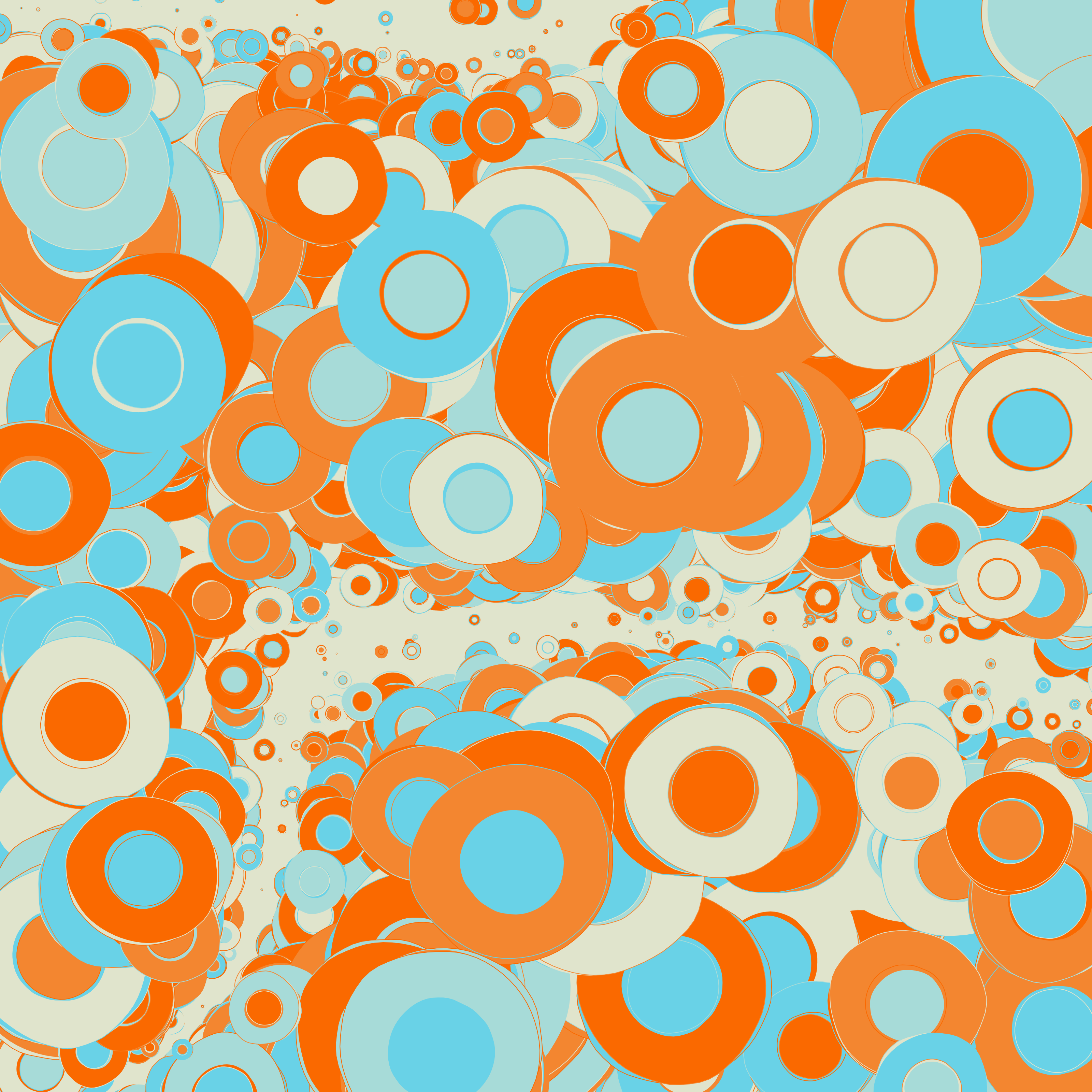
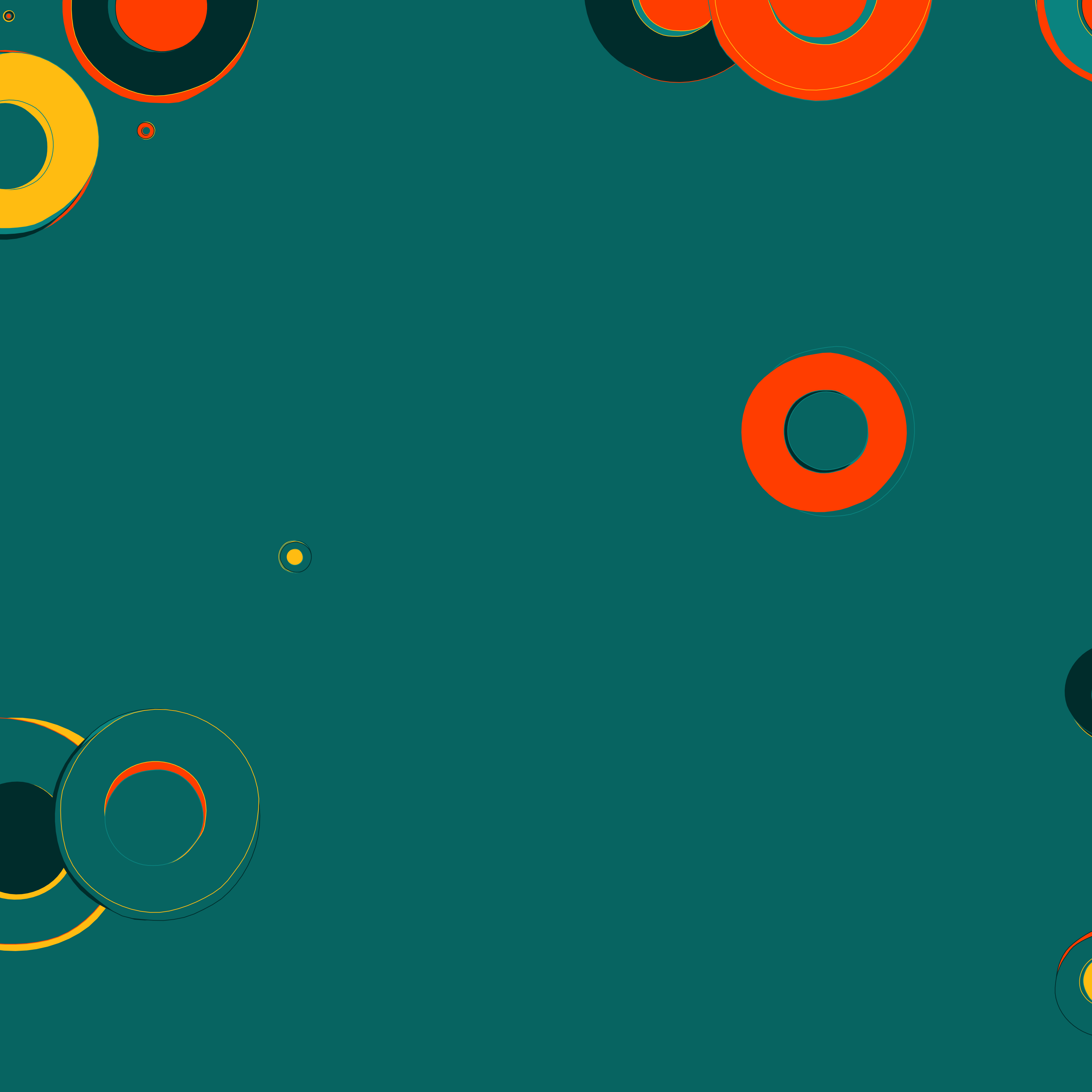
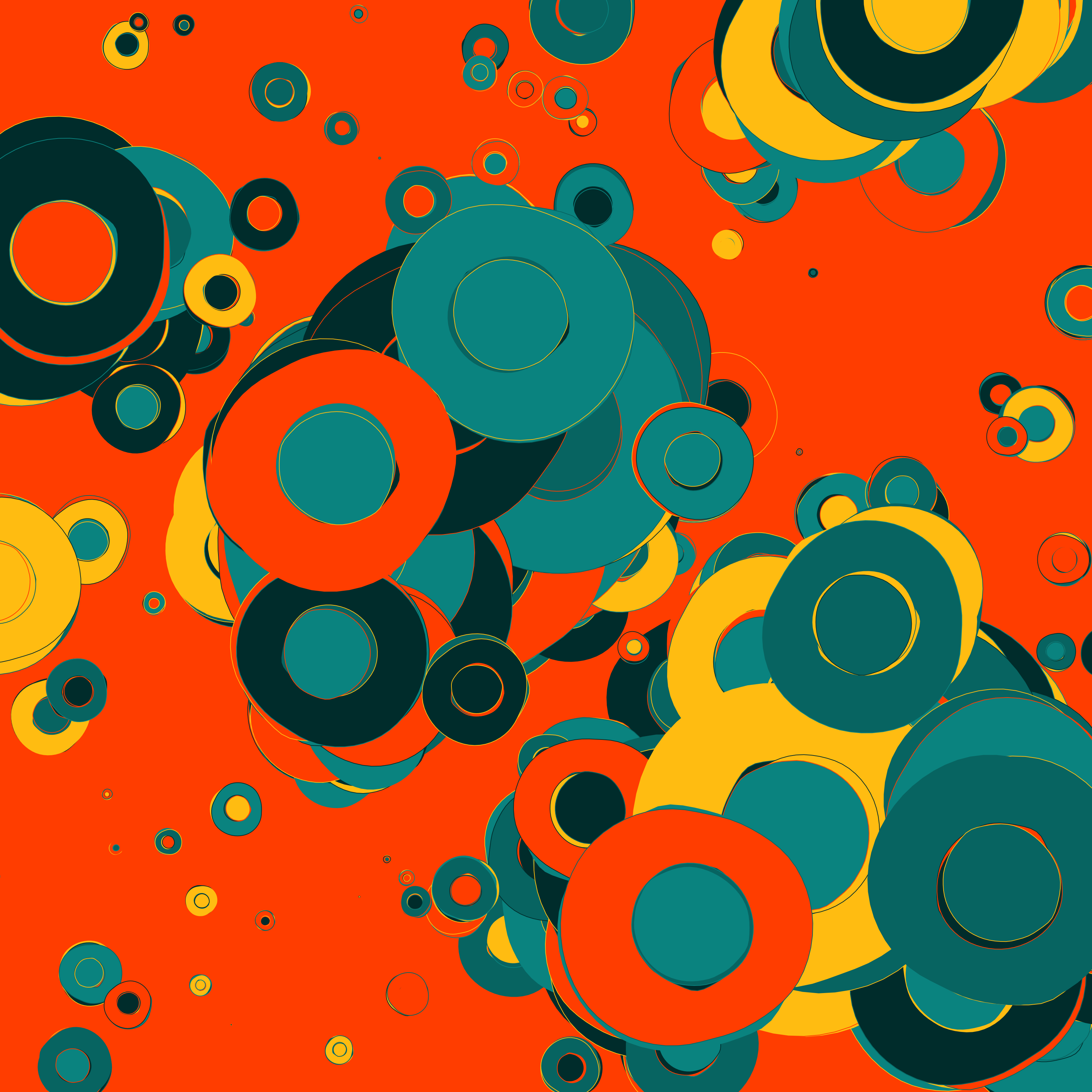
Helias is a generative art experiment I built using p5.js. It creates these colorful, blobby organic shapes arranged in a grid-like pattern, but with enough randomness to make each generation unique. The name doesn’t really mean anything, I just thought it sounded cool and it somewhat reminded me of flowers.
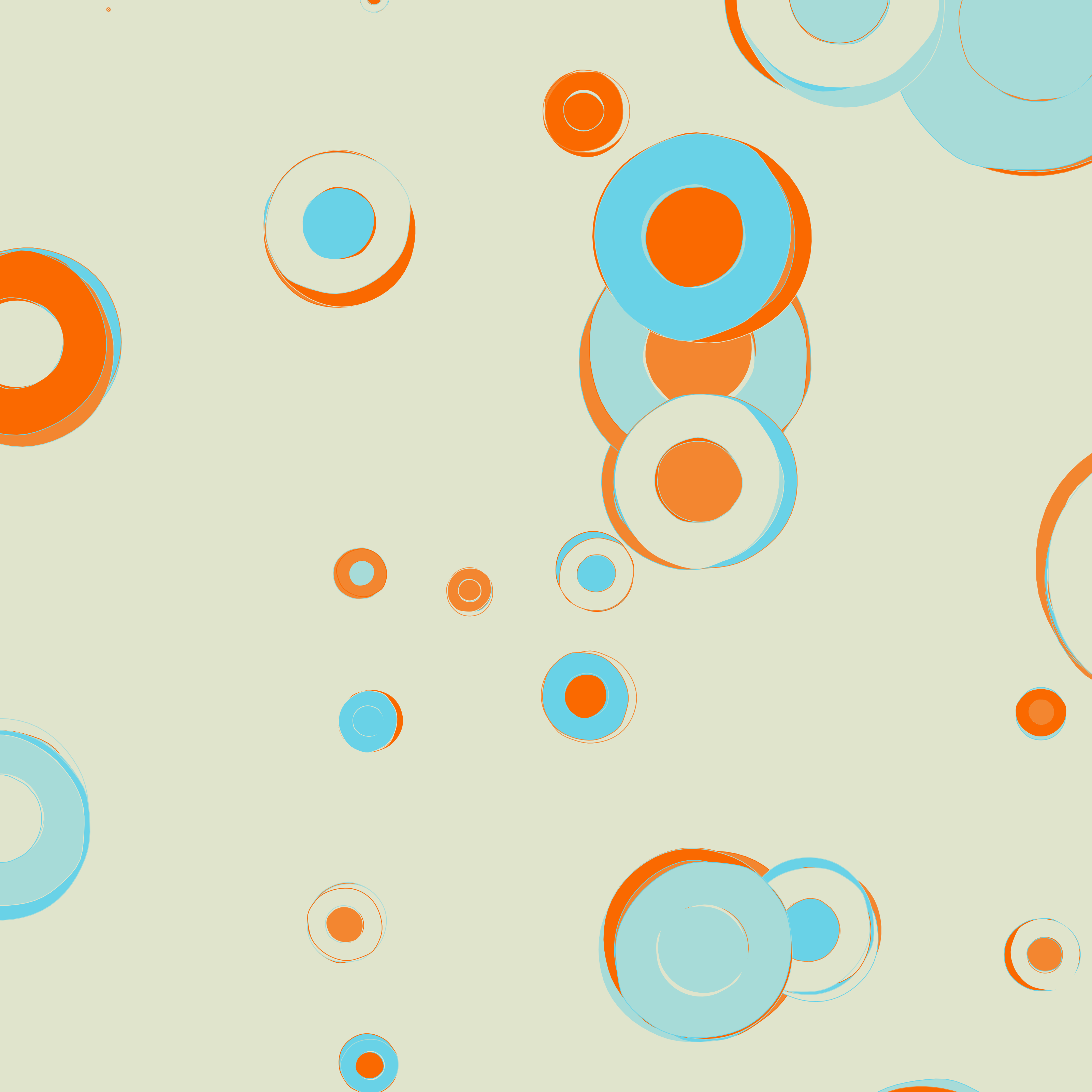
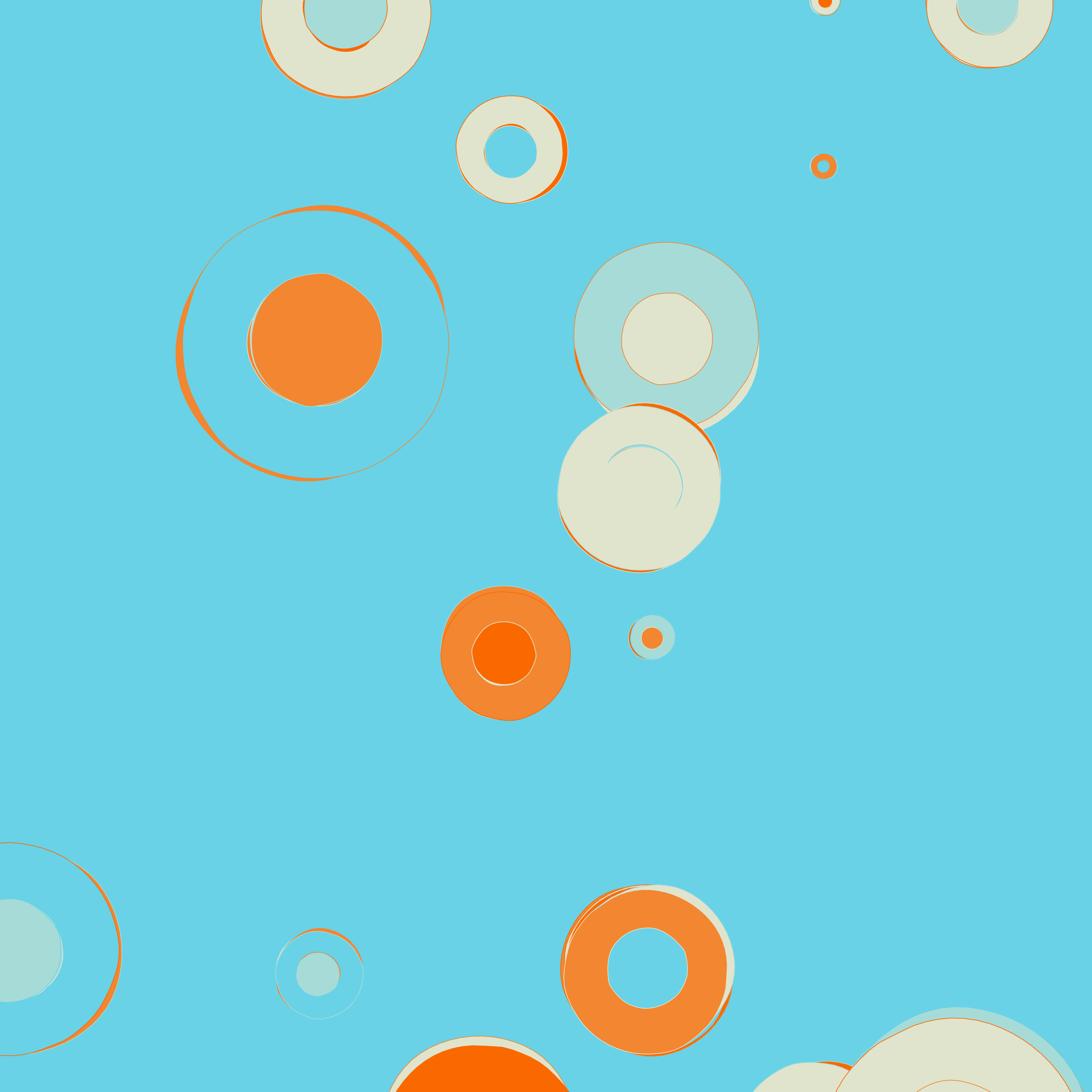
Each time you run it or press the randomize button, you get a completely different composition. Different colors, different shapes, different arrangements. That’s what I find interesting about this: setting up some rules and seeing what unexpected results come out.
The Tech Behind It
I built Helias using p5.js, which is basically a JavaScript version of Processing. For the colors, I used a library called nice-color-palettes that gives me access to 1000 pre-made color schemes. This saves me from having to choose colors that work well together.
The main technique I used for creating the organic shapes is Perlin noise. Unlike true randomness which creates jagged patterns, Perlin noise gives you smooth, natural-looking randomness. This is perfect for creating flowing, organic shapes that still look intentional rather than chaotic.
The Setup and Controls
The interface is simple: just a canvas with the generated art and a list of keyboard shortcuts. These shortcuts are probably my favorite part of the project because they let you play with the composition without having to touch any code.
I added several interactive controls to make it easy to explore different variations:
- R - Randomize everything (colors, number of shapes, scale)
- P - Just randomize the color palette
- O - Cycle through color schemes
- K/L - Increase/decrease the number of shapes
- U - Randomize the zoom level
- H/J - Decrease/increase the scale
- S - Save the current creation as a PNG
These shortcuts make it really fun to explore the possibilities of the system. You can keep pressing keys until you find a composition you really like, then save it as an image.
How It Actually Works
Behind the scenes, the process is fairly straightforward. I set up an instance mode p5 sketch with a few key variables that control the overall look: one for scale/zoom, another for how many shapes appear, and a variable for the current color palette.
The main process works like this:
- Create a grid of points
- Randomly filter out some points based on visibility settings
- For each remaining point, draw several blobby shapes
- The blobby shapes are created using noise to distort circles
Instead of drawing perfect circles, I use Perlin noise to vary the radius as I move around the circumference. This creates the organic, blobby look. I then play with different scales of these blobs to create more visual interest.
What Was Tricky
Getting the right balance of randomness was the hard part. Too much and it looks chaotic, too little and it looks boring, so I spent a lot of time tweaking parameters to find good default ranges. That’s also where most of what I learned came from: keeping the system to one kind of operation (blobby circles on a grid) but letting it be random inside those limits gives you results that are coherent and still surprising.
Performance was the other issue. If you generate too many shapes the browser starts to lag, so there’s a limit to how complex it can get.
The color palettes also took some experimentation. Initially I was generating random colors, but the results weren’t great. Switching to the nice-color-palettes library fixed that straight away, since the schemes in it already work together.
The Final Result
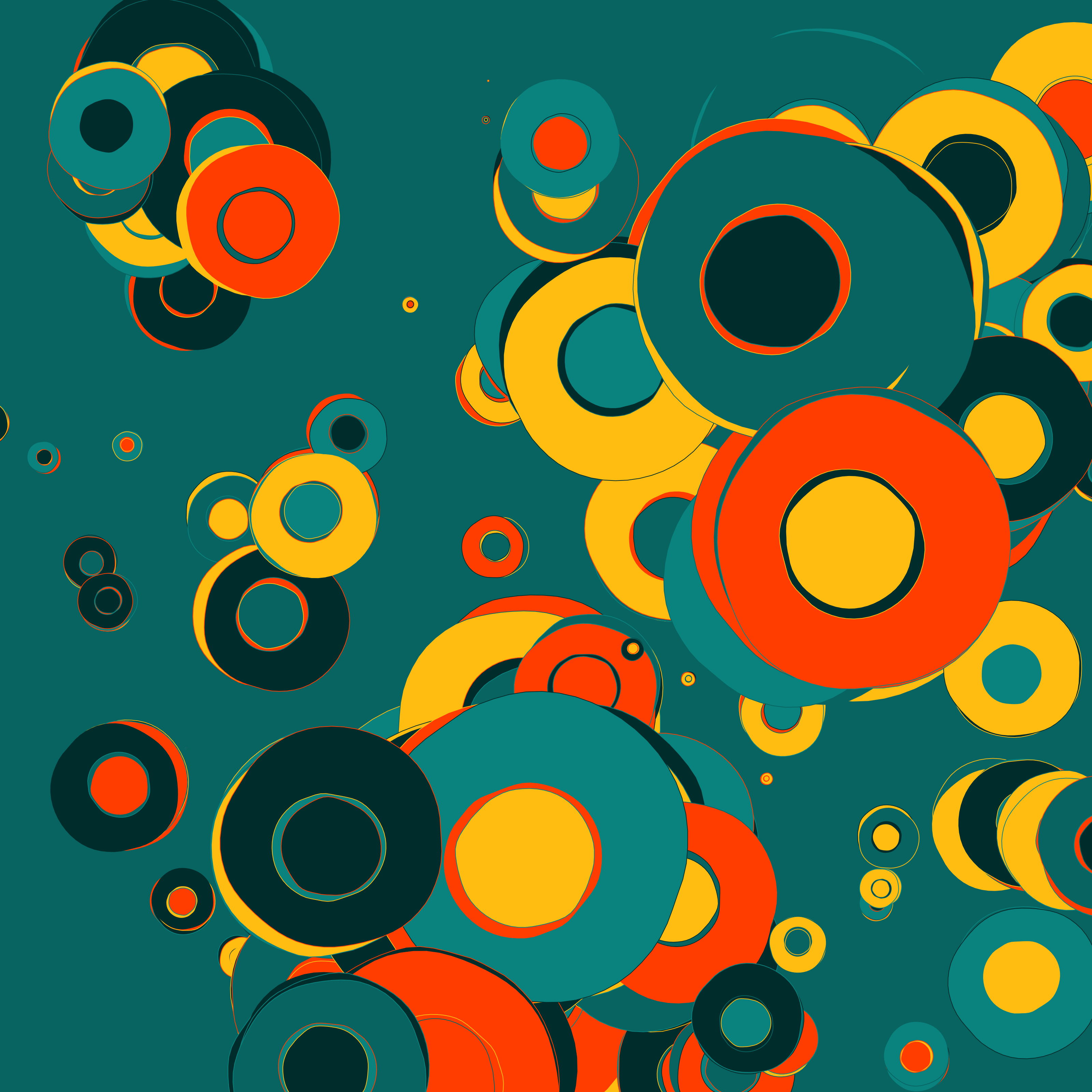
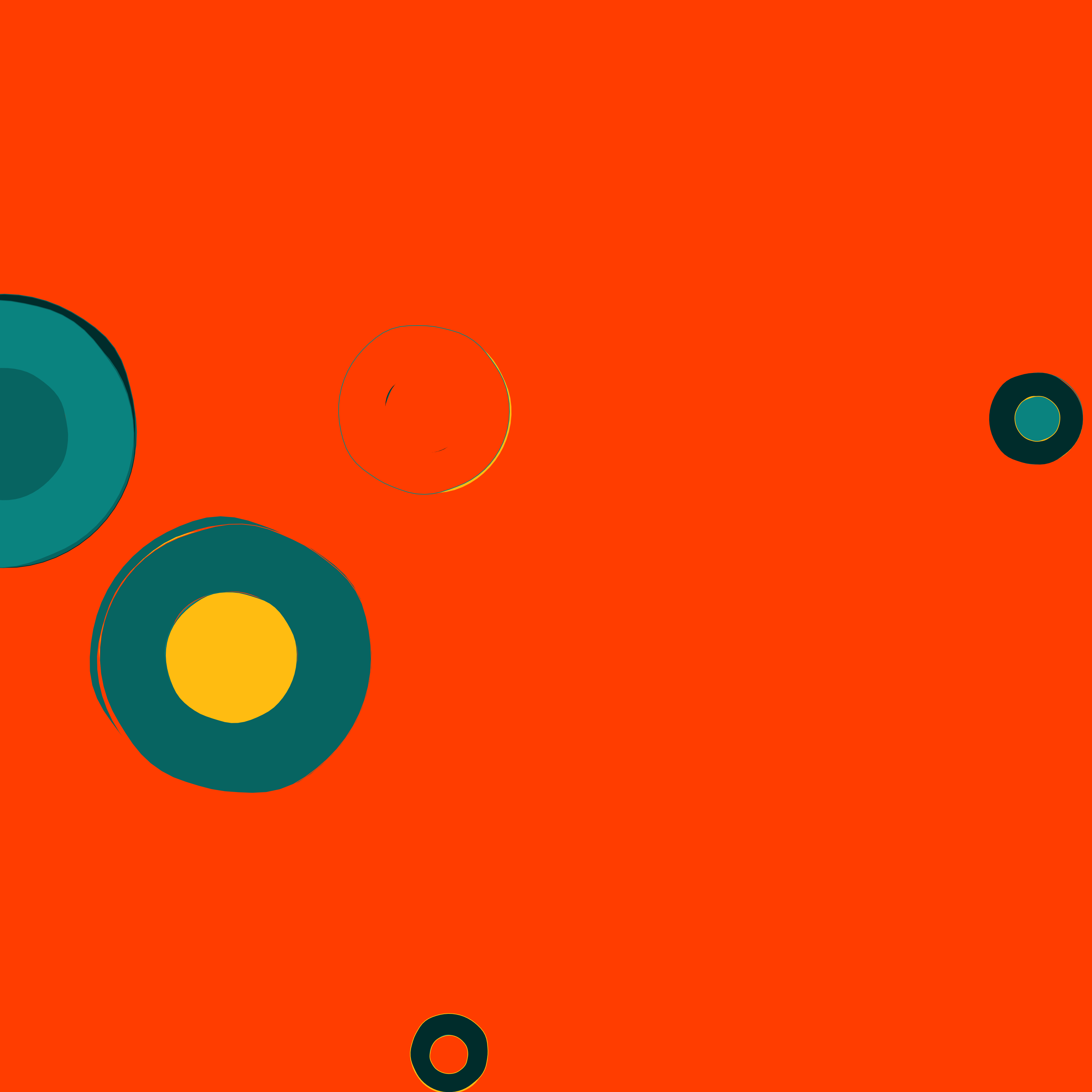
What I ended up with is a small art generator that makes a different abstract composition every time. It’s oddly satisfying to press randomize and see what comes out.
You can check out the code on GitHub: p5.helias and run it in the browser here: Helias . Feel free to fork it and create your own variations!
More generations