This project started with a random conversation on our company Slack. Someone mentioned building a custom keyboard for trading with our Cryptowatch Desktop product, like those Bloomberg terminal keypads. I thought it would be a fun side project.
The Concept: 4k20 Keypad
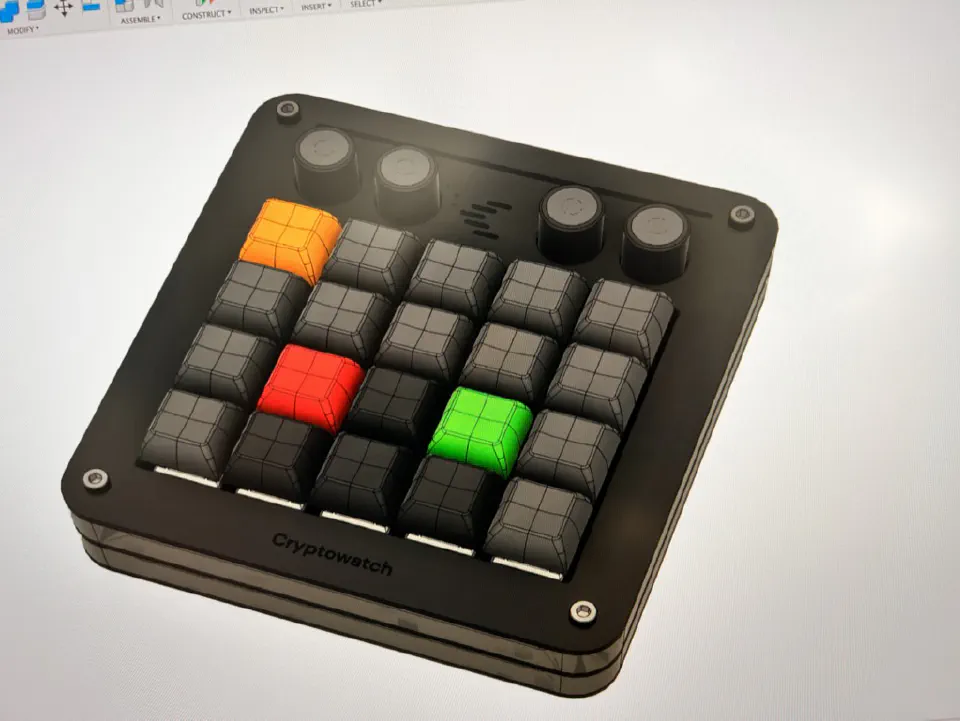
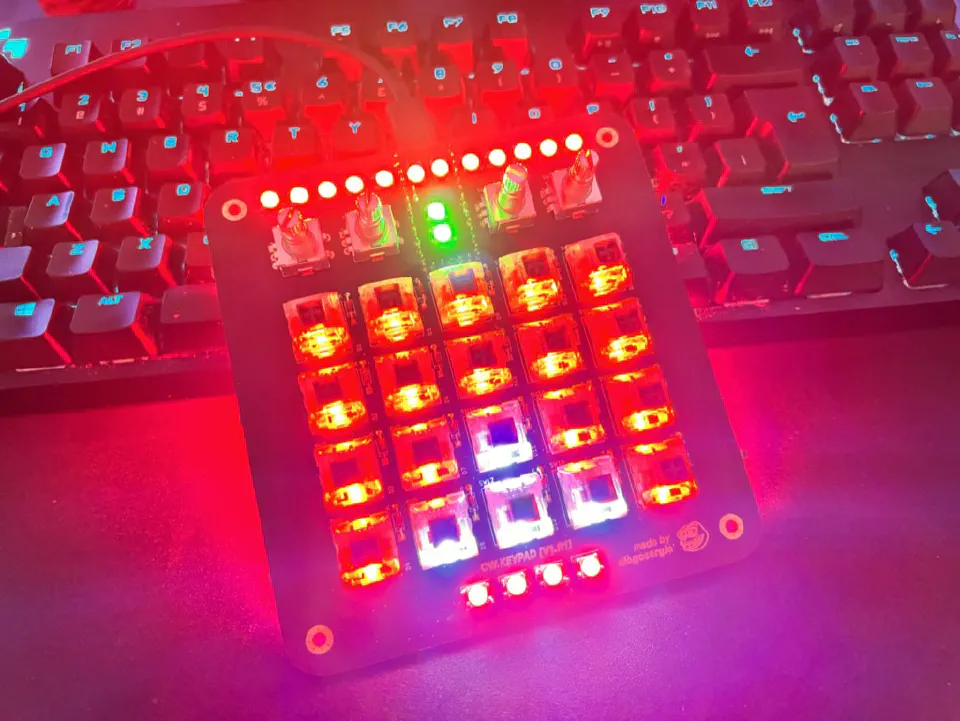
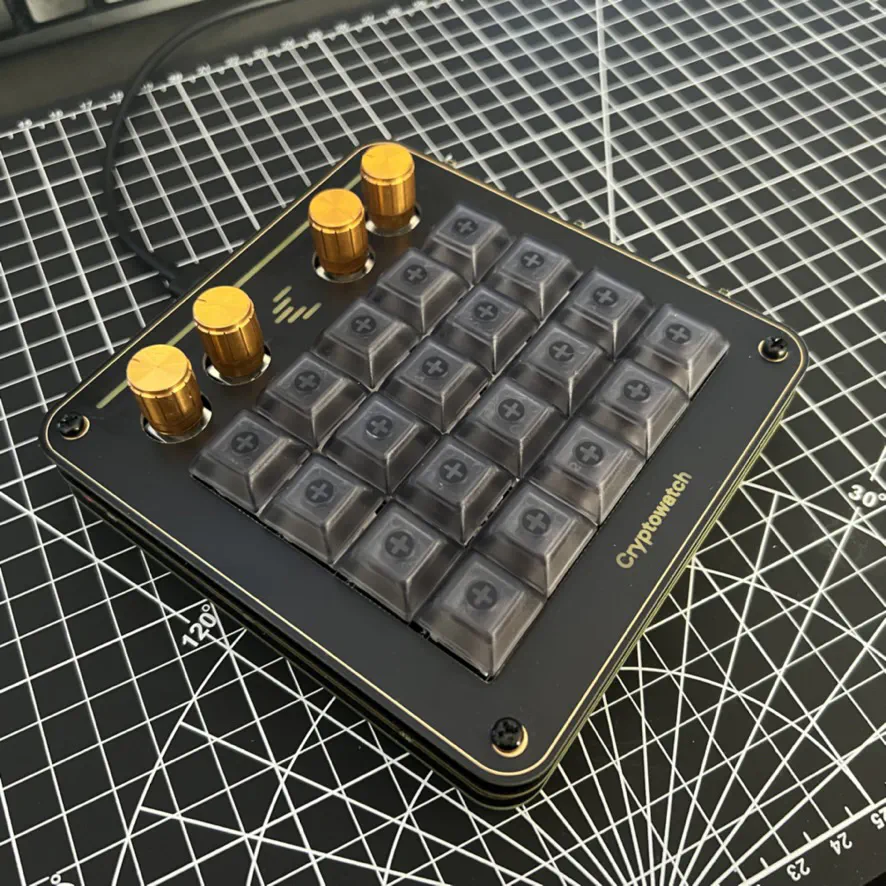
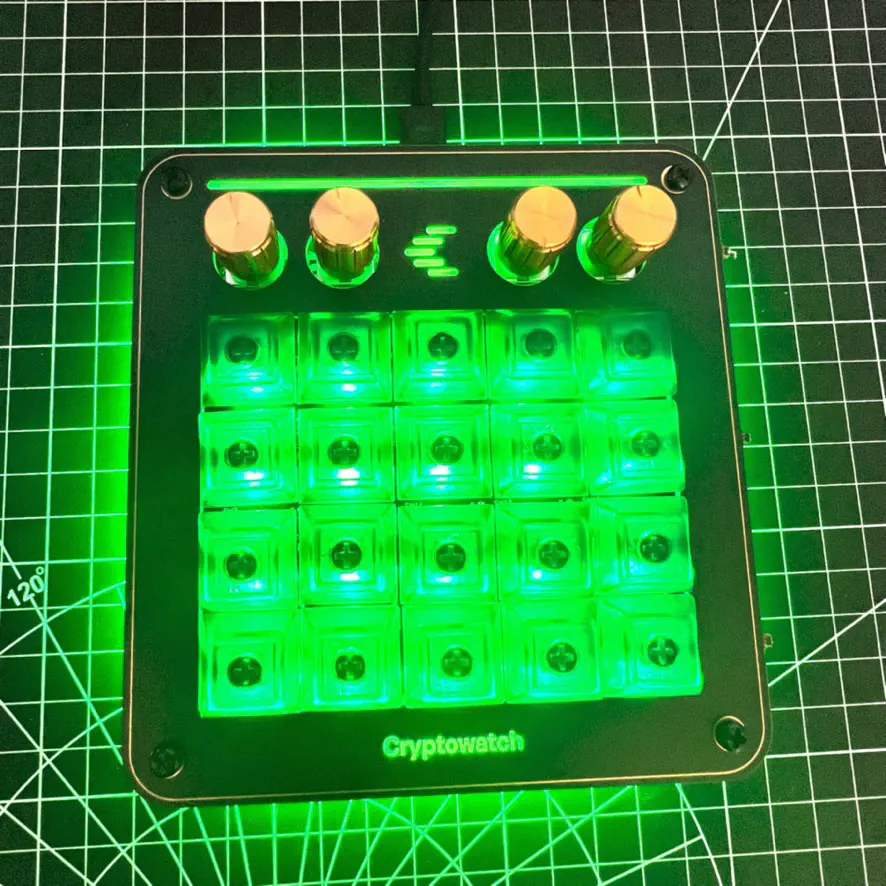
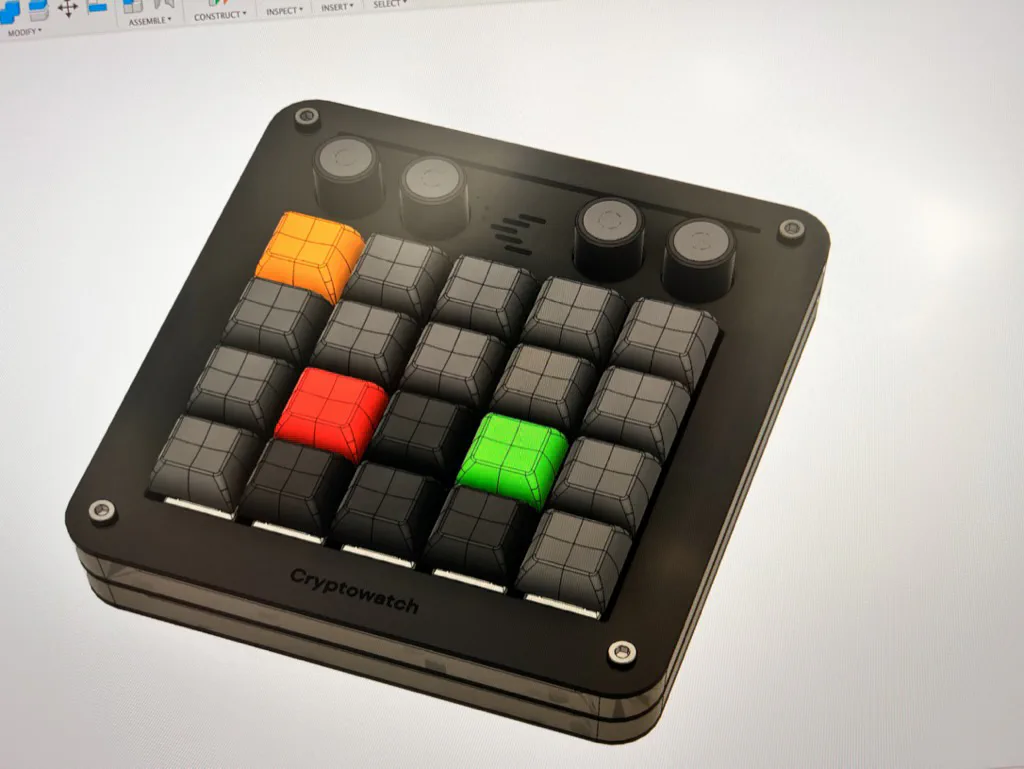
I wanted to build a small companion keypad with 4 rows and 5 columns of keys (20 in total), plus 4 rotary encoders for extra control. The plan was to use a Teensy LC as the brains, with the keypad as a shield that plugs into it.
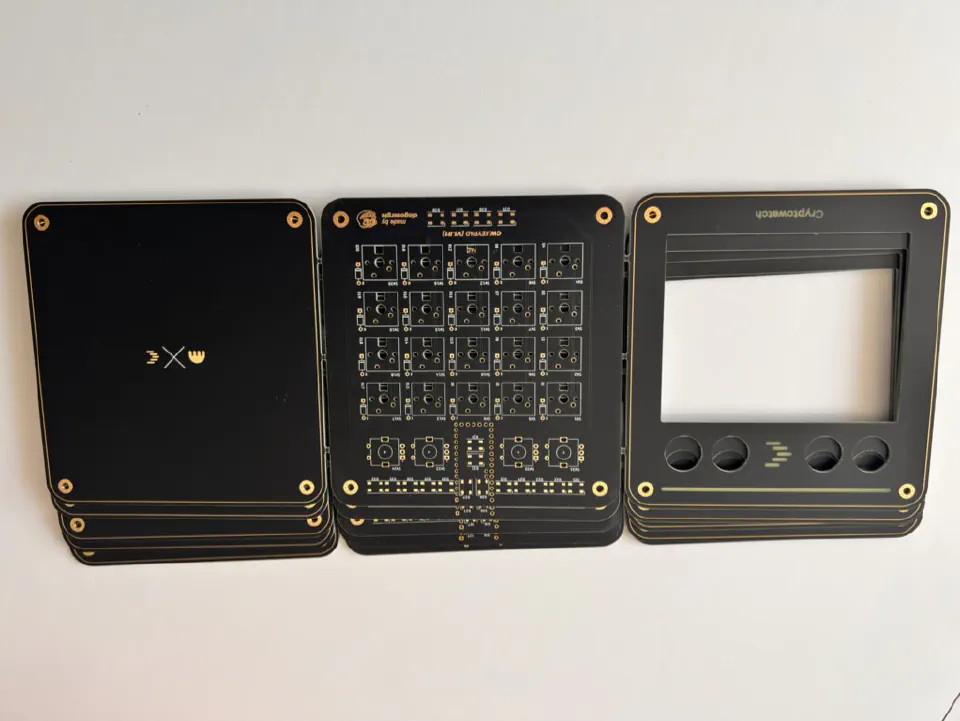
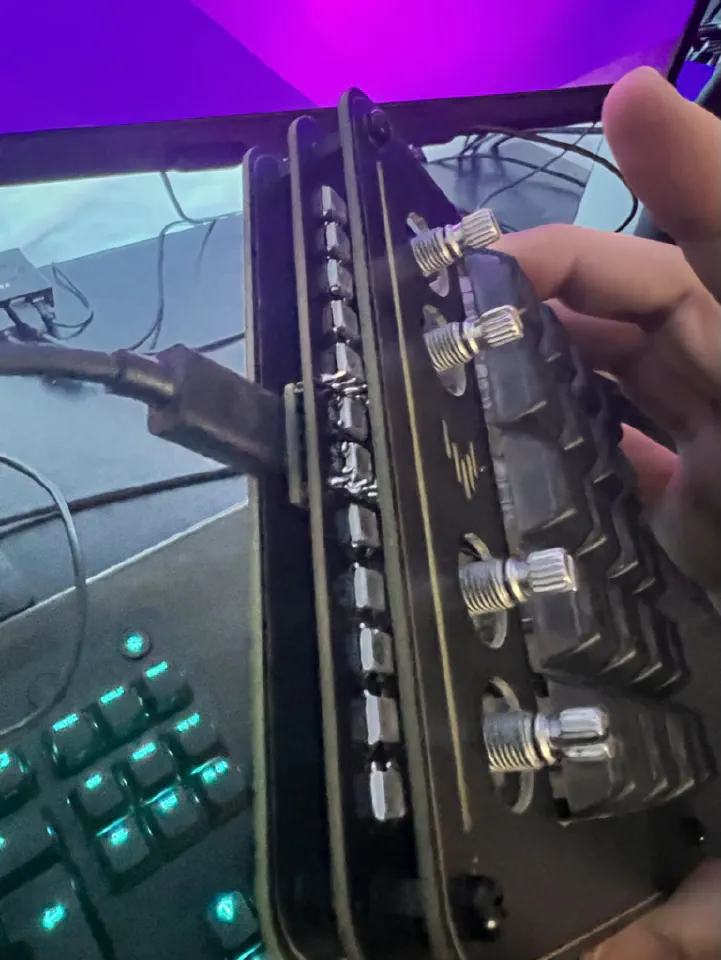
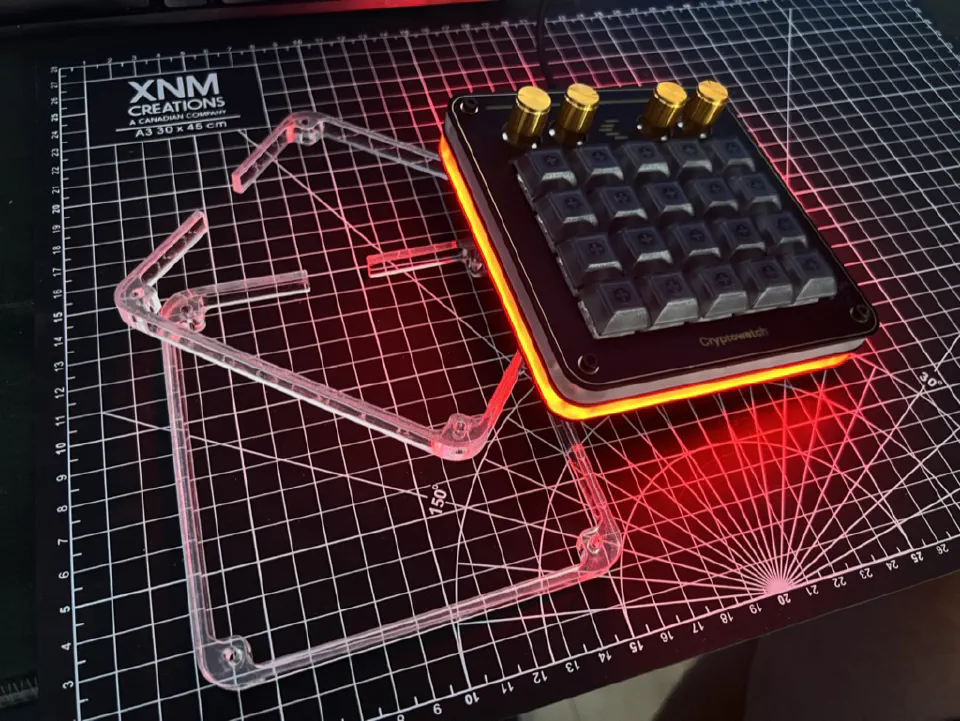
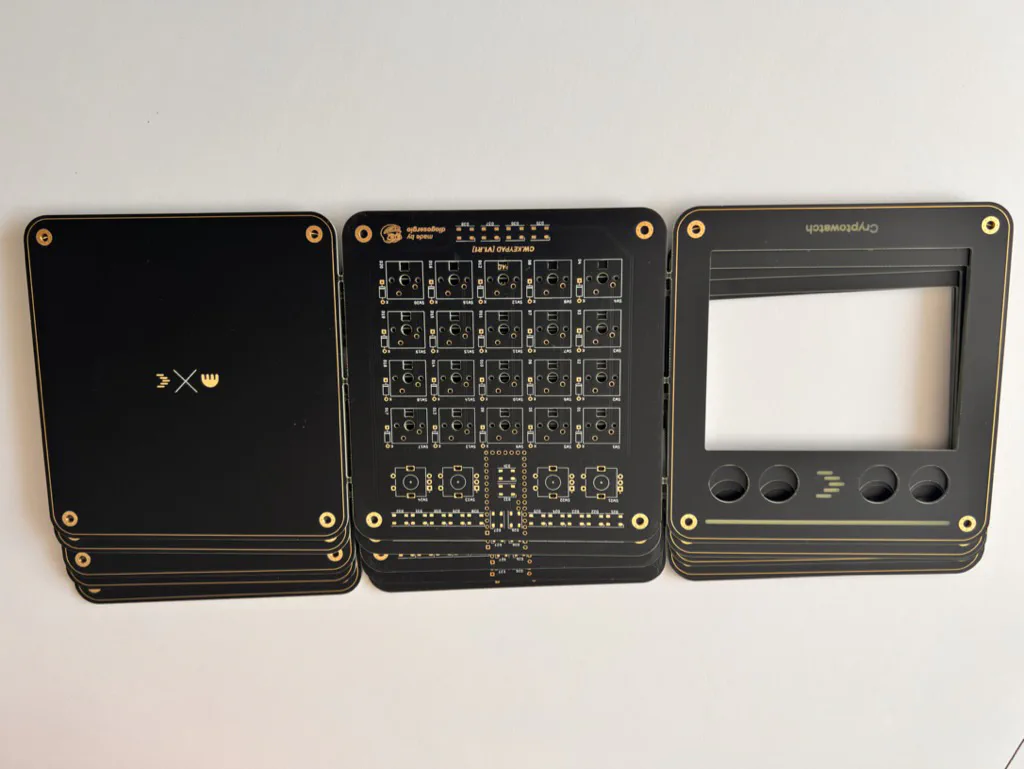
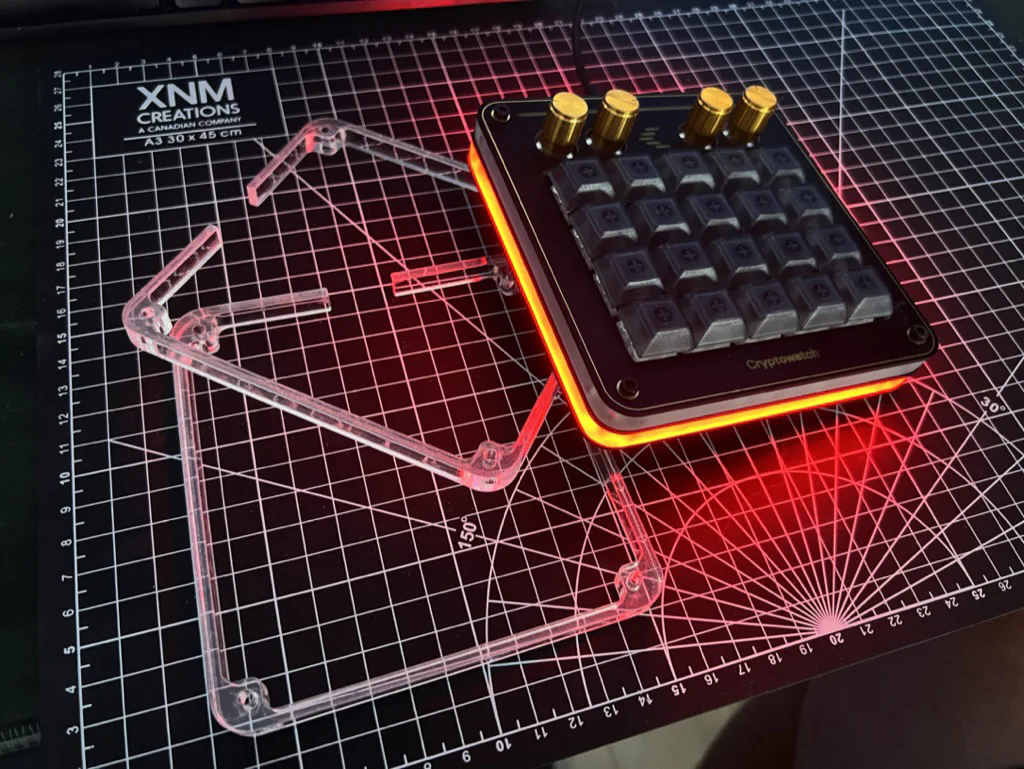
For the case, I went with a sandwich: PCBs for the top and bottom, with laser-cut acrylic spacers in between. Both layers got a silkscreen design, with gold accents to make it look a bit nicer.
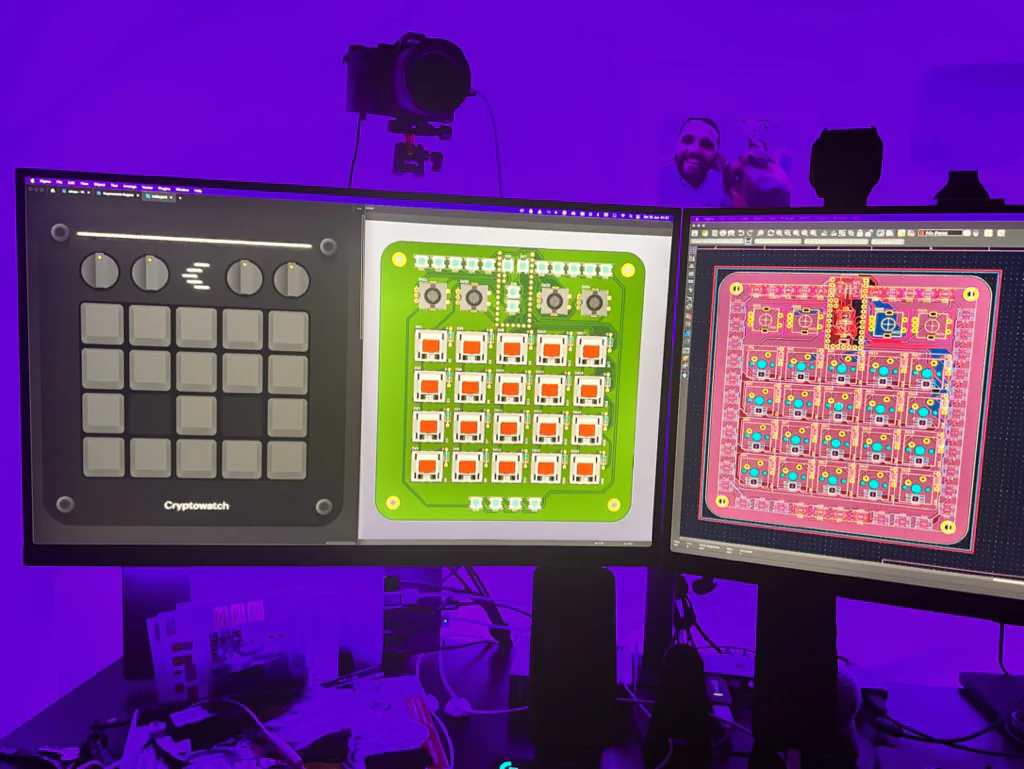
PCB Design in KiCad
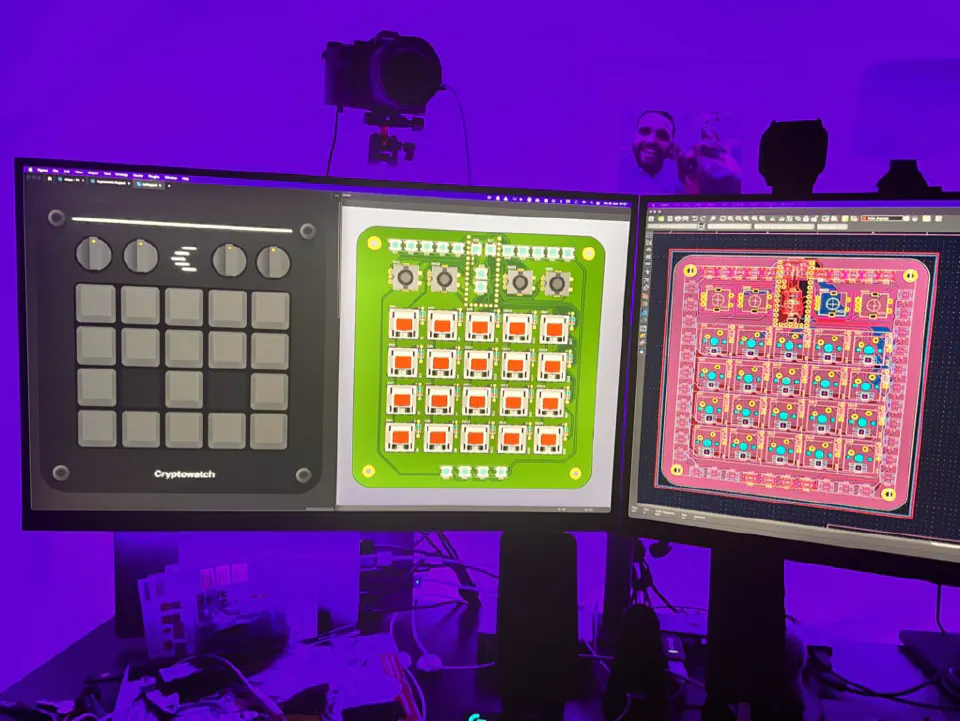
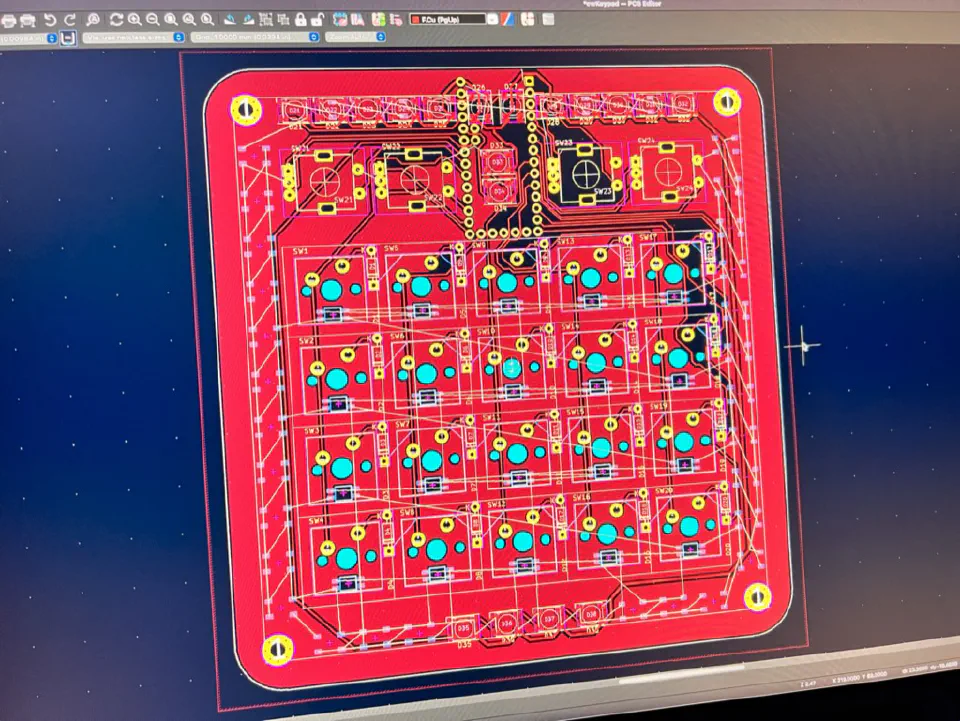
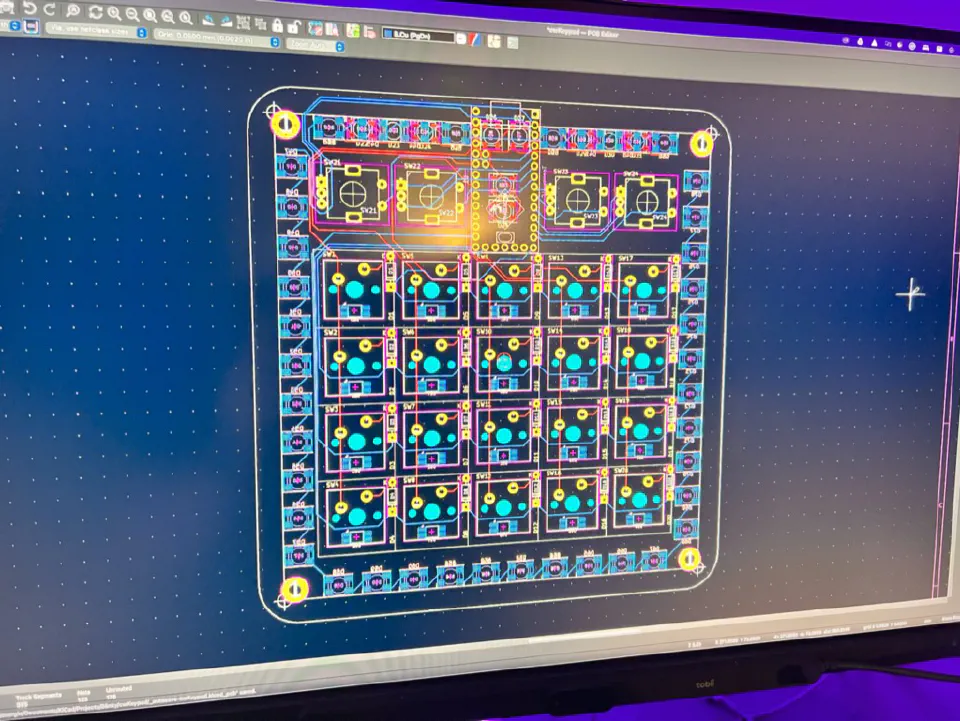
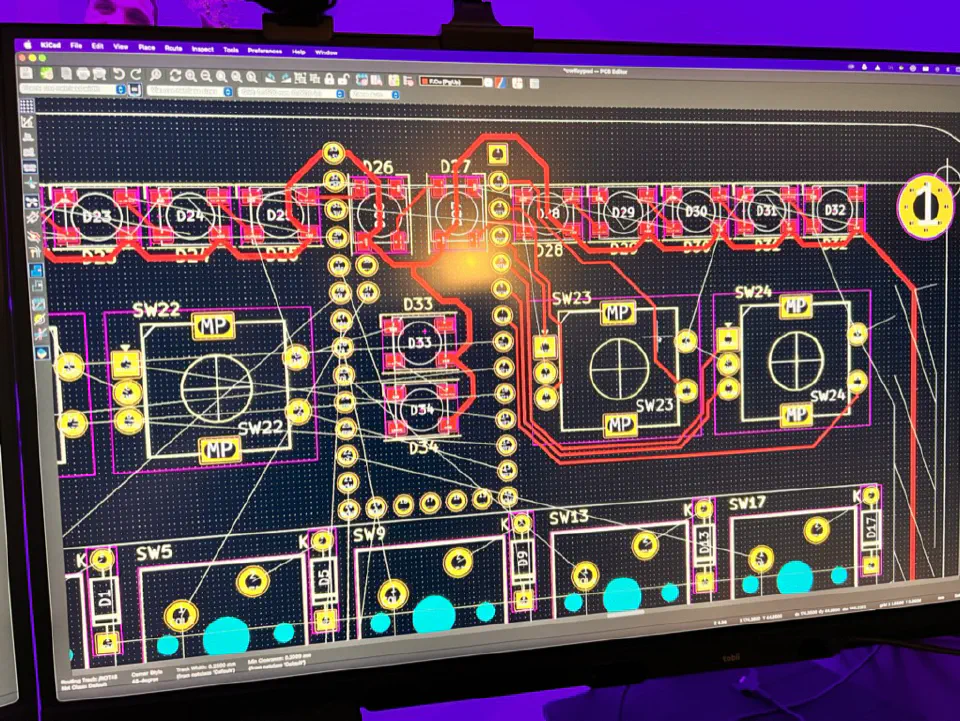
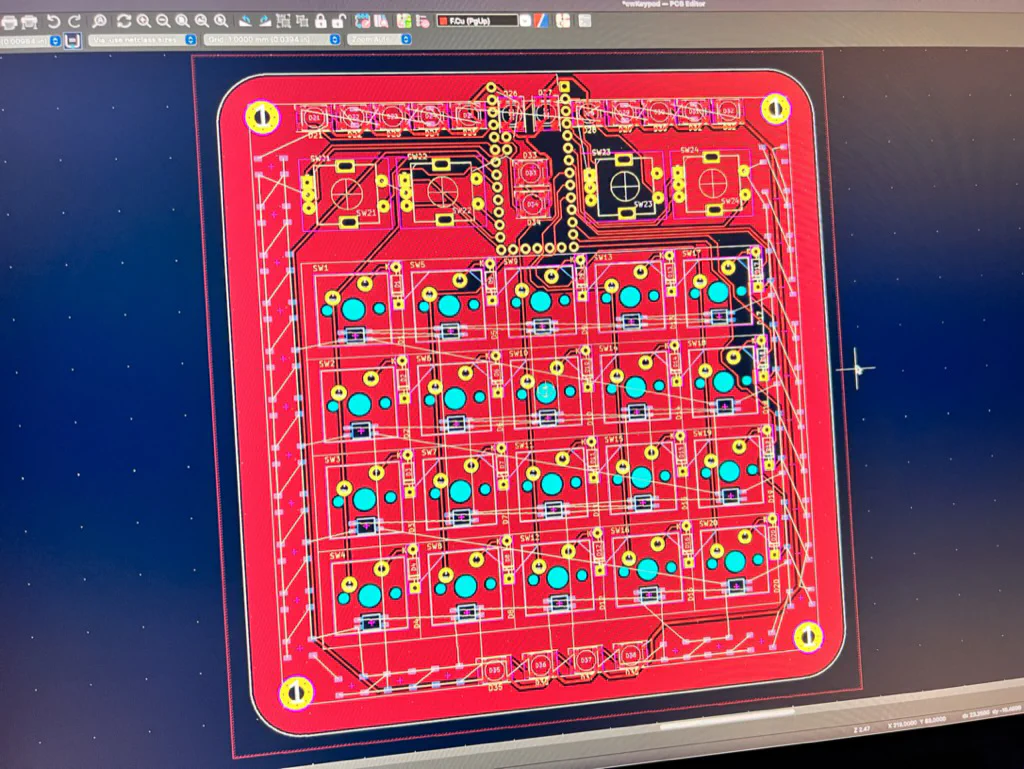
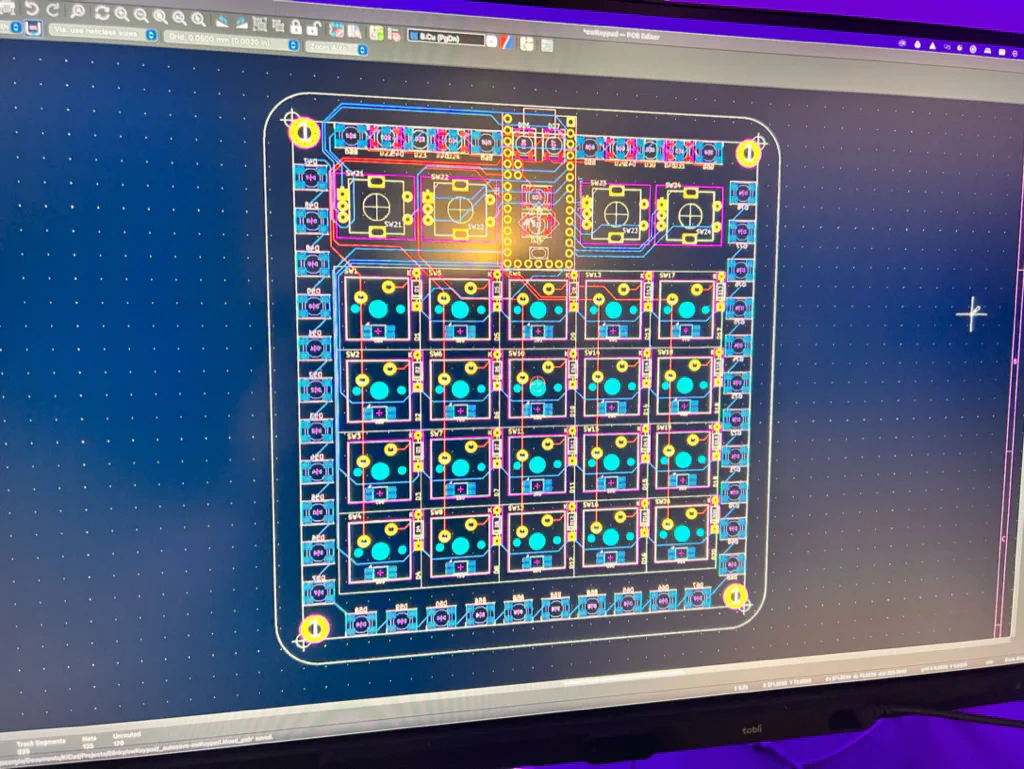
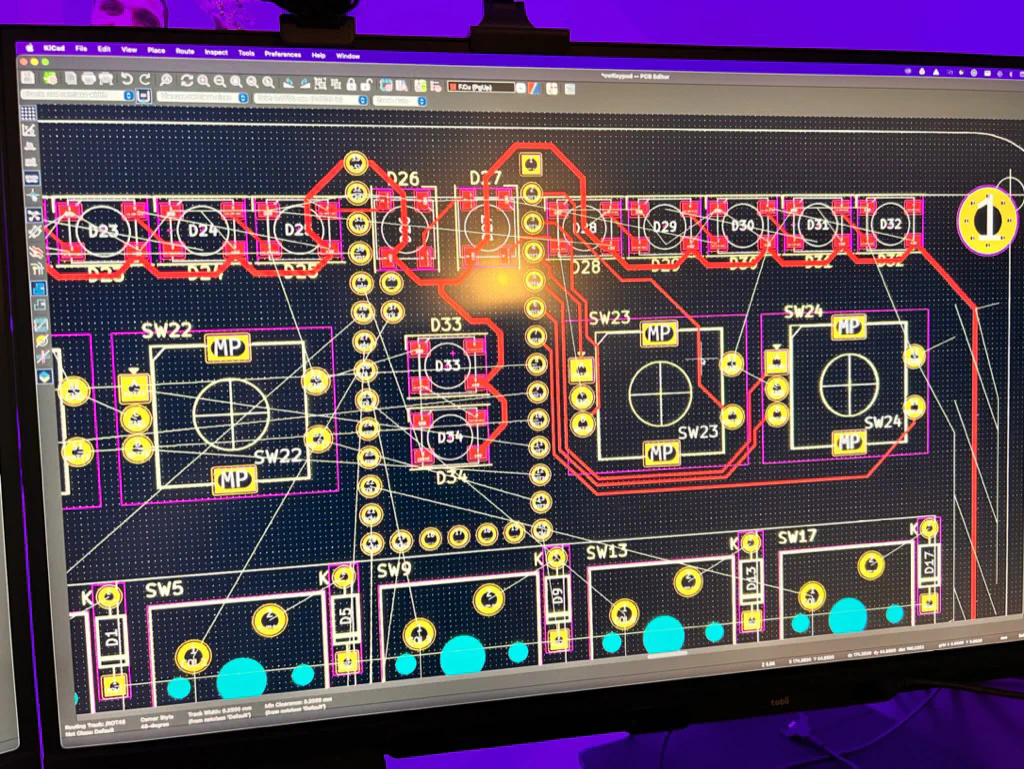
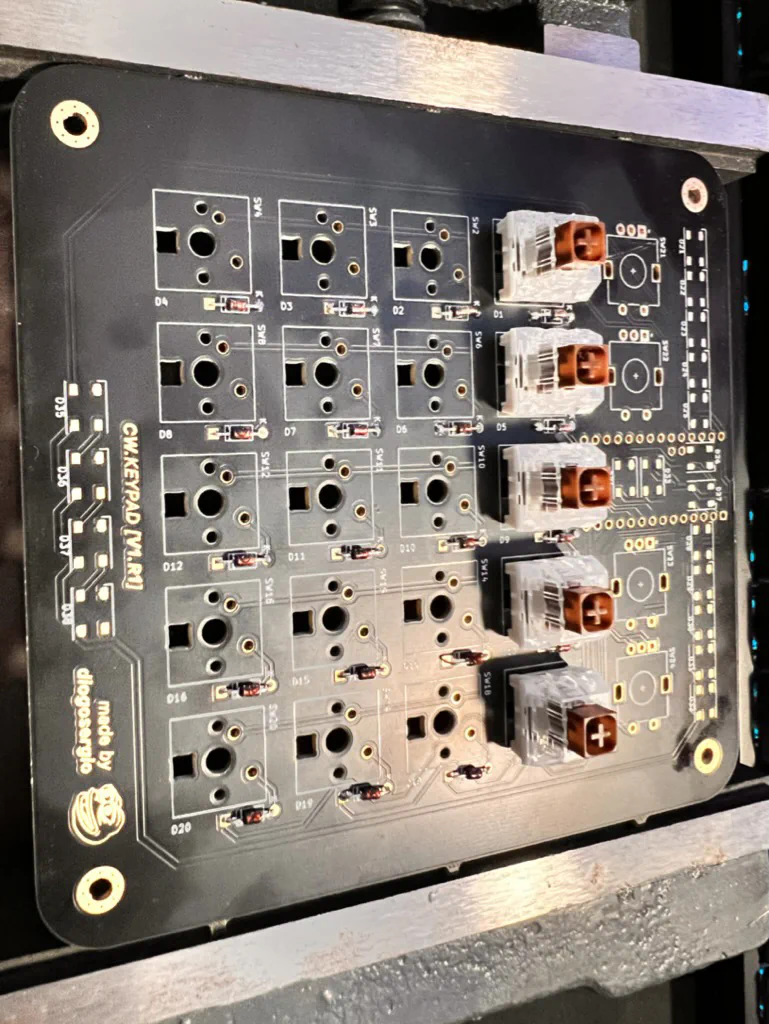
This was probably one of the more complex PCBs I’ve designed. In KiCad, I first laid out all the key switches in a grid, then worked out where to fit the rotary encoders in each corner.
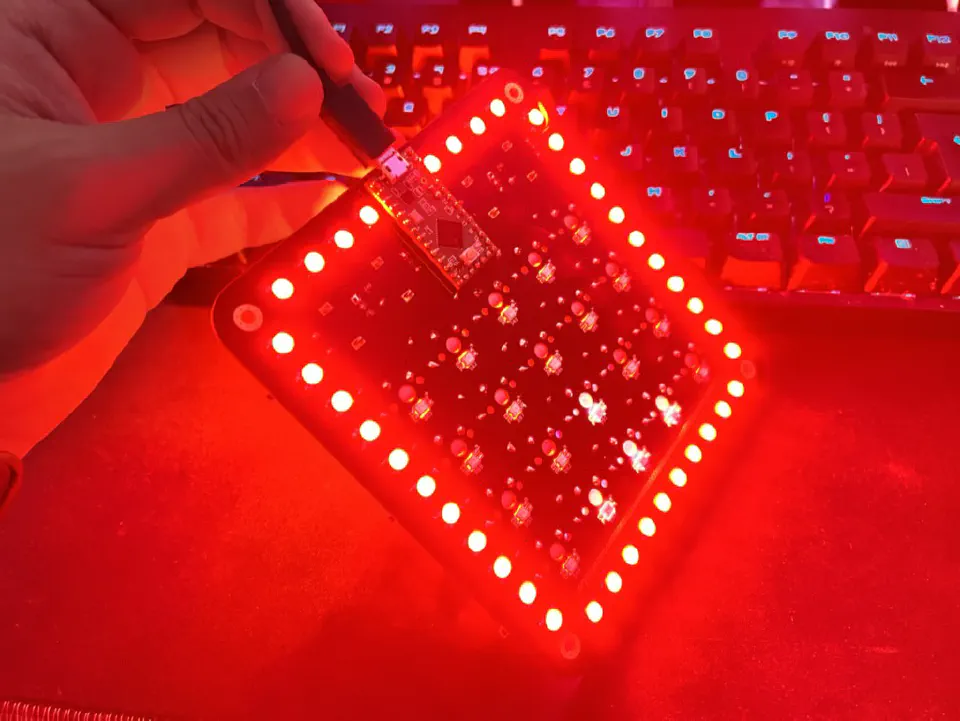
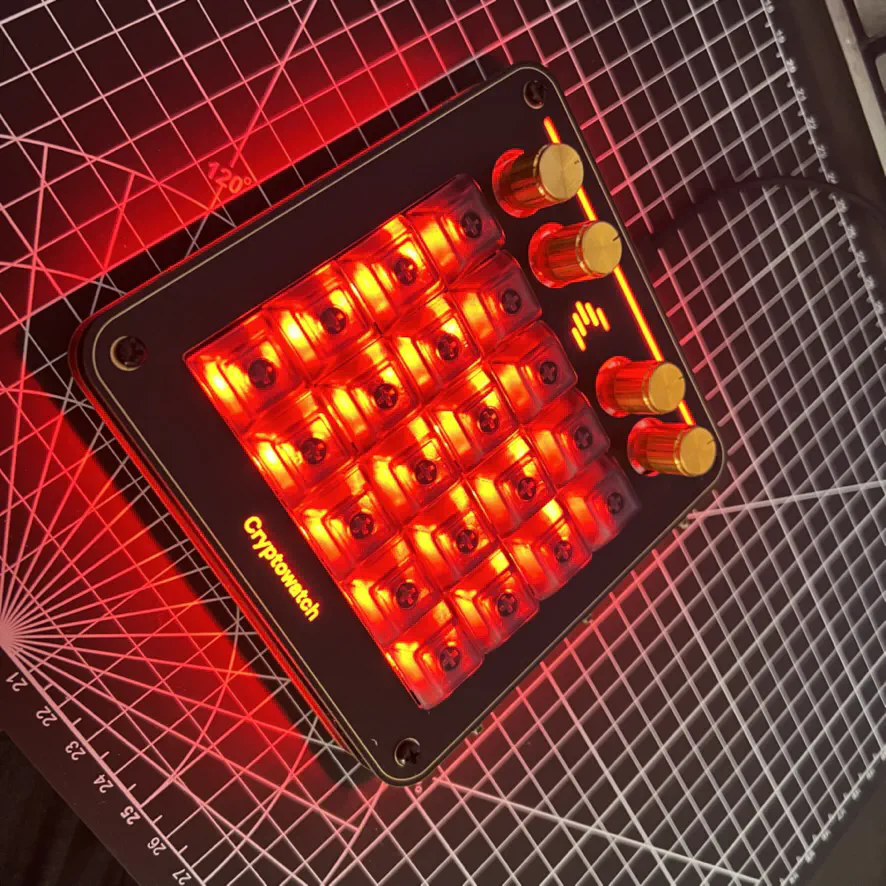
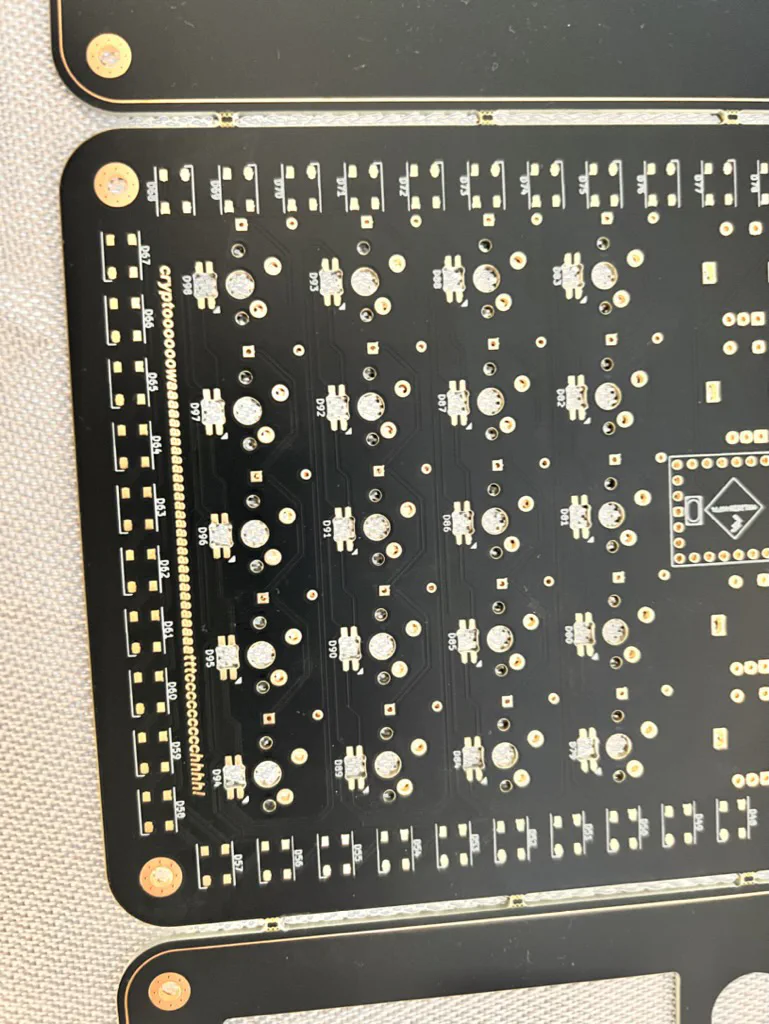
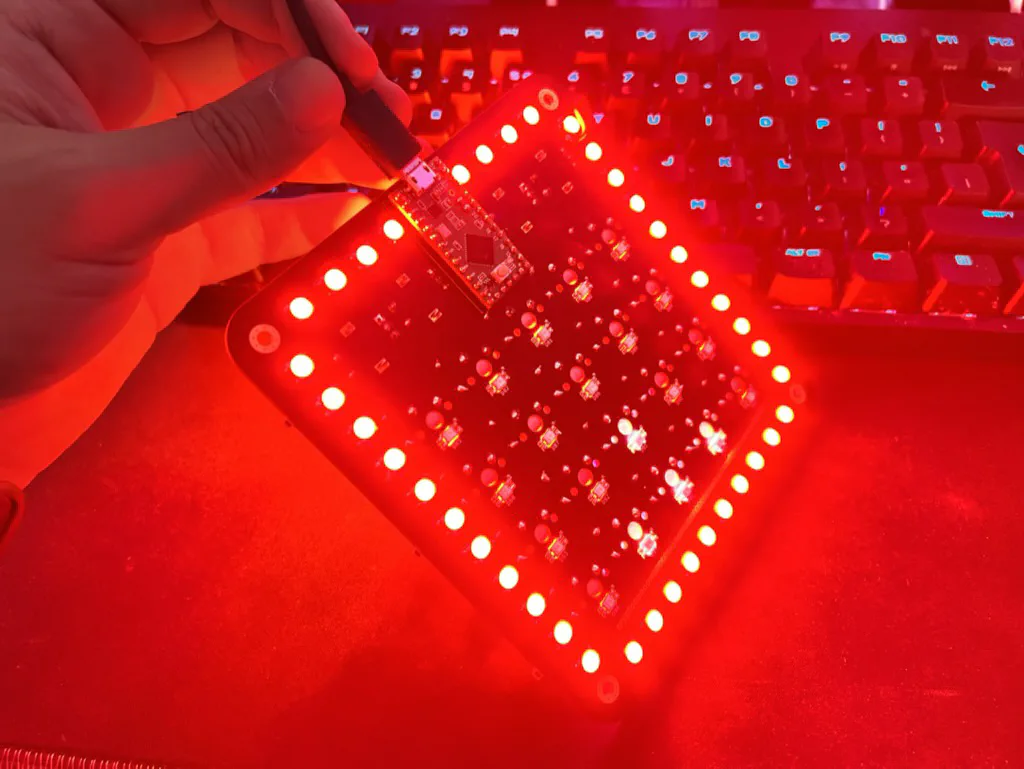
The hardest part was definitely planning the lighting. I wanted every key lit on its own, which meant fitting a lot of tiny traces into not much space. I used SK6812 LEDs for the general lighting and the even smaller SK6812MINI for each key.
Components and Materials
Here’s what I used for this build:
- Teensy LC microcontroller
- SK6812 LEDs for the underglow
- SK6812MINI LEDs for the key backlighting (over 100 of these tiny things!)
- Cherry MX Brown switches
- Some matching keycaps
- Rotary encoders with push-button functionality
- Laser-cut acrylic spacers
The Build Process: Soldering Challenges
The PCBs finally arrived, and it was pretty cool to see my design as a real thing. The gold accents on the silkscreen looked better than I expected, which was a nice surprise.
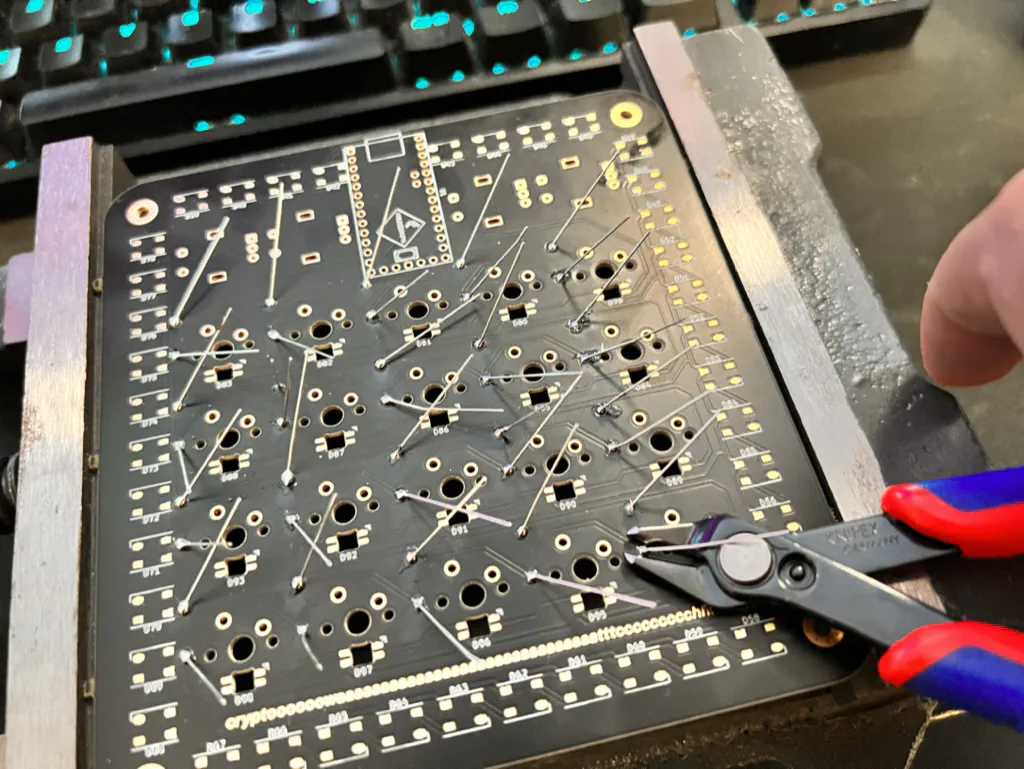
I started with the Teensy and the basic components, then came the real pain: soldering all those tiny SK6812MINI LEDs. They’re seriously small, and with over 100 of them, my eyes were killing me by the end.
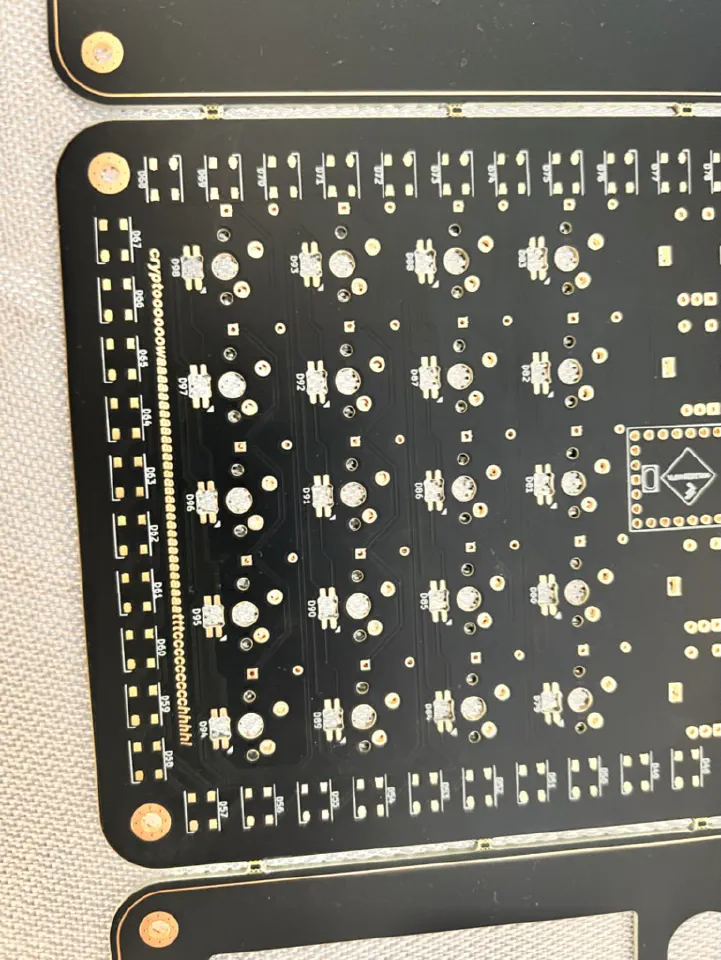
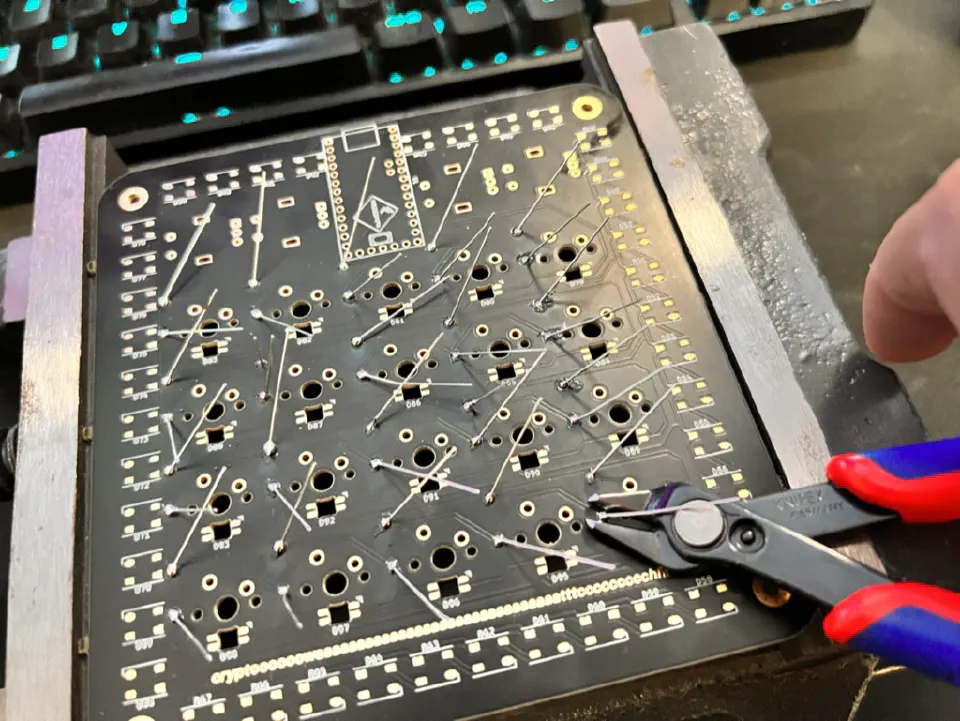
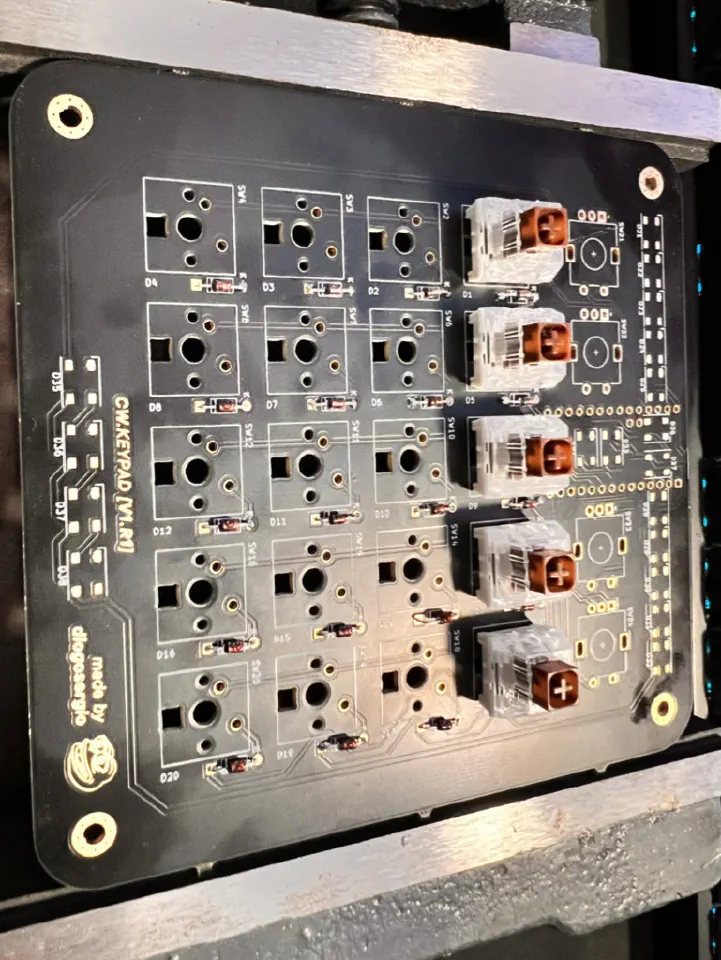
I had a small disaster when I lifted a pad while soldering one of the LEDs. Luckily I managed to fix it with a bit of wire to bridge the gap. Not pretty, but it worked!
QMK Configuration
With everything soldered, I had to sort out the firmware. I used QMK because it’s flexible and well documented. My configuration is on GitHub, under the name “4k20”, in case I open-source it properly later.
The programming was fairly straightforward. I set the 20 keys up as shortcuts that would be useful in Cryptowatch, and the rotary encoders control things like volume, zoom and scrolling through charts.
The LEDs were more complicated and needed their own configuration for each chain, but QMK comes with some lighting modes for the underglow out of the box.
The Final Result
After all that work, the 4k20 was finally done. Seeing all the LEDs light up for the first time was pretty satisfying, especially knowing I’d soldered every one of them by hand.
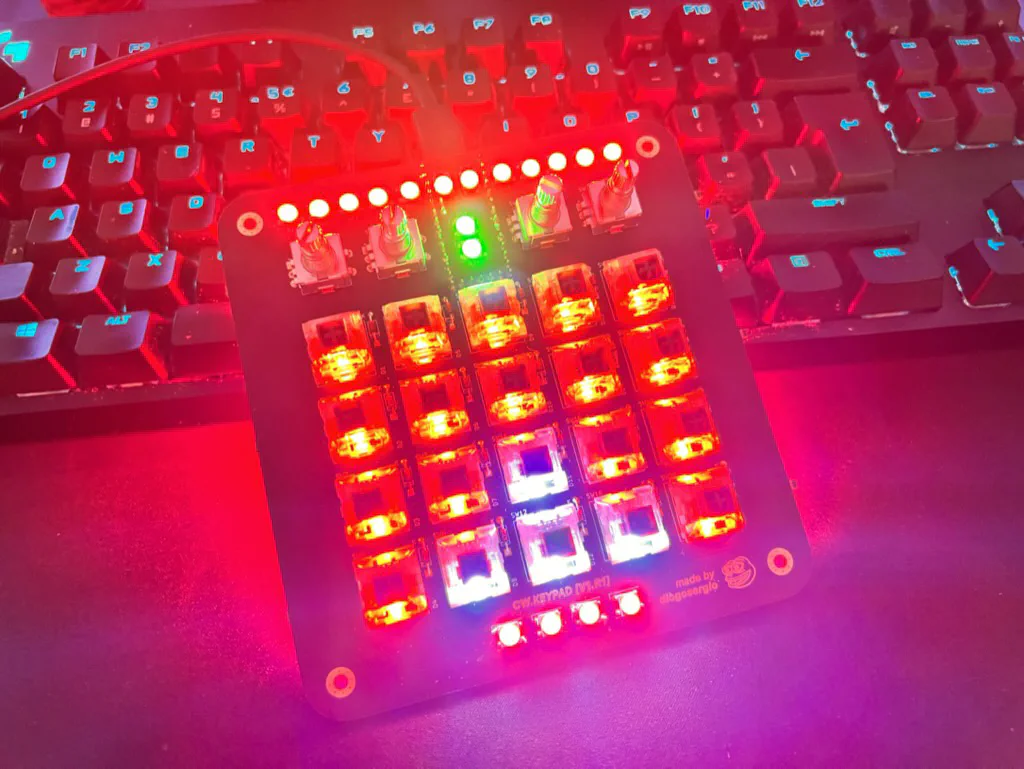
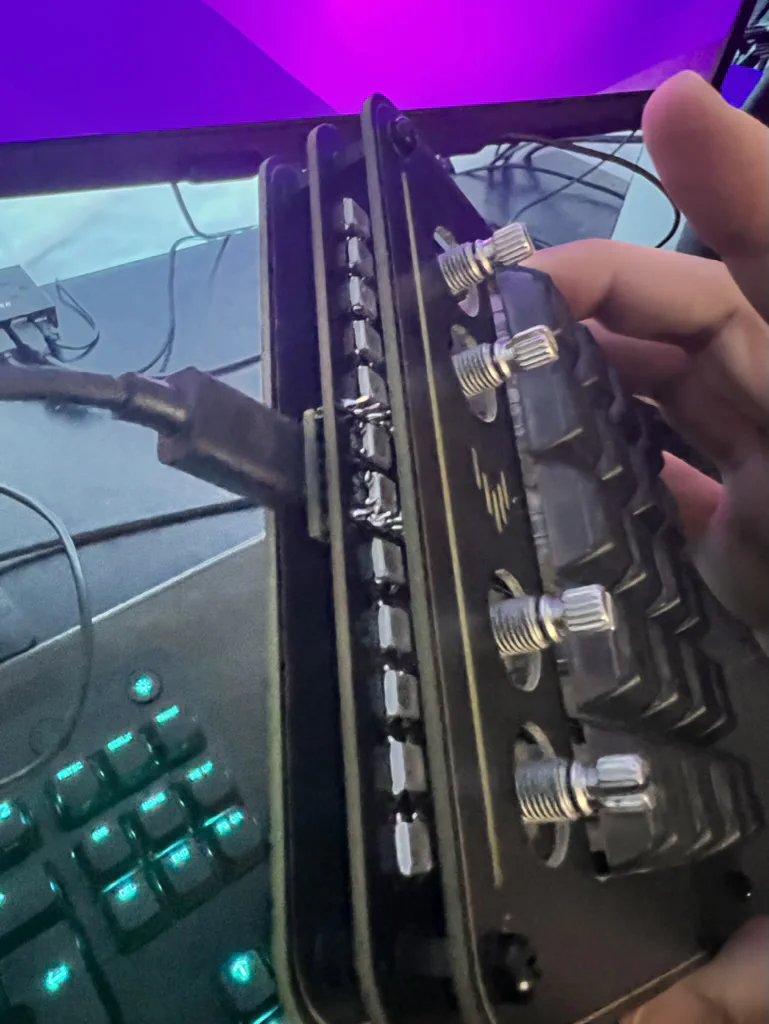
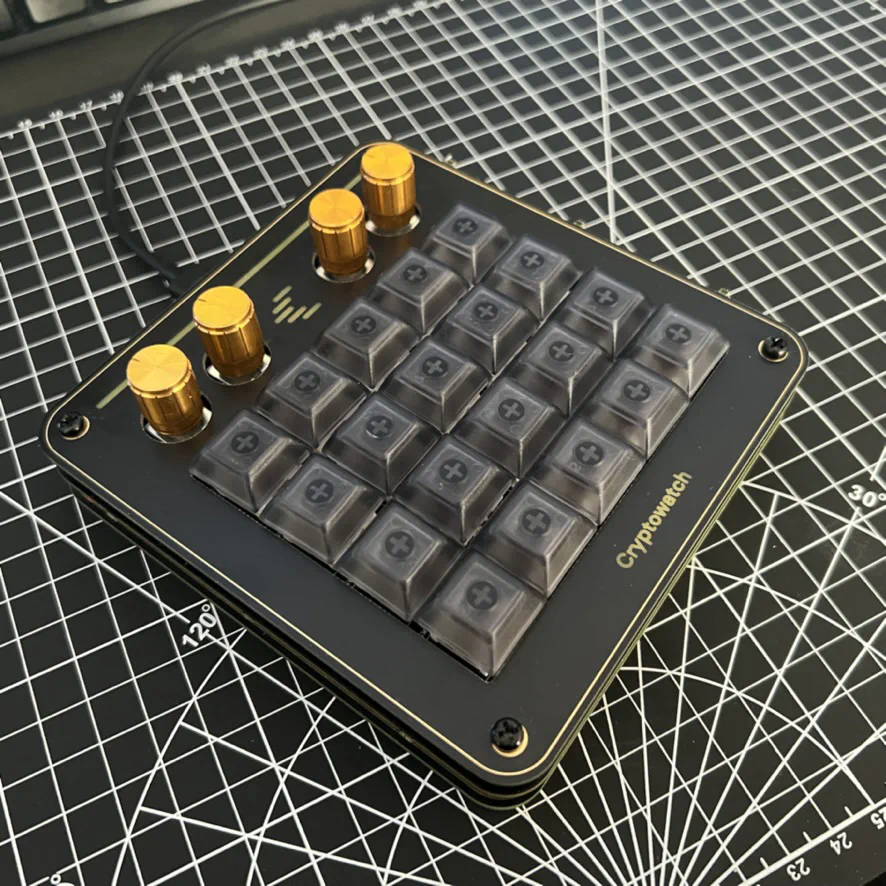
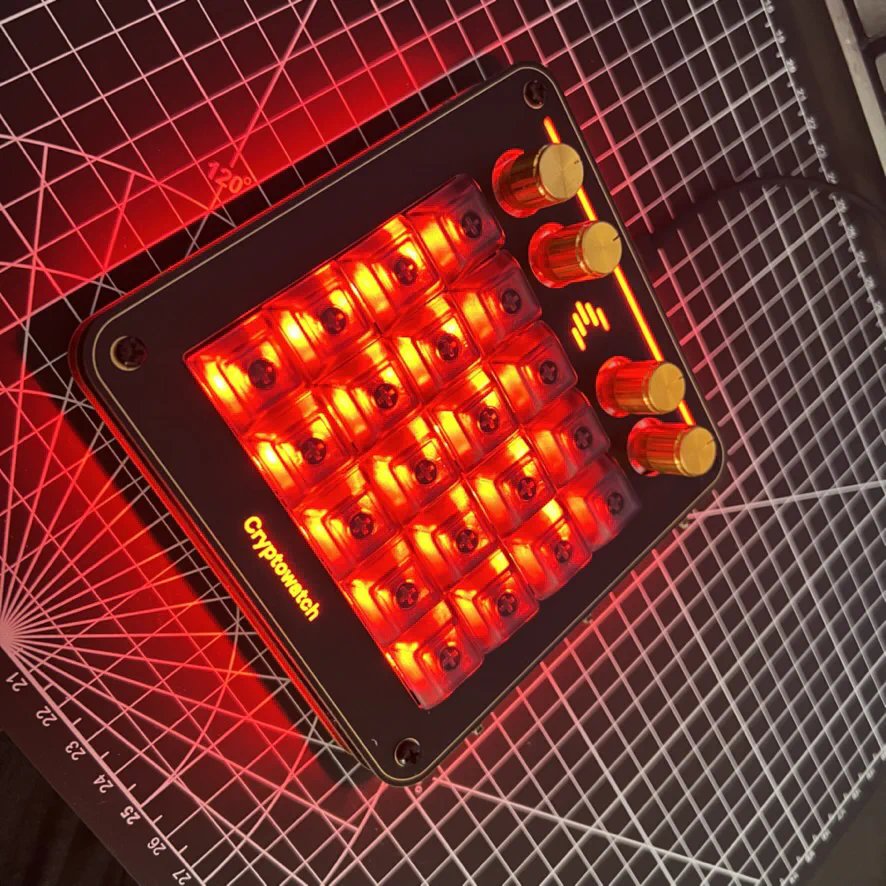
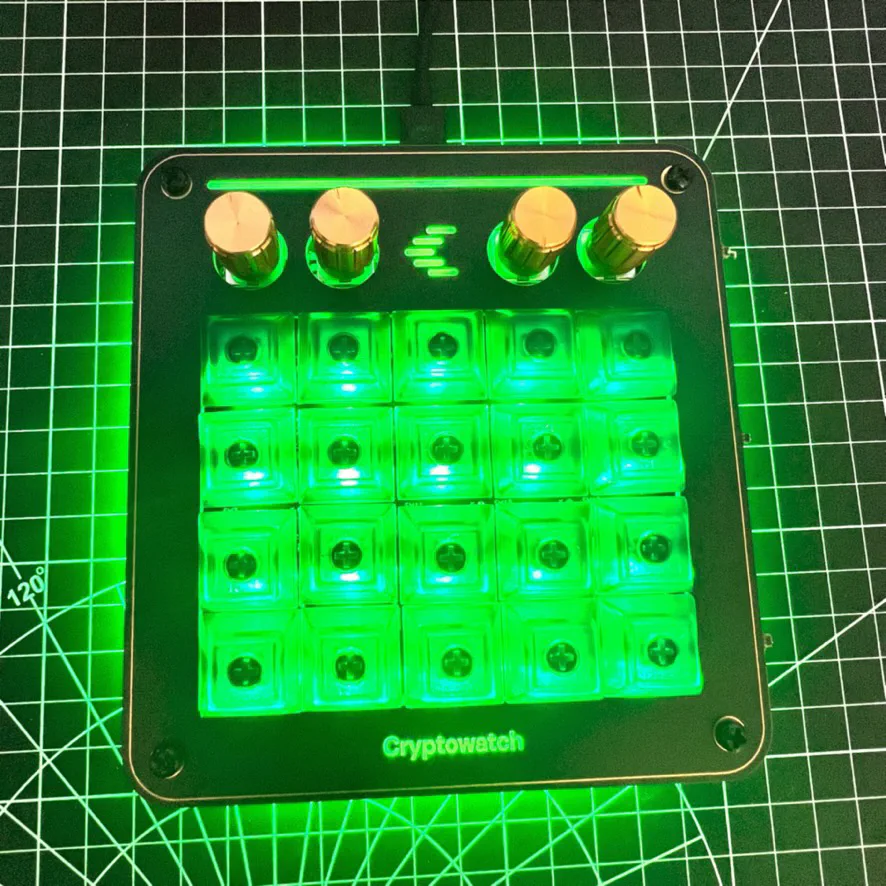
Funnily enough, after all that effort, I mostly ended up using it as a regular keypad rather than for Cryptowatch. It became more of a cool desk object that people would ask about.
Lessons Learned
This project taught me a lot about PCB design. If I did it again, I’d have the manufacturer place the tiny LEDs for me (pick and place) rather than soldering over 100 of them by hand.
It was also a good reminder of how fun it is to make something physical from scratch. Starting with just an idea and ending up with something real you can use never gets old.