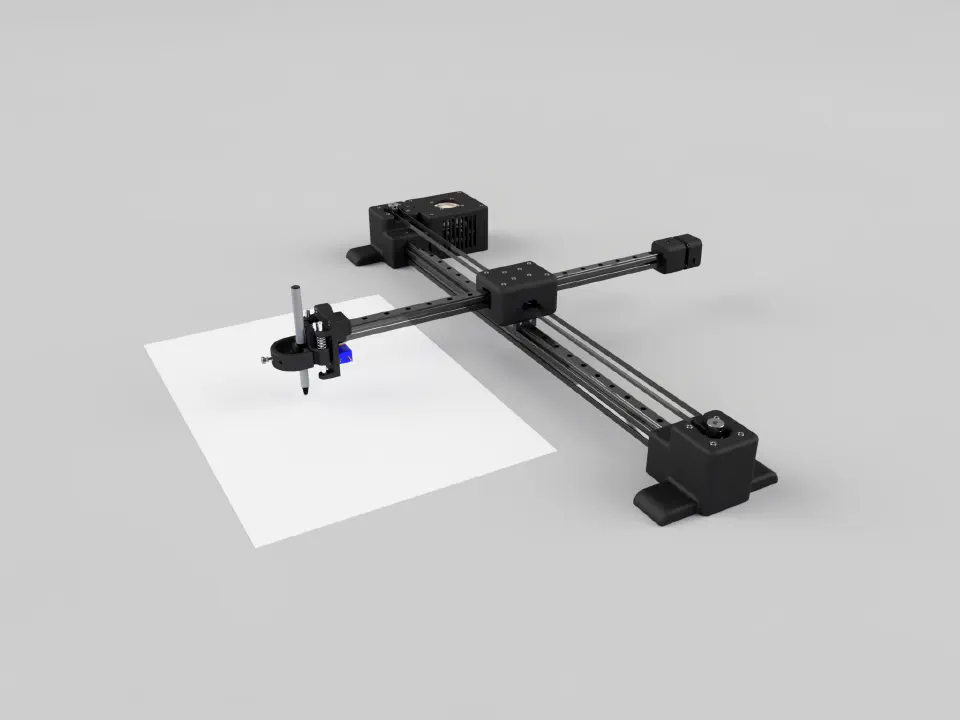
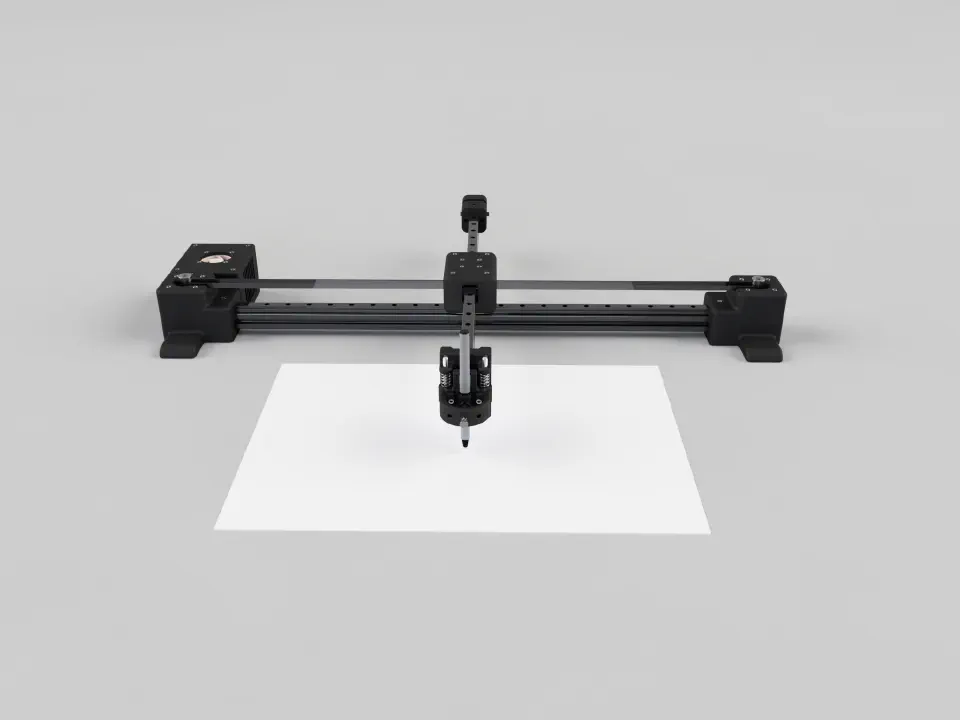
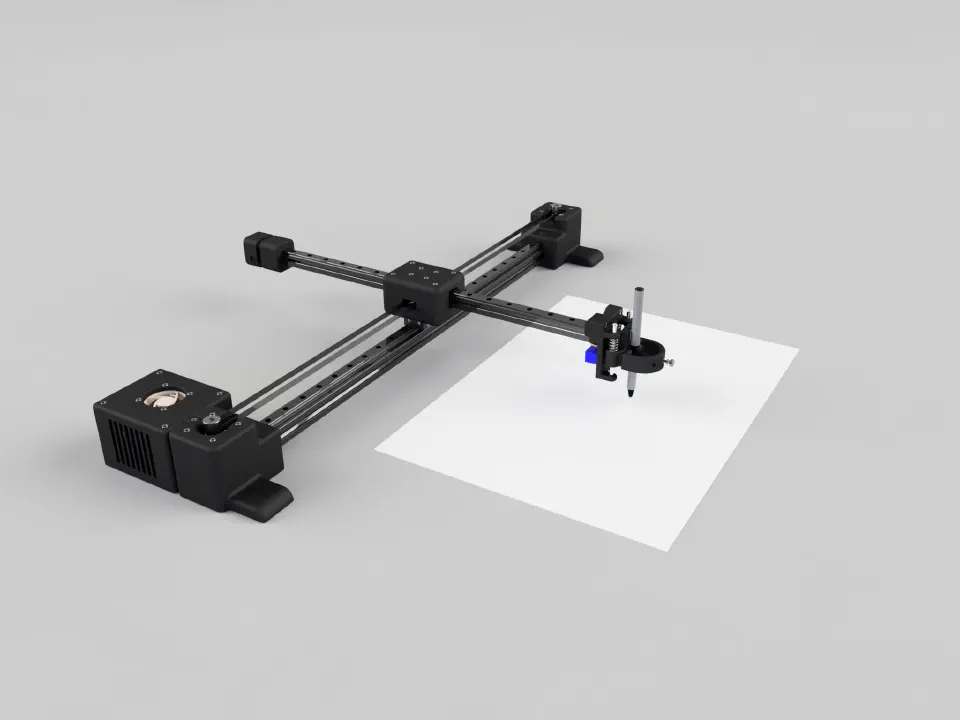
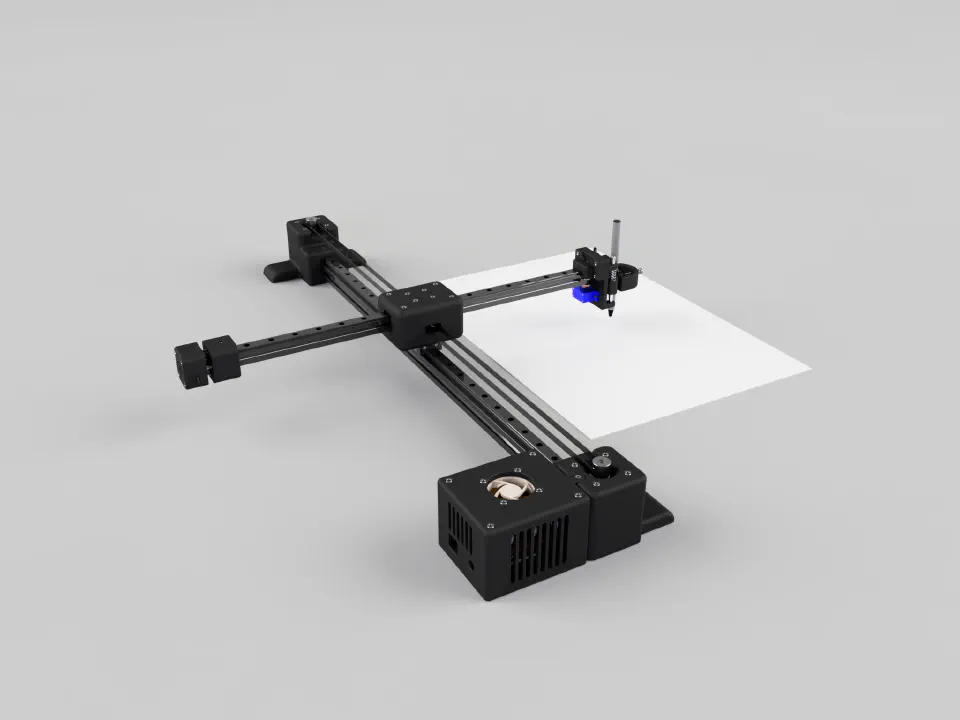
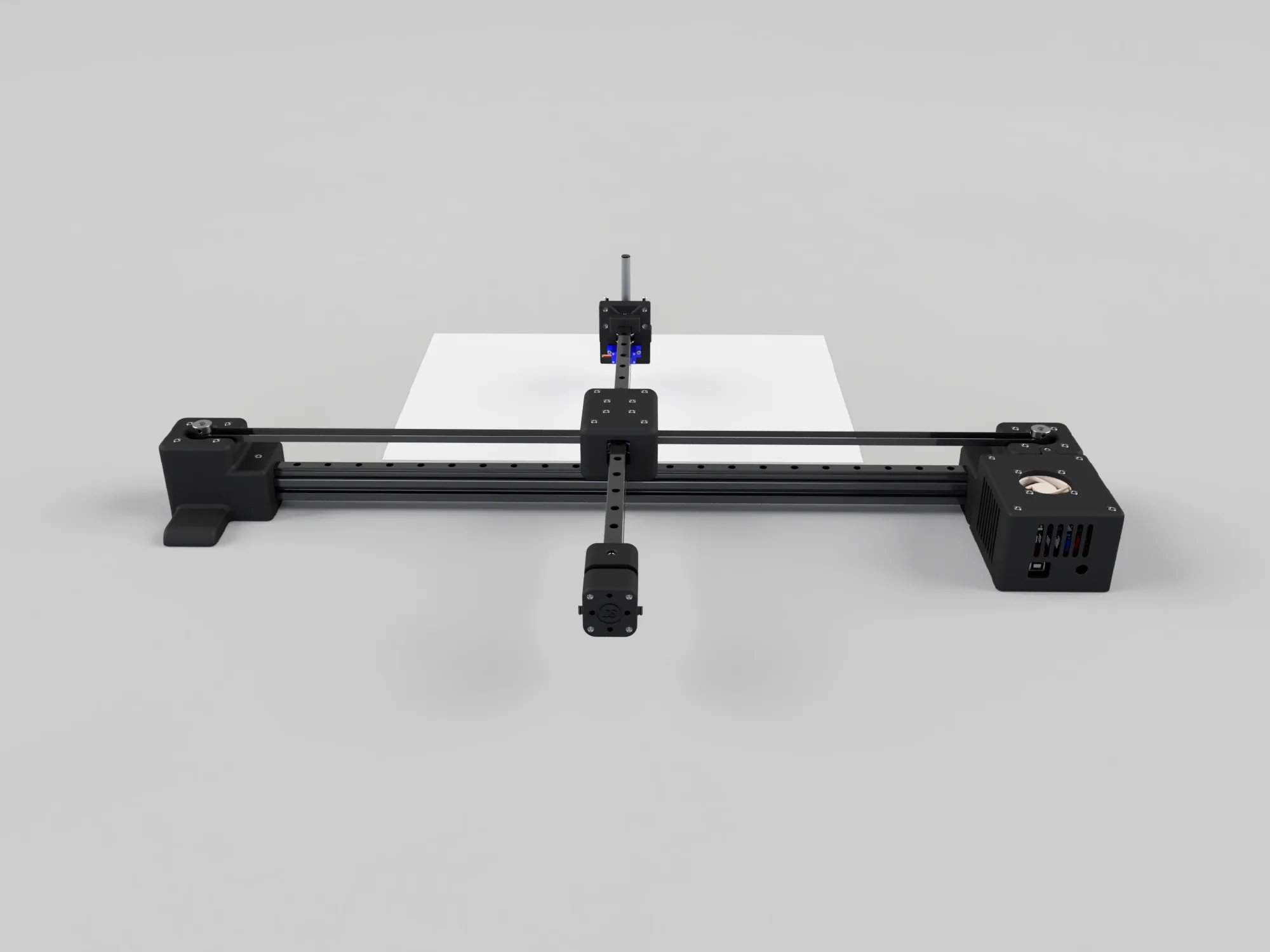
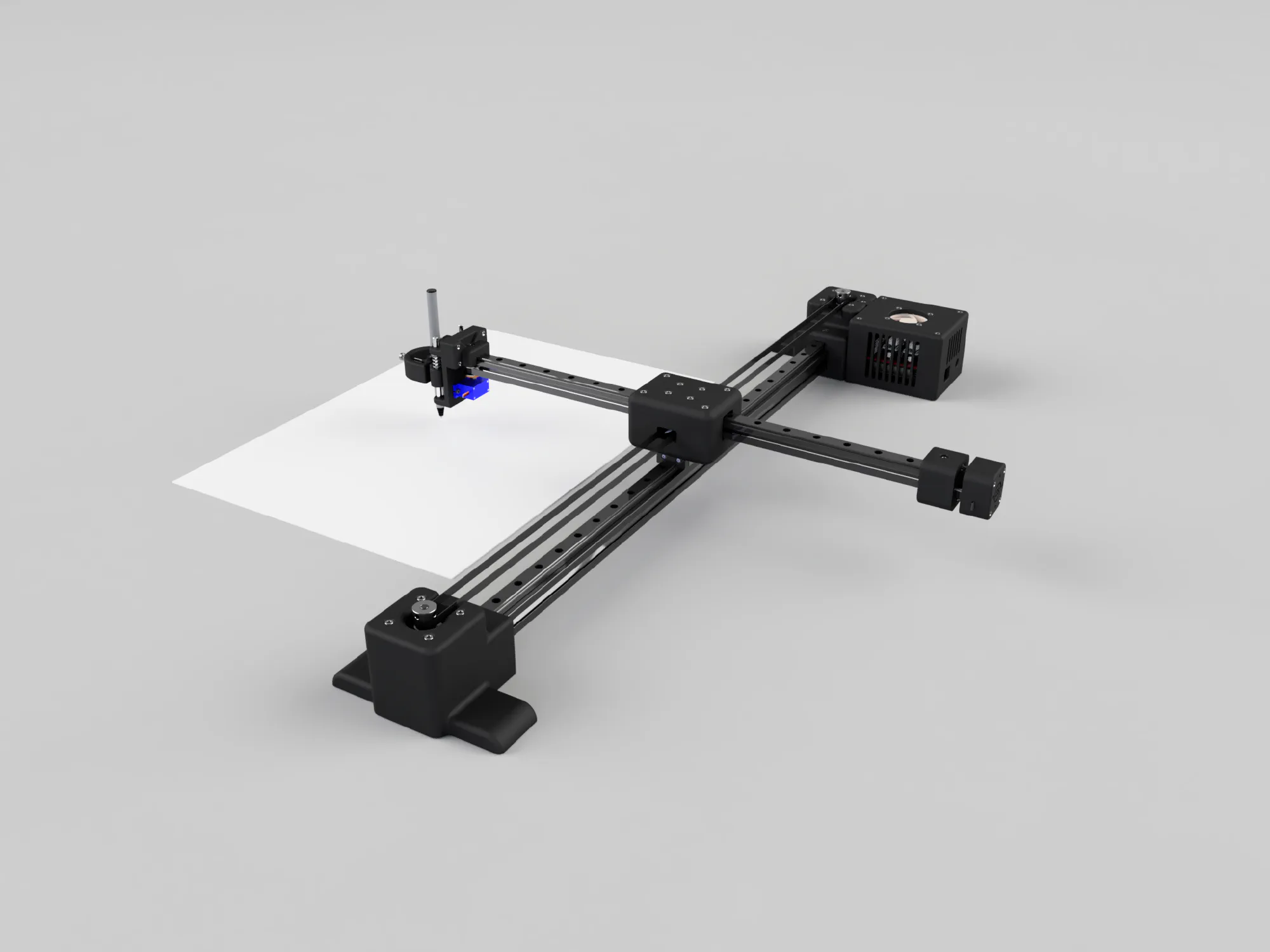
I’ve always been interested in CNC machines, 3D printers and plotters, so I decided to build my own drawing plotter based on the CoreXY design. The goal was something that works well and is open source, so others could build it or change it for their own projects. At the time, the alternatives were all quite expensive.
Why a CoreXY Plotter?
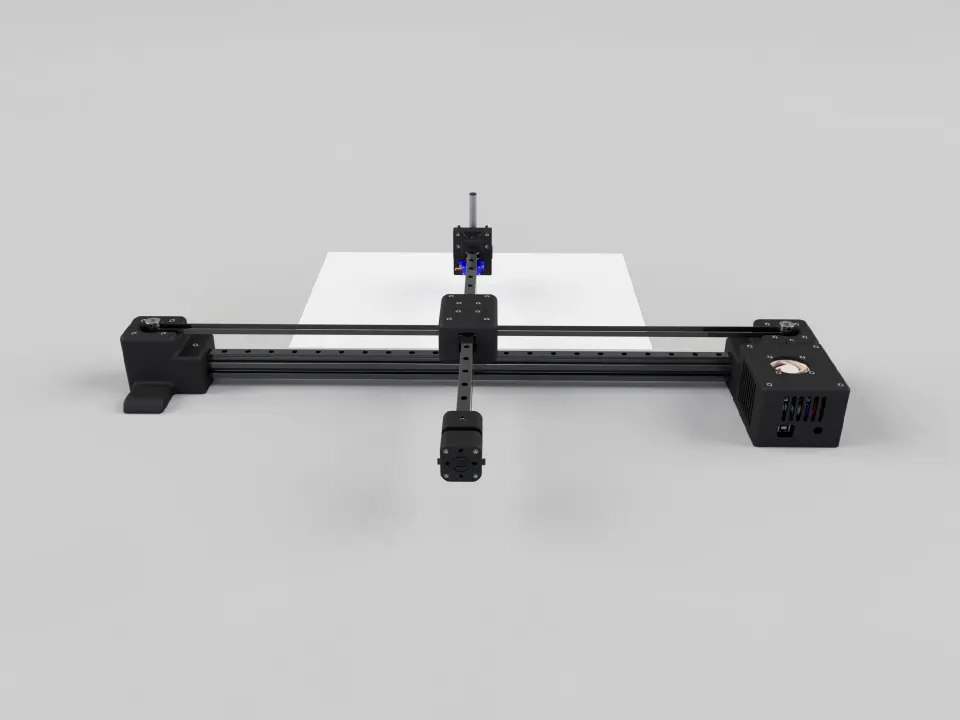
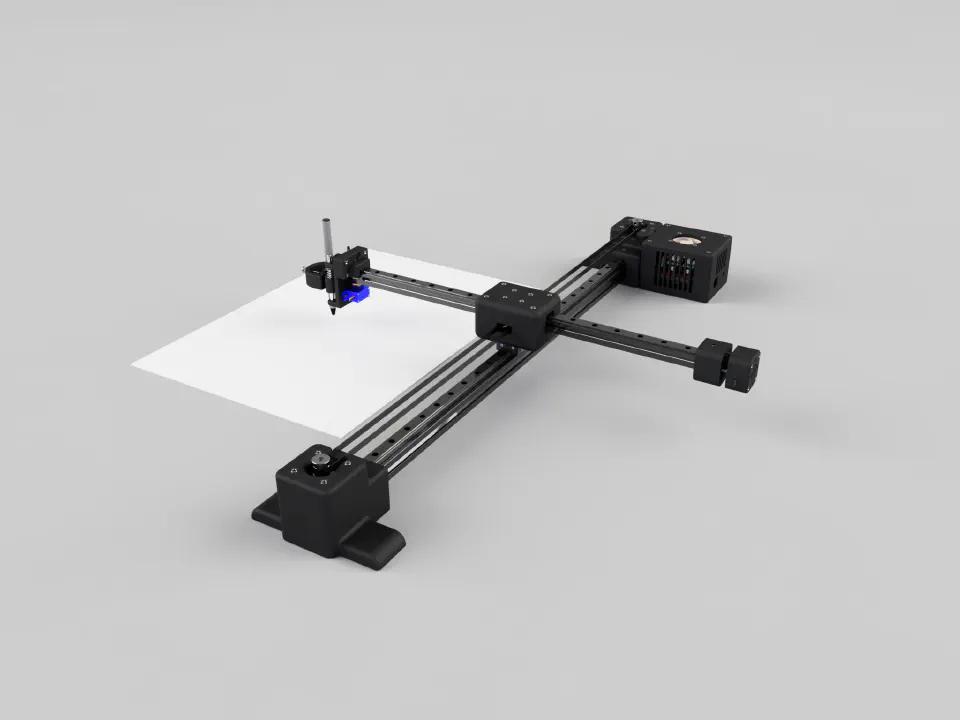
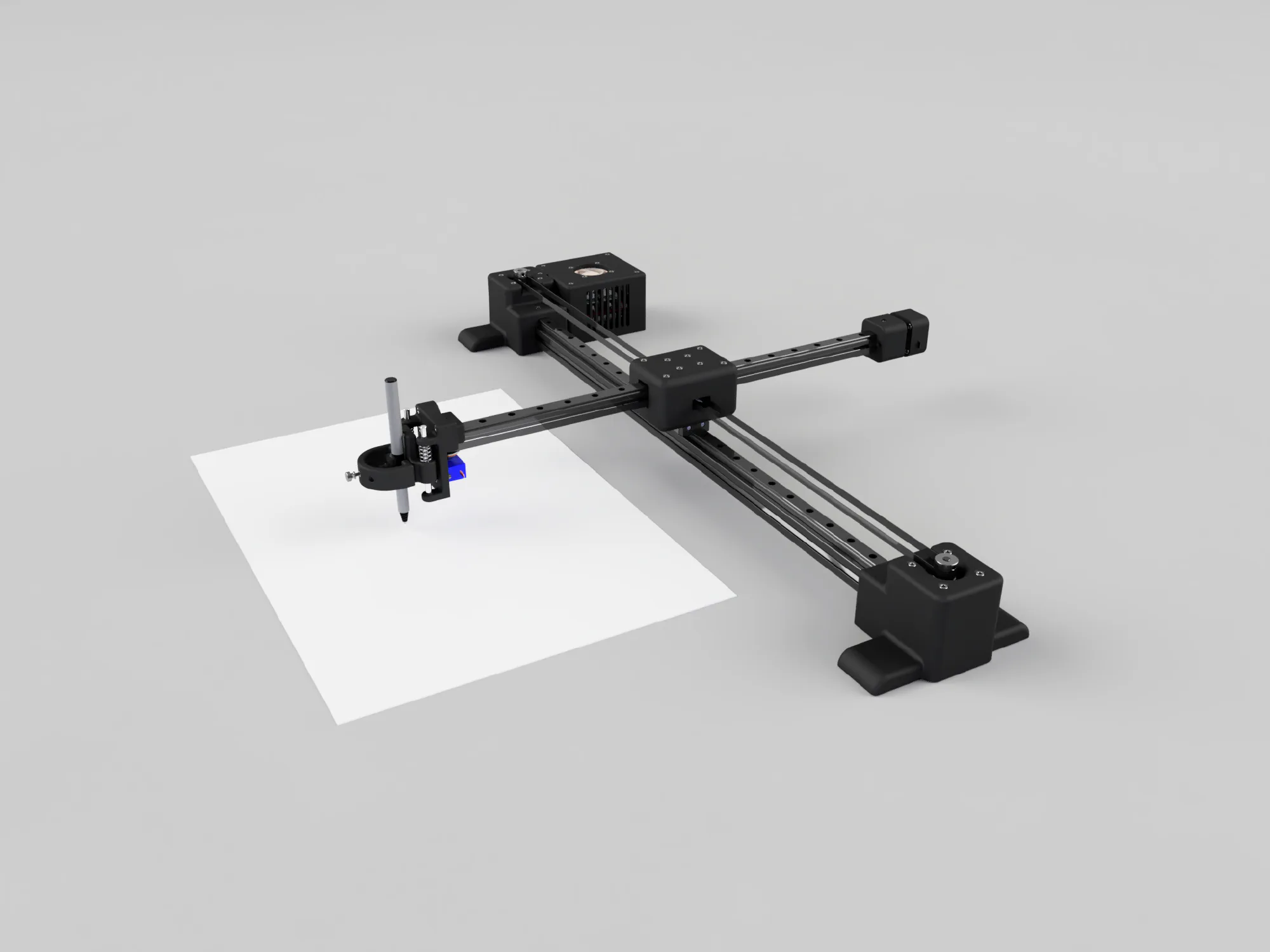
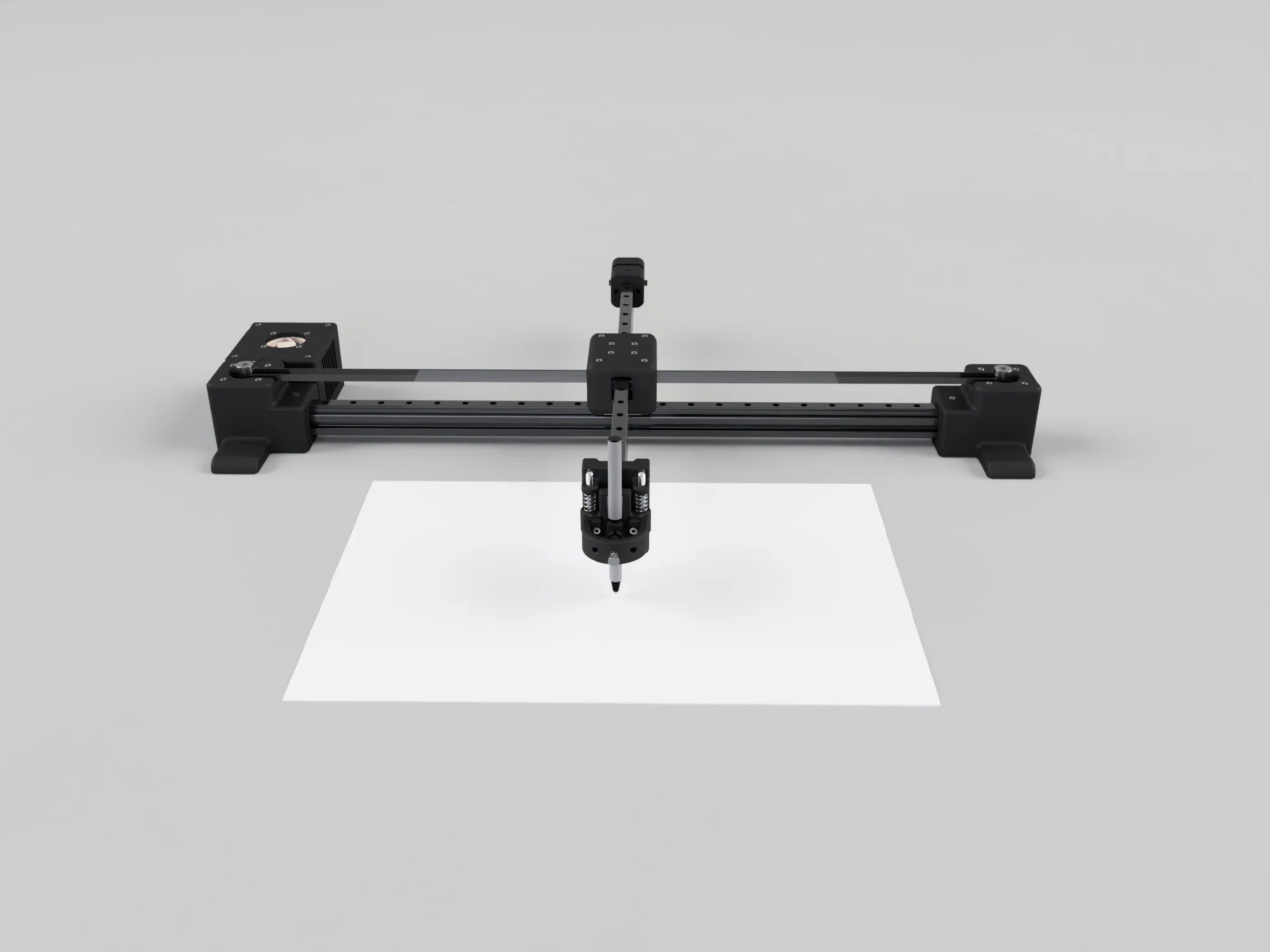
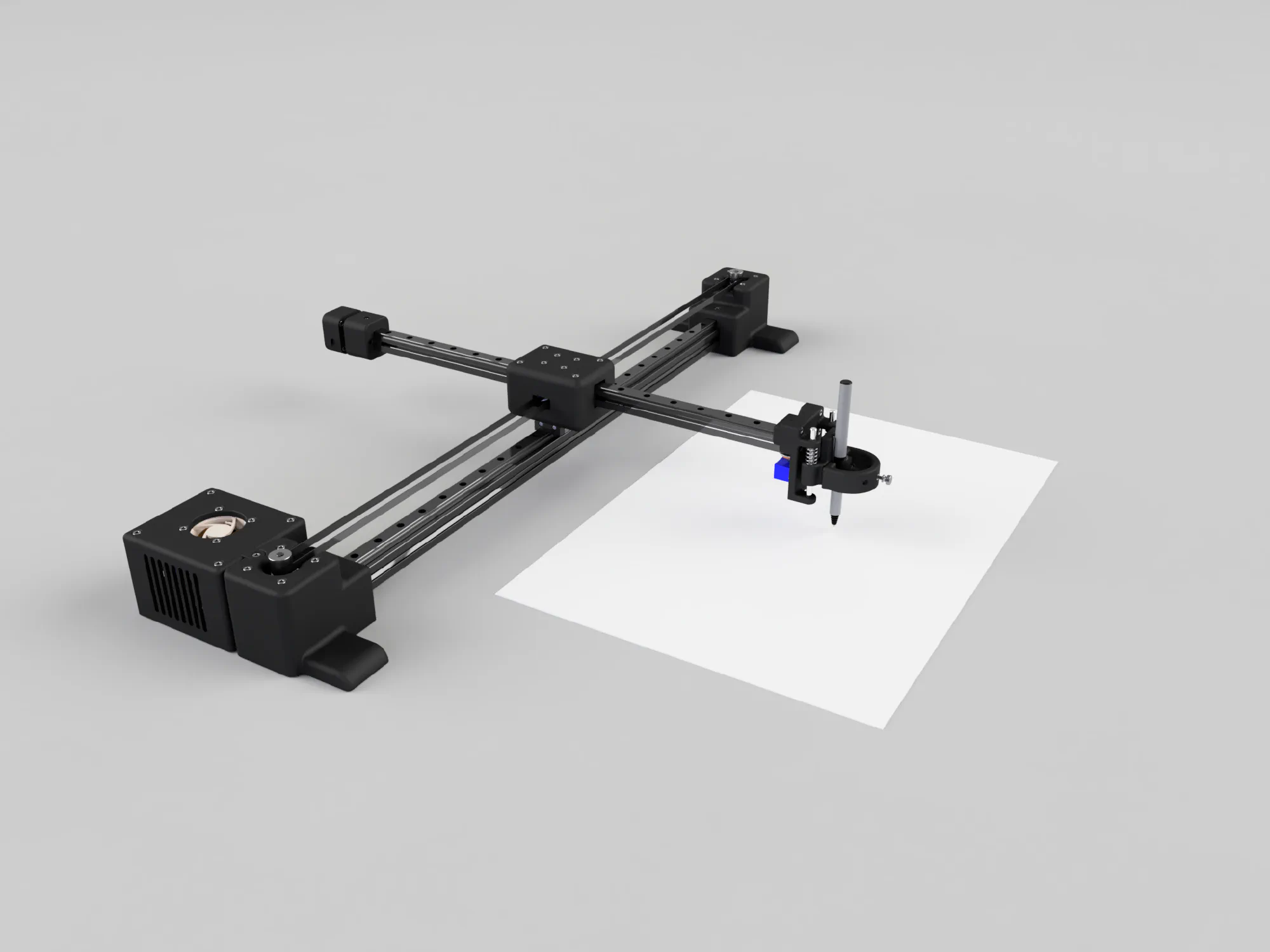
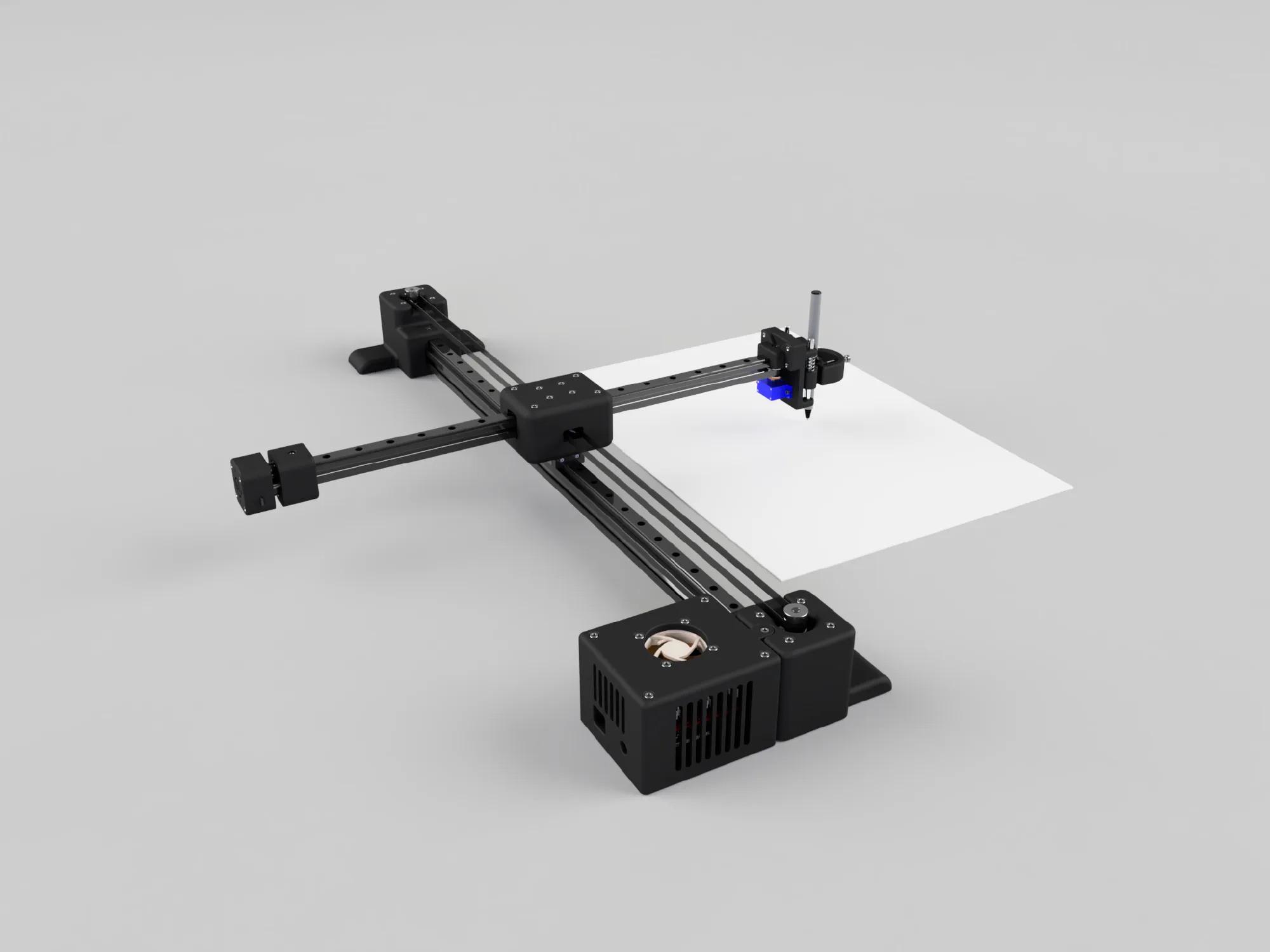
After looking at different plotter designs, I settled on CoreXY because it has some nice advantages. Its belt system keeps both motors still, which means less moving weight and potentially faster, more accurate movement. That seemed ideal for a drawing plotter, where precision matters, and I also wanted to use linear rails.
The Electronics
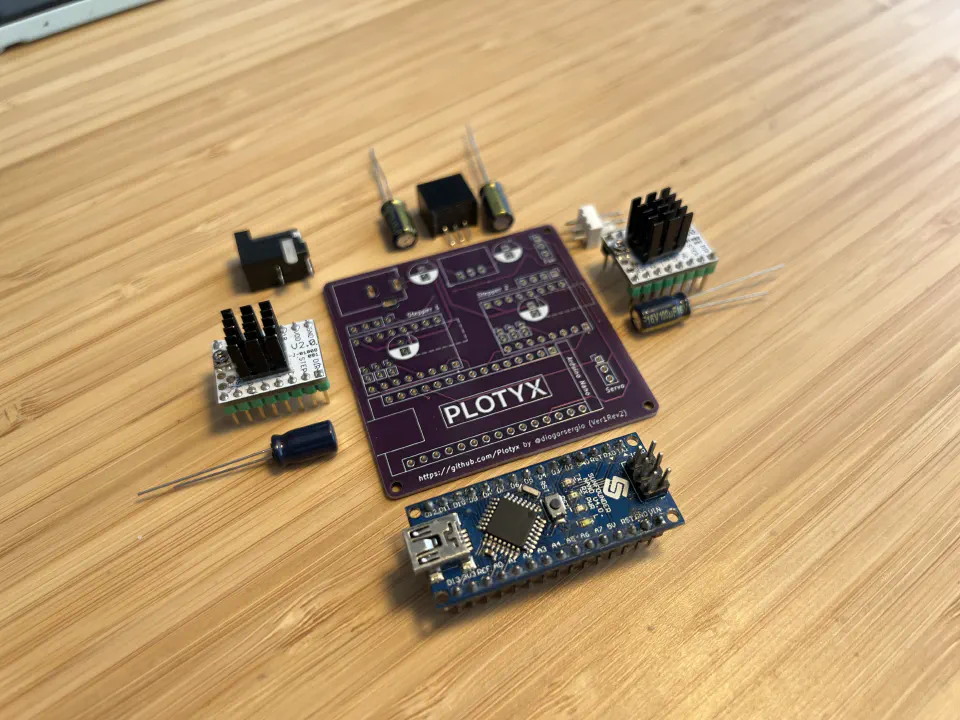
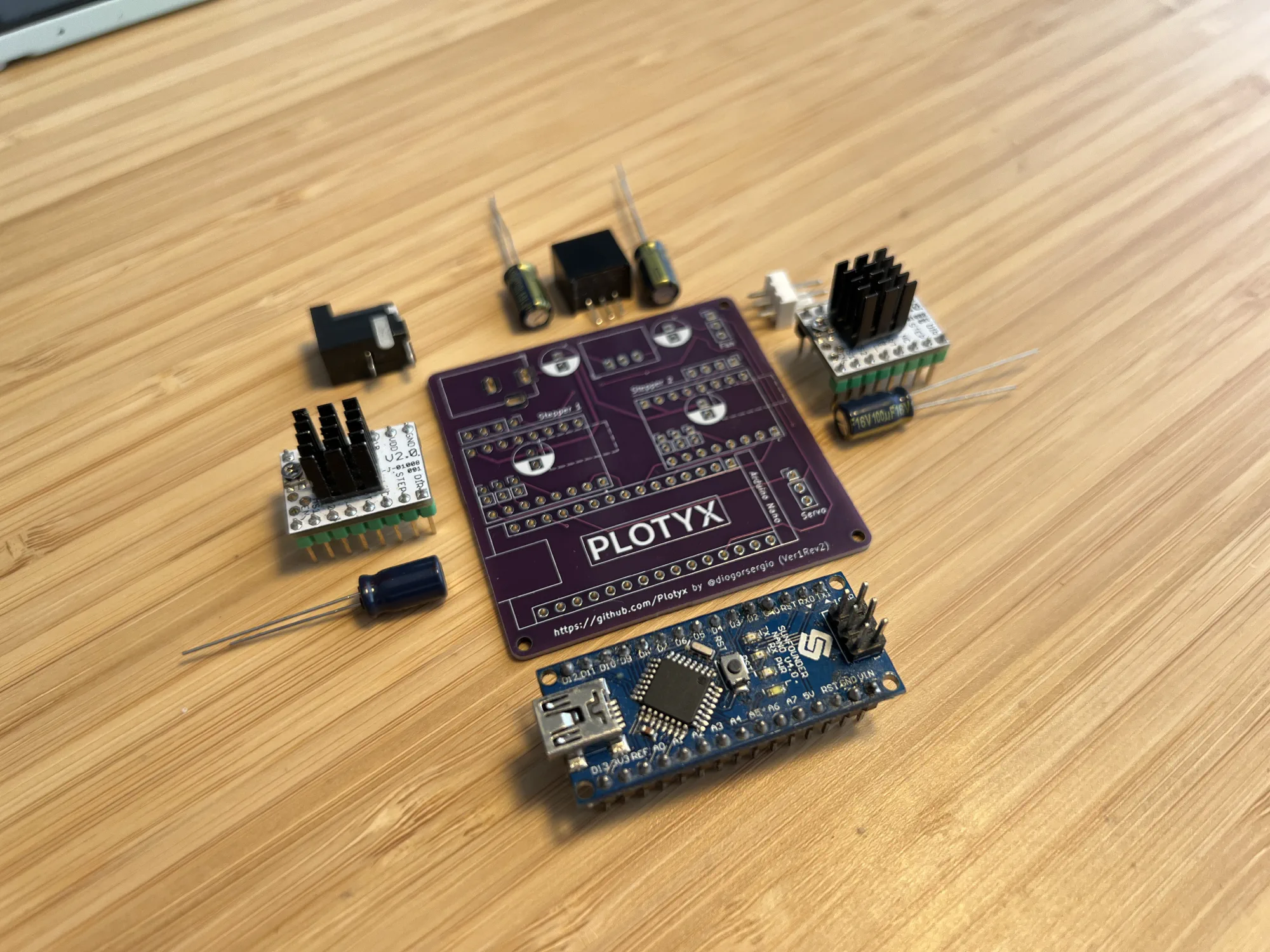
For the brains, I went with an Arduino Nano. It’s small, cheap, and powerful enough for the movement calculations. For the stepper drivers I chose TMC2208s, which are known for being quiet and for good microstepping.
One of the main challenges was lifting and lowering the pen. I ended up modifying GRBL (open-source motion control software for CNC machines) to drive a servo for it. That wasn’t trivial, since GRBL doesn’t support servos out of the box, but others had already solved it with GRBL Servo.
Designing a Custom Shield
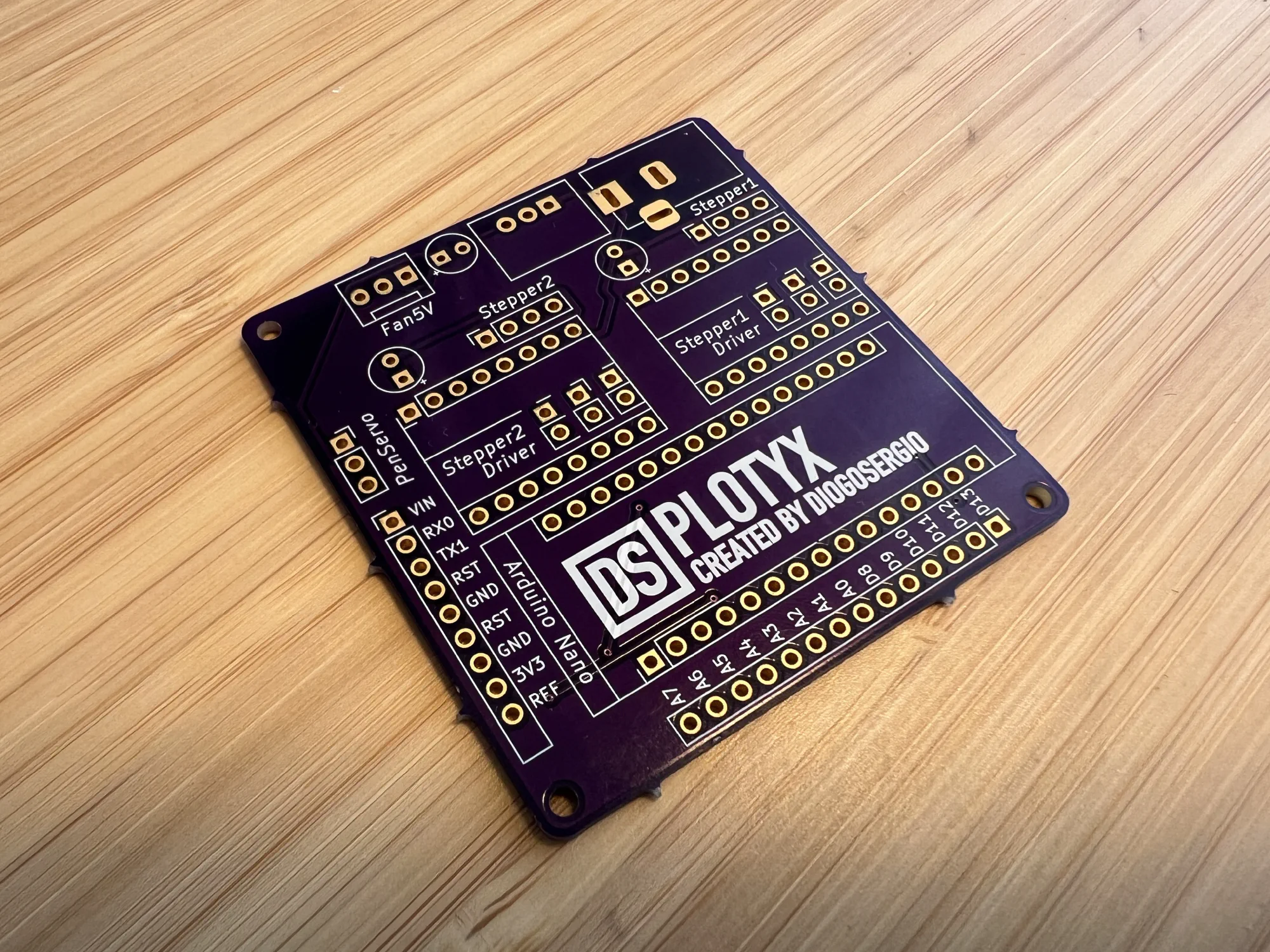
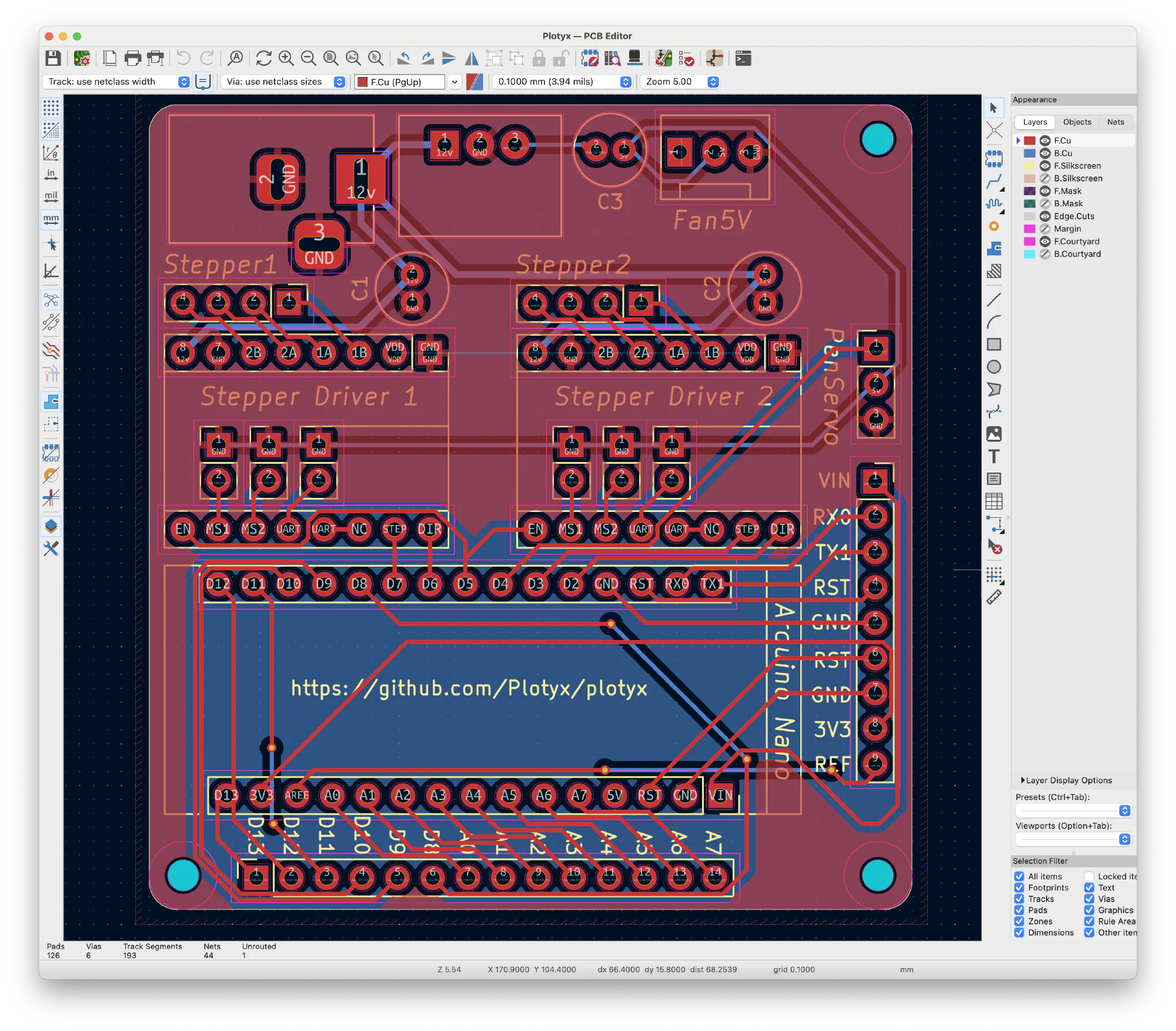
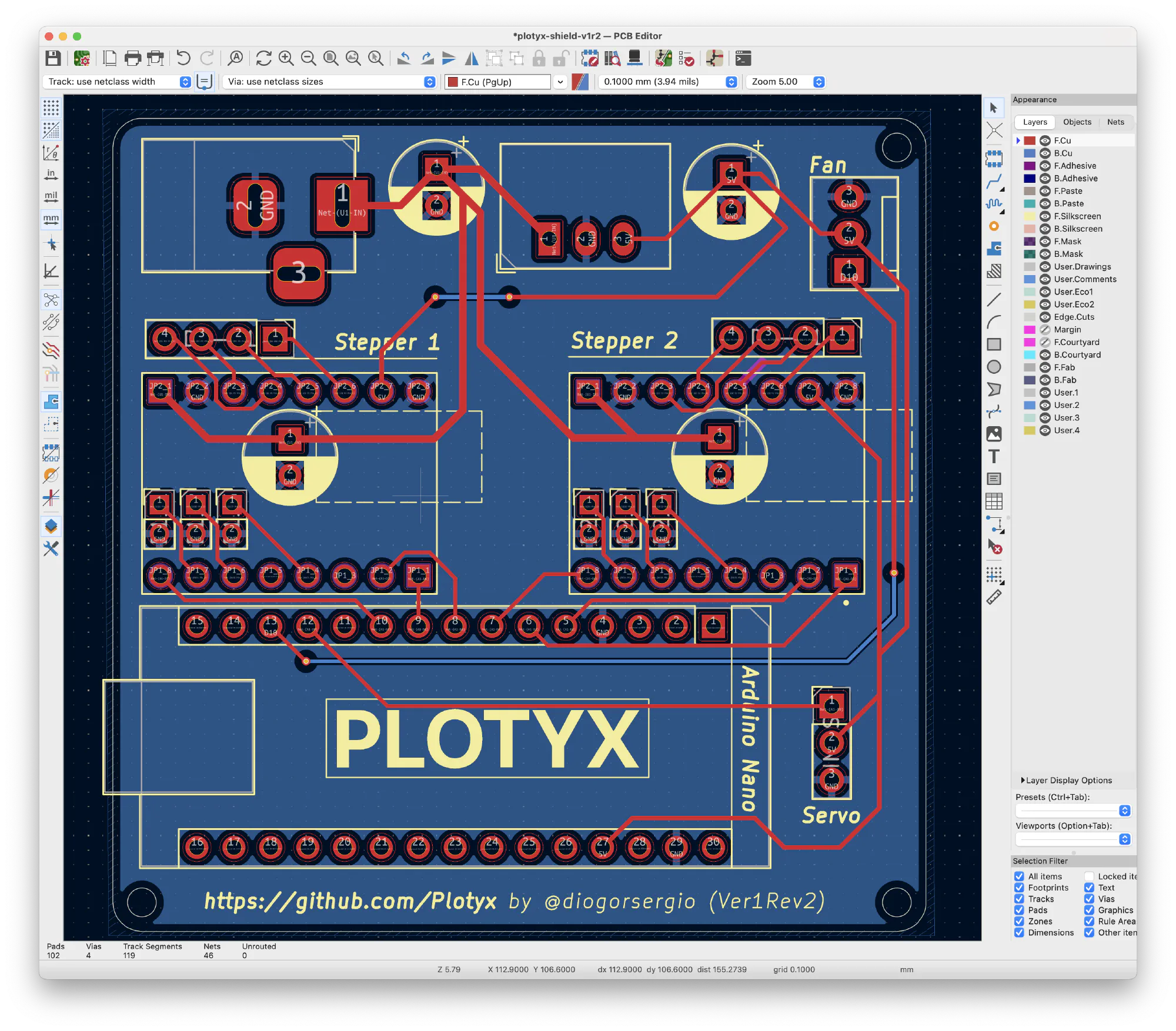
I designed my own shield in KiCad, very much inspired by Nebulus.ink. Nigel had built a similar project, and was kind enough to share a lot of what he’d learned, and even gave me some of his shields, ready to plot with. I don’t think this project would exist without his help. Thanks, Nigel!
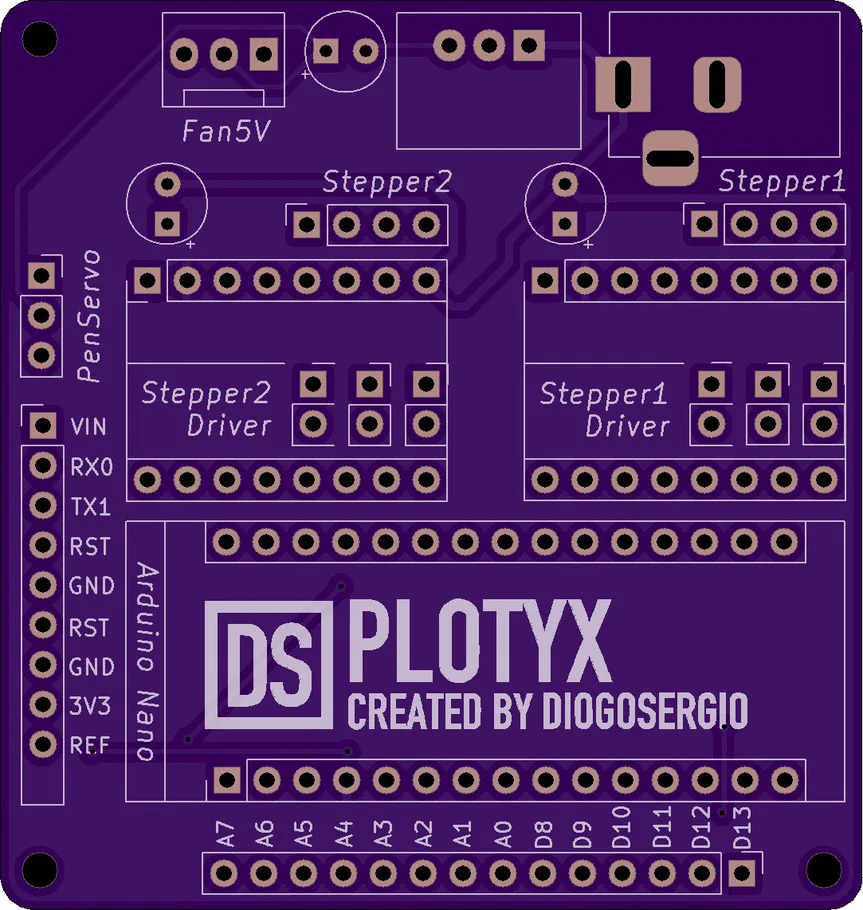
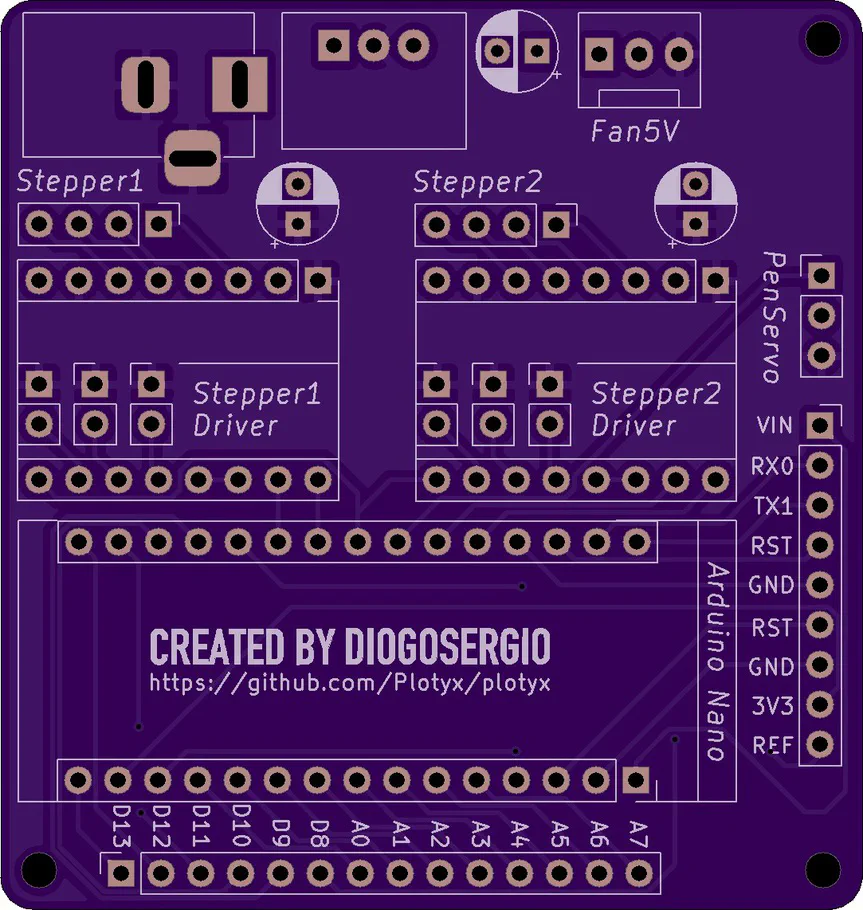
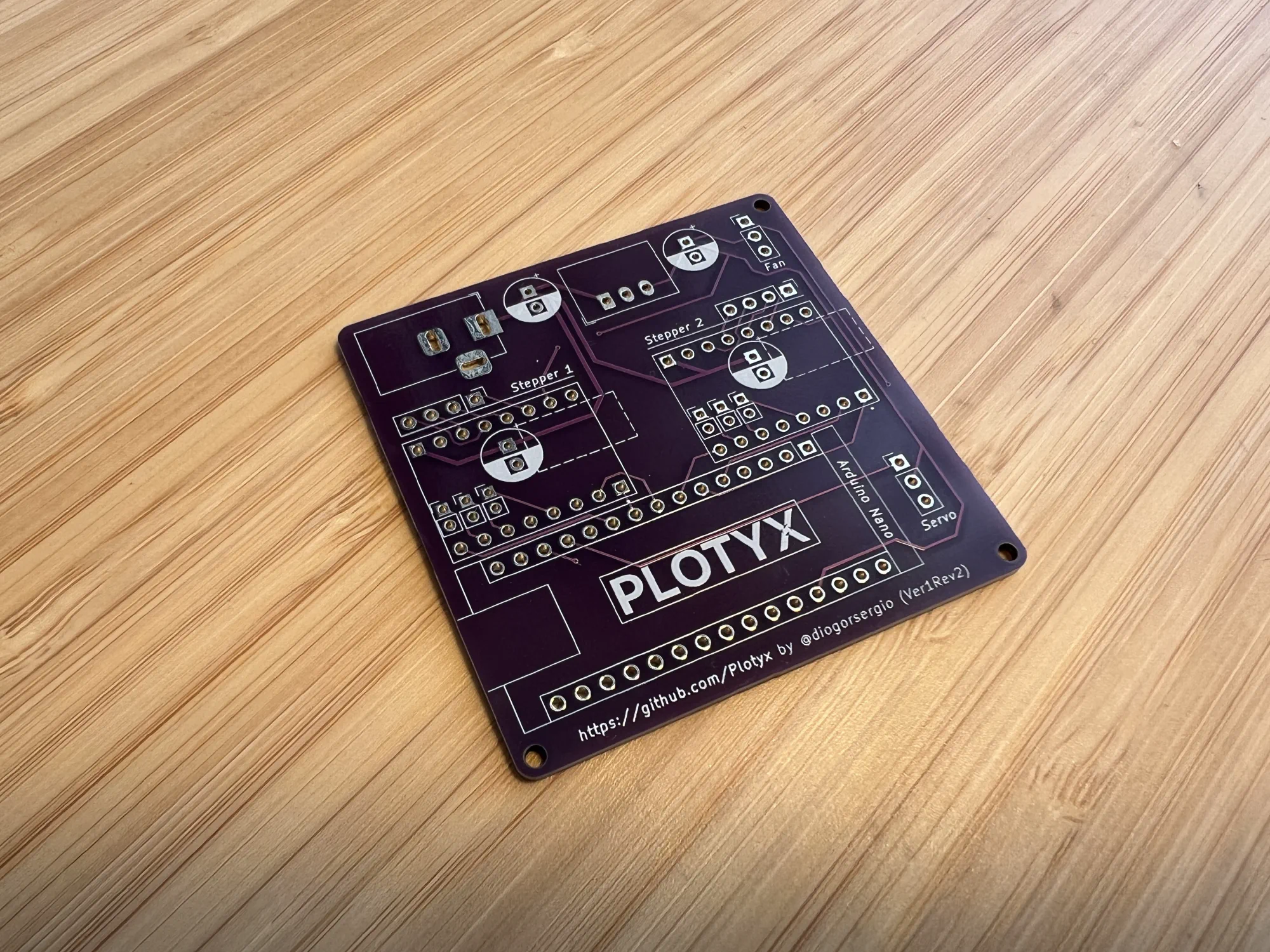
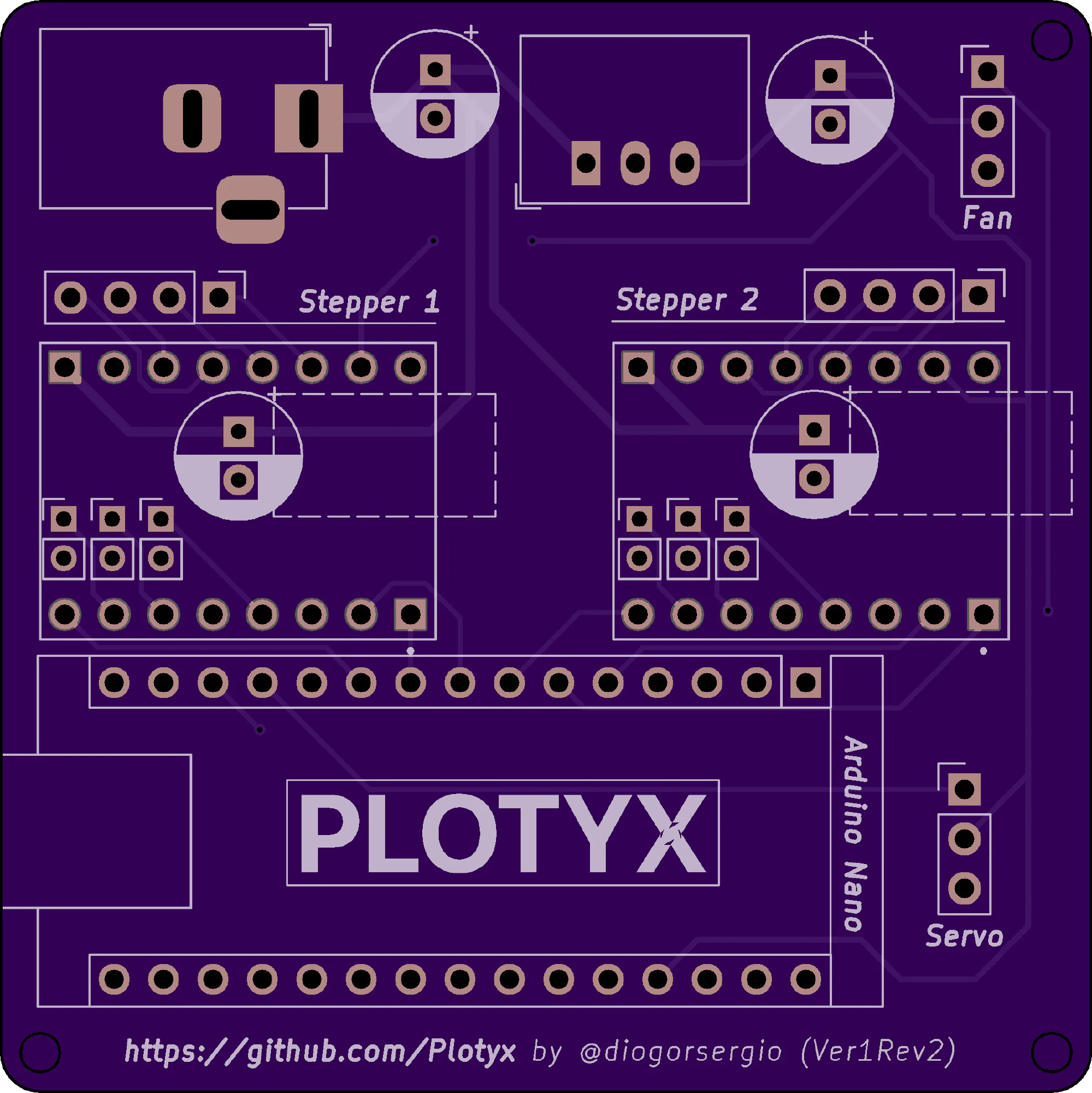
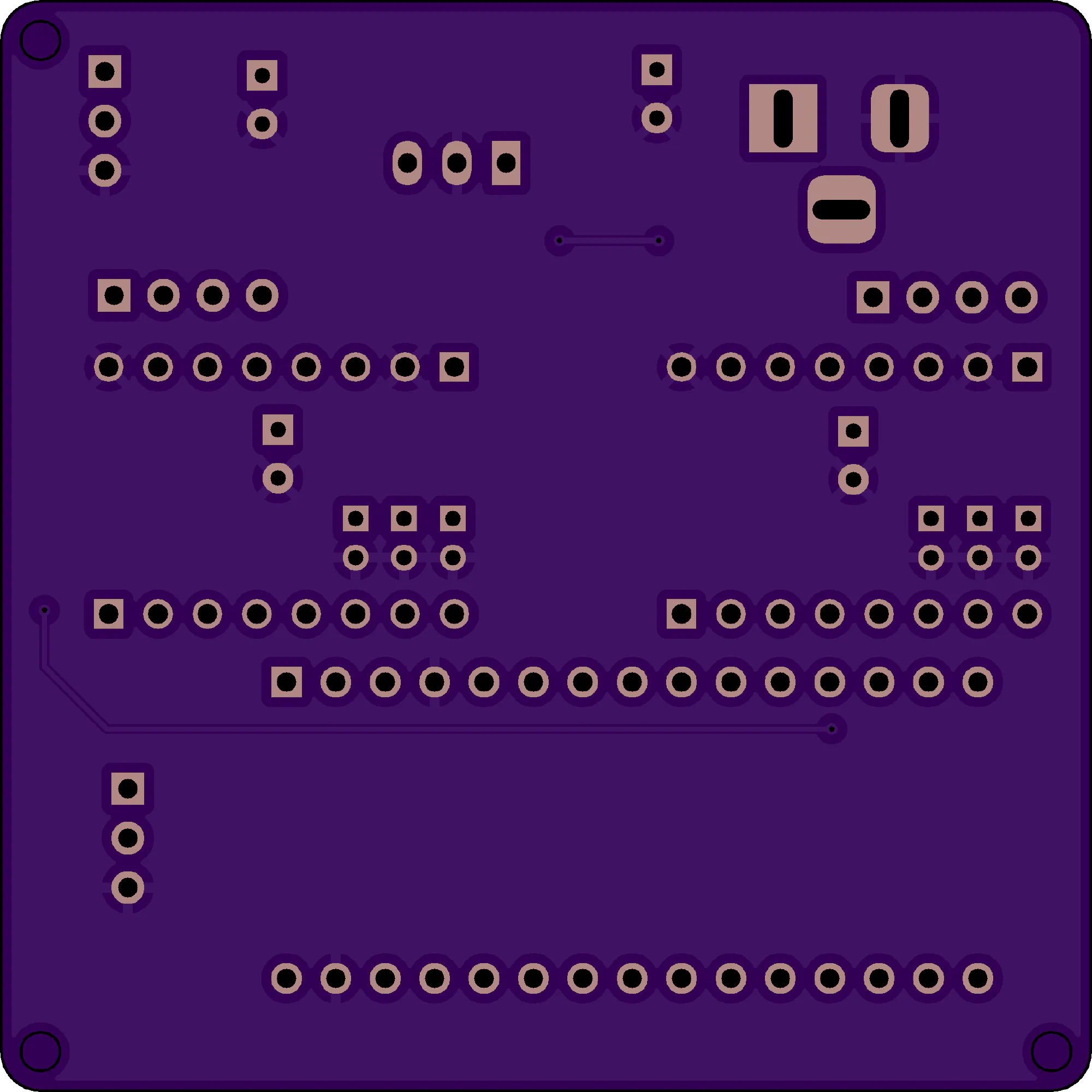
The shield connects the Arduino Nano to the TMC2208 stepper drivers, handles the power, and has connections for the servo and a fan.
Version 1, Revision 1
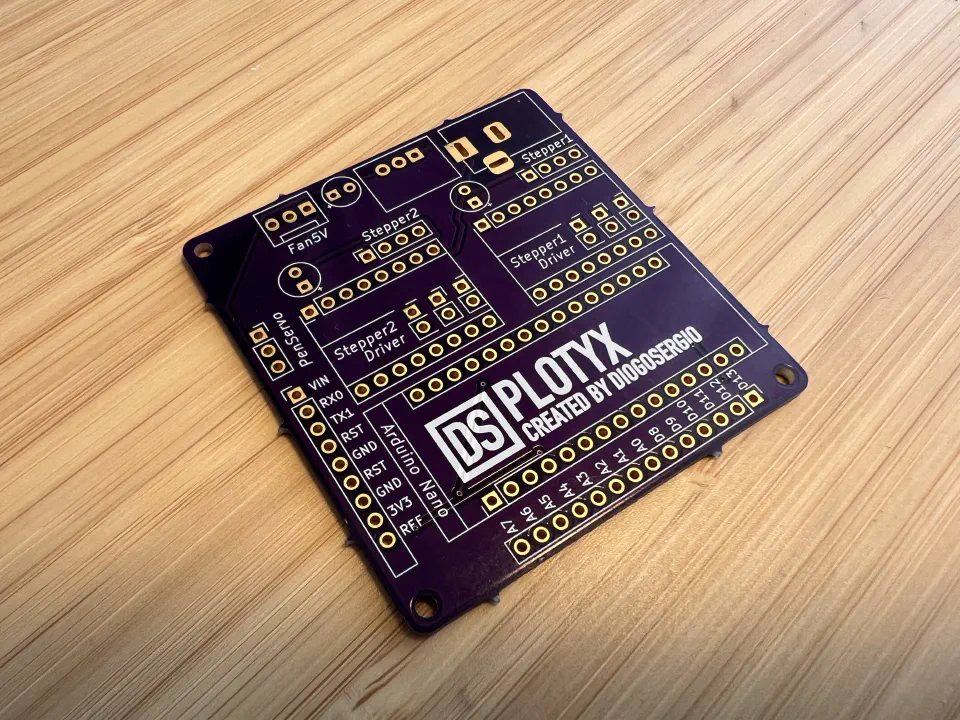
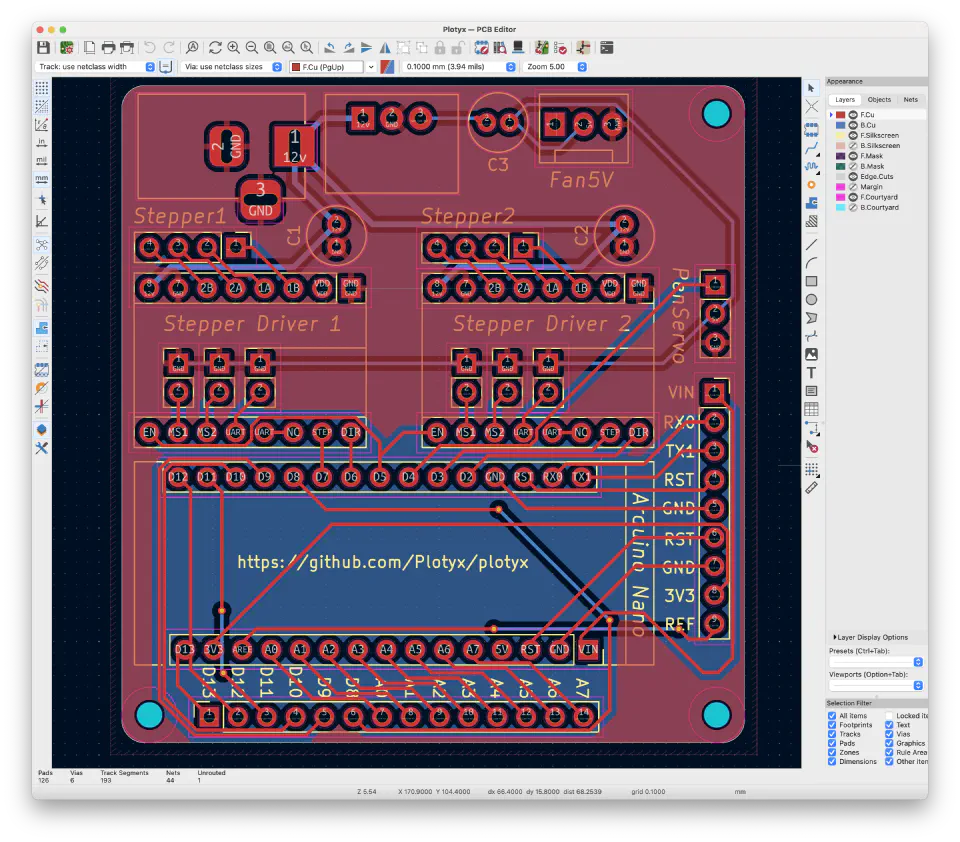
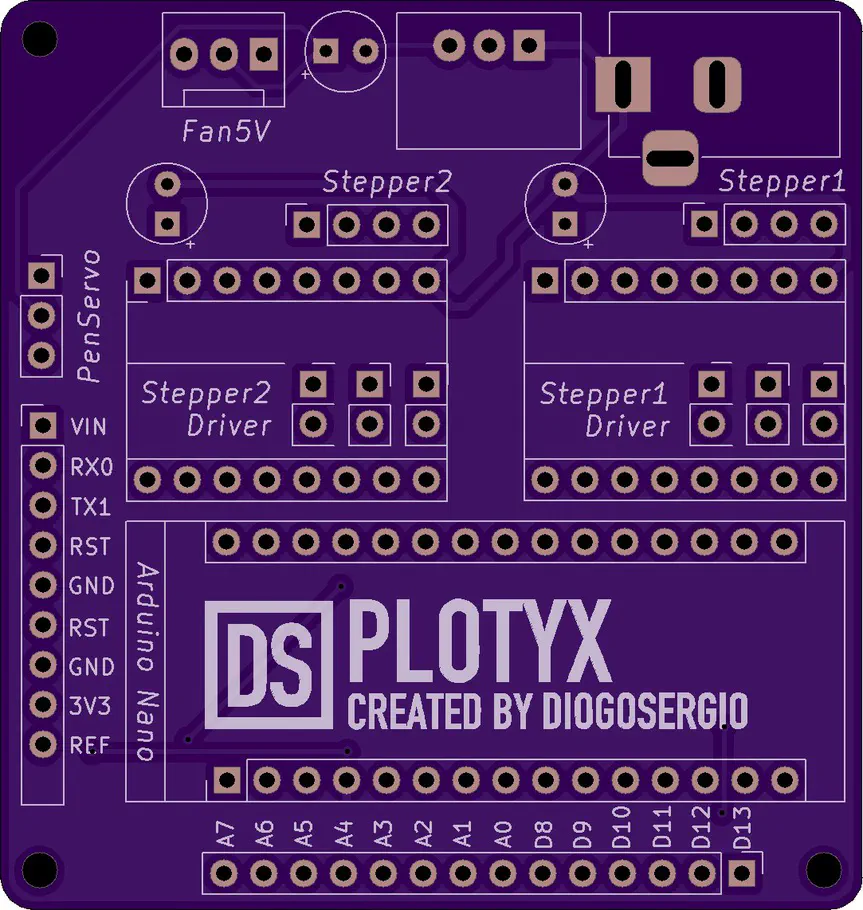
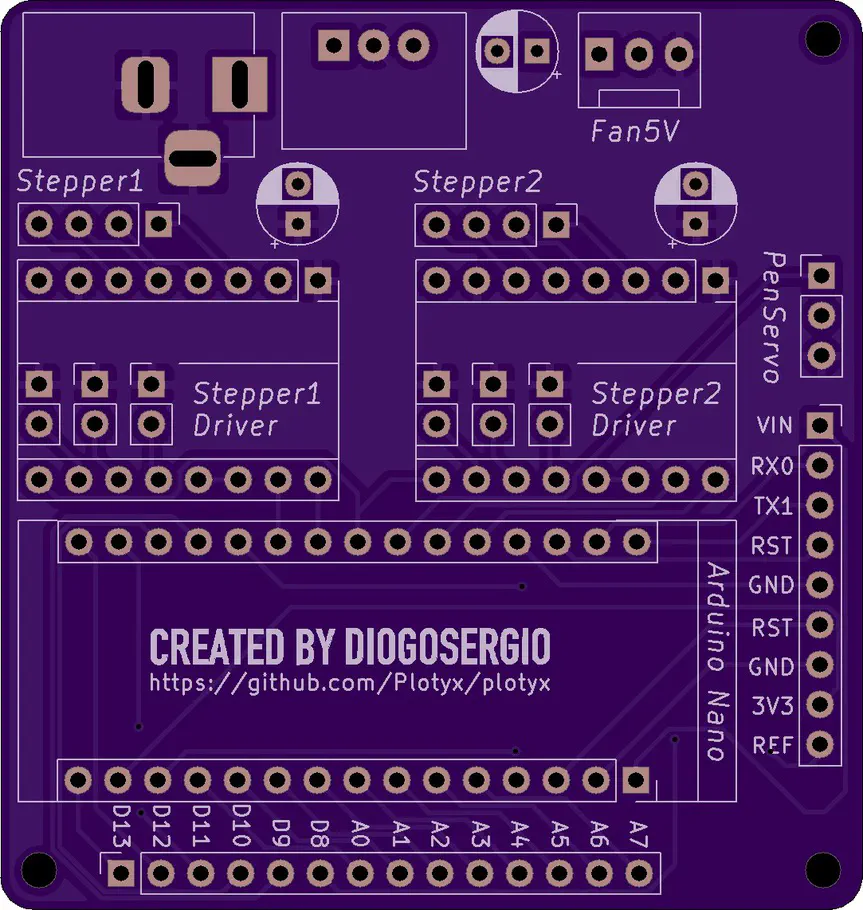
Version 1, Revision 2
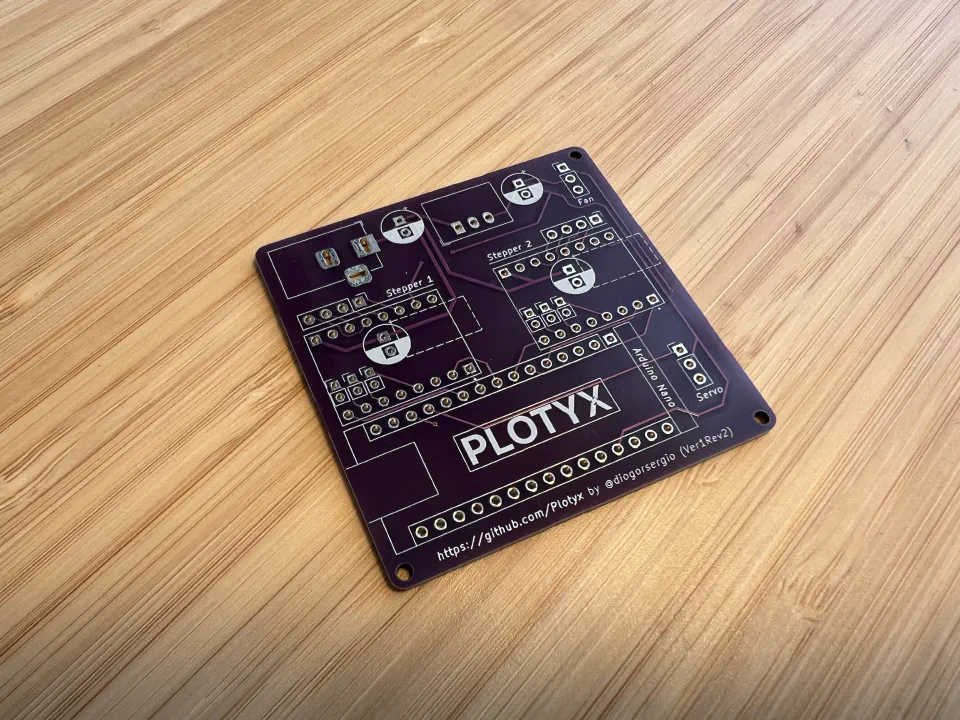
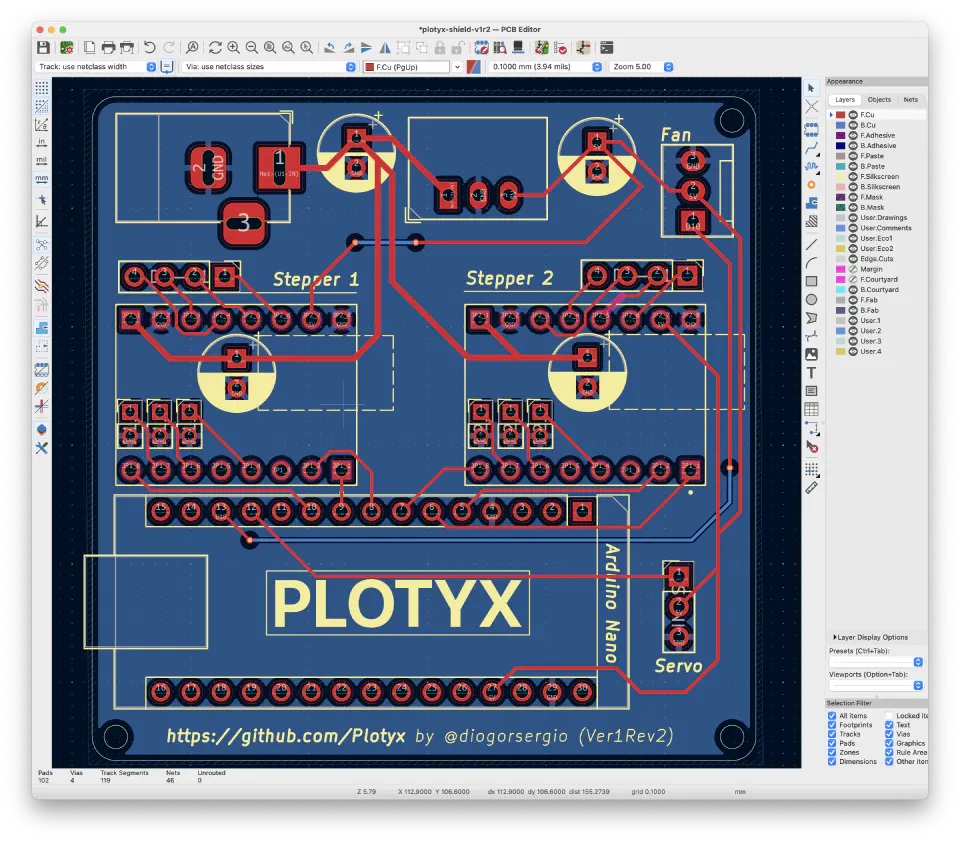
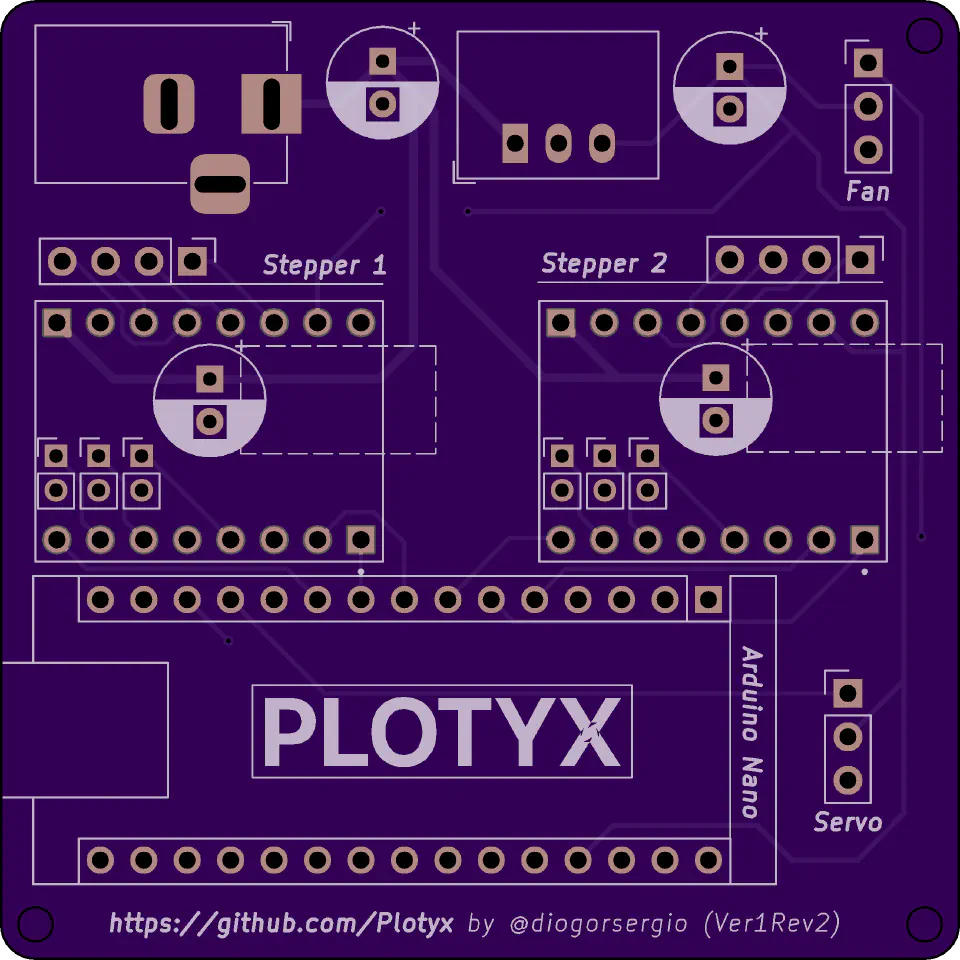
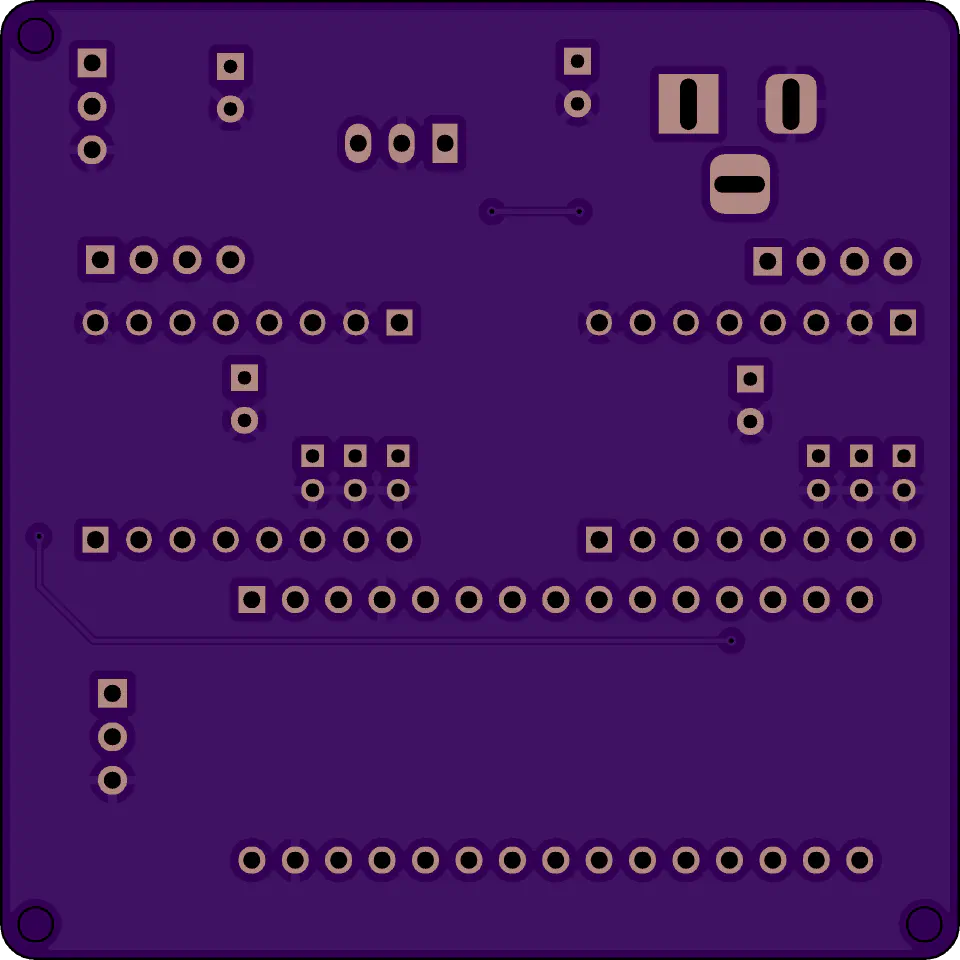
Designing PCBs in KiCad has a bit of a learning curve, but it’s really satisfying to see your own board come to life. After a few rounds, I sent the design off to OSH Park to be made, only to notice a mistake once the boards had already shipped. Doh! So I went back to the design and took the chance to simplify it. Revision 2 at least works! I had that one made by JLCPCB. In the future I might add connections for two limit switches, for easier homing.
Building the Mechanical Parts
For the frame and mechanics, I used a mix of 3D printed parts, aluminium extrusions, linear rails and bearings. The printed parts include the motor mounts, the pen holder and various brackets. I designed them in Fusion 360, trying to make them work well and print without supports where possible.
The CoreXY belt layout takes a bit of planning to get right. The belts need to be properly tensioned and aligned, or the movement comes out skewed. After a few tweaks to the belt path and tensioners, I got it running smoothly, and it still amazes me how two motors working together move the pen in both directions.
Software and Calibration
With the hardware assembled, the next step was the software. I flashed the modified GRBL firmware to the Arduino Nano and connected it to my computer. To send drawings to it, I first used Universal Gcode Sender, a simple app for controlling GRBL machines.
Calibration was trial and error: adjusting the steps per mm on both axes, testing the pen lift, and fine-tuning the acceleration. Eventually it could draw smooth lines and shapes accurately.
Plotyx App
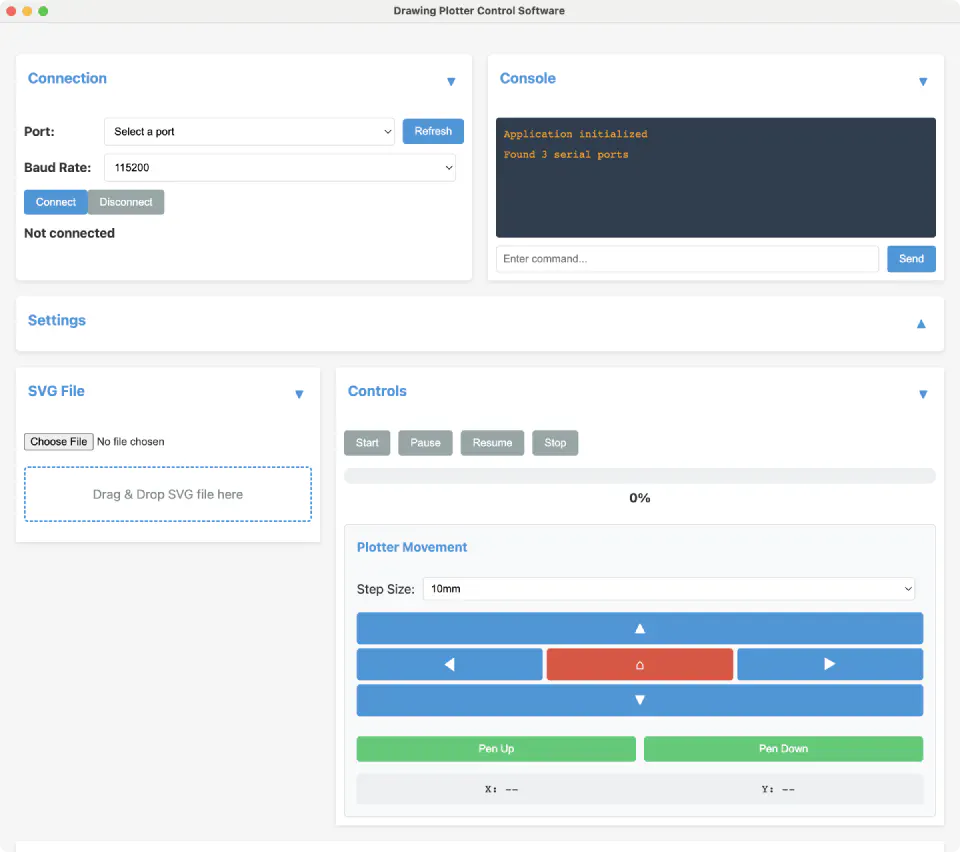
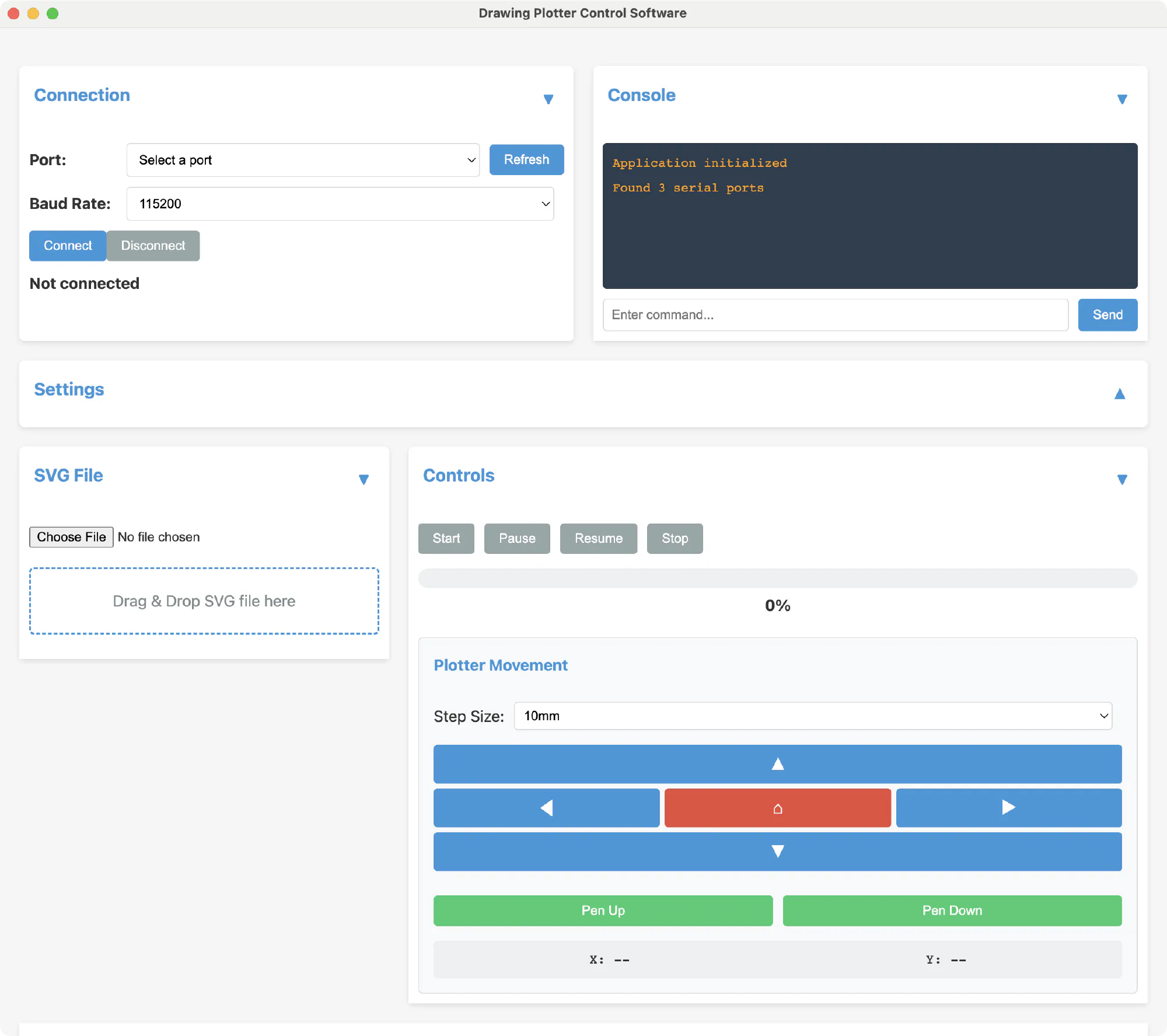
This one’s still in progress. I wanted a standalone app where I could upload SVGs, place them on an “artboard”, and send them to the plotter, converting the paths into G-code along the way. I managed to one-shot a simple version with Cursor, but it still needs work.
Making It Open Source
One of my main goals was to make this open source, so others could build on it or change it for their own needs. All the design files, the modified GRBL firmware and the build instructions are on GitHub, including:
- PCB design files for the Arduino shield
- 3D printable STL files for all the mechanical parts
- Modified GRBL firmware with servo support
- Bill of materials with links to components
- Assembly and calibration instructions
Future Improvements
The plotter works well as it is, but there are a couple of things I’d like to improve:
- A friendlier way to send drawings to it
- A new shield with connections for two limit switches
Final Thoughts
Building this plotter was a fun project, mixing electronics, programming and mechanical design. If you’d like to build your own or help out, have a look at the GitHub repository. I’m always open to suggestions!